


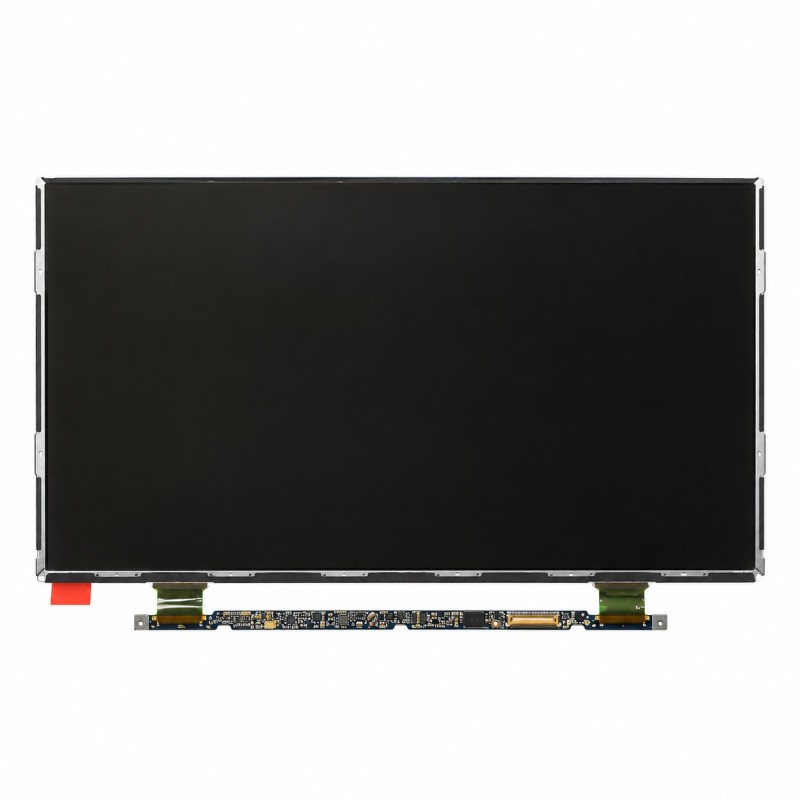


11.6 inch LED LCD display for Apple MacBook Air A1370, 1366x768 resolution, 30 pin connector. Fixes a cracked screen, lines or spots. QC Passed.
 Security policies
 Shipping policies
 Return policies
The LED LCD Display for Apple MacBook Air 11.6 A1370 is the screen panel (without backlight, which stays built into the lid) to fit when the original display is cracked, shows lines or spots, or no longer displays an image.
Replace it if you see cracks, horizontal or vertical lines, dark areas or distorted colours, or if the MacBook boots but the screen stays black.
Bringing a laptop with a damaged screen back to life does not require a whole new lid: this LCD display for MacBook Air A1370 directly replaces the original panel.
Suitable for screens with spots, lines, cracks or no image, with the same resolution and connector as the original panel. Discover all the details of this spare part.
The panel is very thin and fragile: hold it by the edges and avoid pressing on the surface. Installation by qualified personnel is recommended, after checking the exact model of your MacBook. Opening the device may void the original Apple warranty.
Every part goes through quality control (QC Passed). The product is covered by the statutory warranty under Italian Legislative Decree 206/05; defective items are replaced according to our terms of sale. Images are representative: the panel shipped is compatible and may carry a different part number from the one shown.
To identify your MacBook Air model see the Apple guide. For warranty, withdrawal and purchase conditions read our Terms of sale.
Note: the brands mentioned belong to their respective owners and are used only to identify the compatibility of the spare part. There is no affiliation with Apple Inc.
➜ MacBook Air A1370 - A1465 11.6 Spare Parts
Discover more spare parts to repair your MacBook Air.
Go to the MacBook Air A1370 - A1465 11.6 Spare Parts category
➜ MacBook Spare Parts
Discover spare parts for all MacBook models.
Go to the MacBook Spare Parts section
➜ All Spare Parts
Explore the whole spare parts catalogue.
Go to the Spare Parts section
➜ iPhoneHospital.it
Go back to the home page to browse the whole catalogue.
Go to the iPhoneHospital.it website
Data sheet
Specific References


No customer reviews for the moment.
