


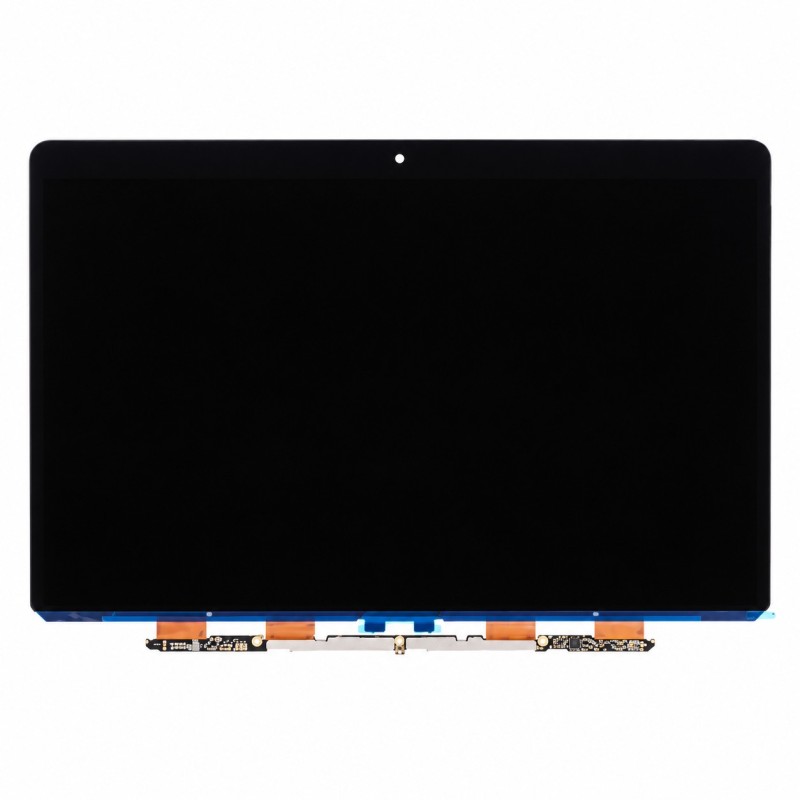


Retina LCD screen 15.4" LP154WT1 (SJ)(A1) GD, 2880 x 1800, for MacBook Pro A1398 (MC975 - MC976), new
 Security policies
 Shipping policies
 Return policies
The Retina LCD Screen 15.4" LP154WT1 for MacBook Pro A1398 (MC975 - MC976) is the complete display panel of the laptop. It is the part to fit when the display is damaged, has stains, lines, dead pixels or does not work.
Component dedicated to the complete replacement of the Retina display panel. Warning: panels from different manufacturers can be fitted to the same model, so check the part number of your screen before buying. Photos are indicative: the product shipped will be compatible and the panel code may differ from the one shown.
Suited to replacement when the display is damaged, stained, striped, has dead pixels or does not work. Discover all the details of this part.
We recommend having the installation done by qualified personnel, checking the exact model of your MacBook beforehand. Opening the device may void the original Apple warranty.
If you are unsure about your MacBook Pro model, you can check the official Apple website.
For detailed information on warranty, returns and purchase conditions, see the Terms of Sale.
Note: the trademarks mentioned belong to their respective owners and are used only to identify the compatibility of the part. There is no affiliation with Apple Inc.
➜ MacBook Pro 15" A1398 Spare Parts
Discover other essential parts for repairing your MacBook.
Go to the MacBook Pro 15" A1398 Spare Parts category
➜ MacBook Spare Parts
Discover spare parts for all MacBook models.
Go to the MacBook Spare Parts section
➜ All Spare Parts
Browse the entire spare parts catalogue for Apple devices.
Go to the Spare Parts section
➜ iPhoneHospital.it
Go back to the home page to discover the whole catalogue.
Go to the iPhoneHospital.it website
Data sheet
Specific References


No customer reviews for the moment.
