


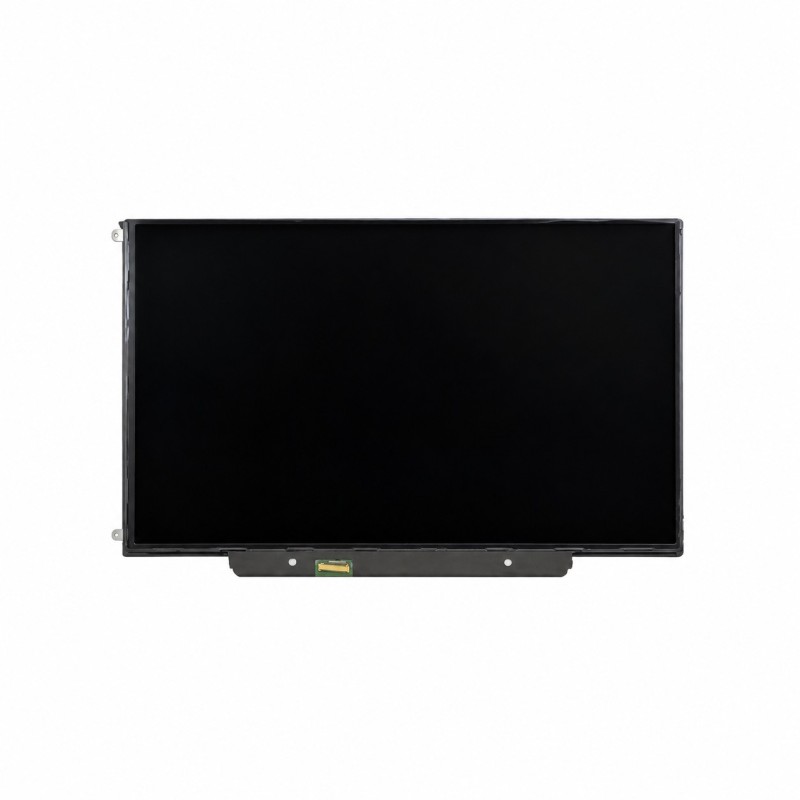


13.3" LED LCD Panel LP133WX3-TLA5 - LP133WX3-TLA6 - B133EW04 V.4
 Security policies
 Shipping policies
 Return policies
The 13.3" LED LCD Panel LP133WX3-TLA5 for MacBook 13" A1342 is the LCD panel that sits inside the display assembly of the white Unibody MacBook. It is the part to fit when the screen shows lines, stains or dead pixels, the panel is cracked, or it stays black while the Mac is running.
This is the LCD panel only, not the complete display assembly with housing and hinges. The panel we ship is compatible and may carry any of the part numbers listed above, even one different from the title. Before ordering, check the code printed on the back of your panel and compare it with the page of the LCD panel for MacBook A1342.
If the image has lines, flickers, shows patches after a knock or the panel is broken, replacing it is often cheaper than buying a full display assembly. If the screen stays completely dark even with a torch shone on it, the fault may be in the video cable or the logic board instead. Discover all the details of this part.
No soldering is needed: the panel plugs into the video cable through its 30-pin connector. To reach it you have to open the display assembly, so disconnect the battery first and take your time. Be careful with the video cable and the WiFi antenna cables that run near the hinge, and handle the panel without bending it or pressing on the centre, as it cracks easily. If you have no experience, have the job done by a technician.
If you are not sure which model you have, you can check it on the official page Apple: Identify your MacBook model.
For detailed information on warranty, returns and purchase conditions, please read our Sales Terms.
Note: the trademarks mentioned belong to their respective owners and are used only to identify the compatibility of the part. There is no affiliation with Apple Inc.
➤ MacBook Unibody 13" A1342 Parts
Discover the other parts for your MacBook A1342.
Go to MacBook Unibody 13" A1342 Parts
➤ MacBook Parts
Discover parts for all MacBook models.
Go to MacBook Parts
➤ All Spare Parts
Explore the whole spare parts catalogue for Apple devices.
Go to Spare Parts
➤ iPhoneHospital.it
Back to the home page to discover the whole catalogue.
Go to iPhoneHospital.it
Data sheet
Specific References


No customer reviews for the moment.
