


Original or Compatible Samsung Battery: Which to Choose?
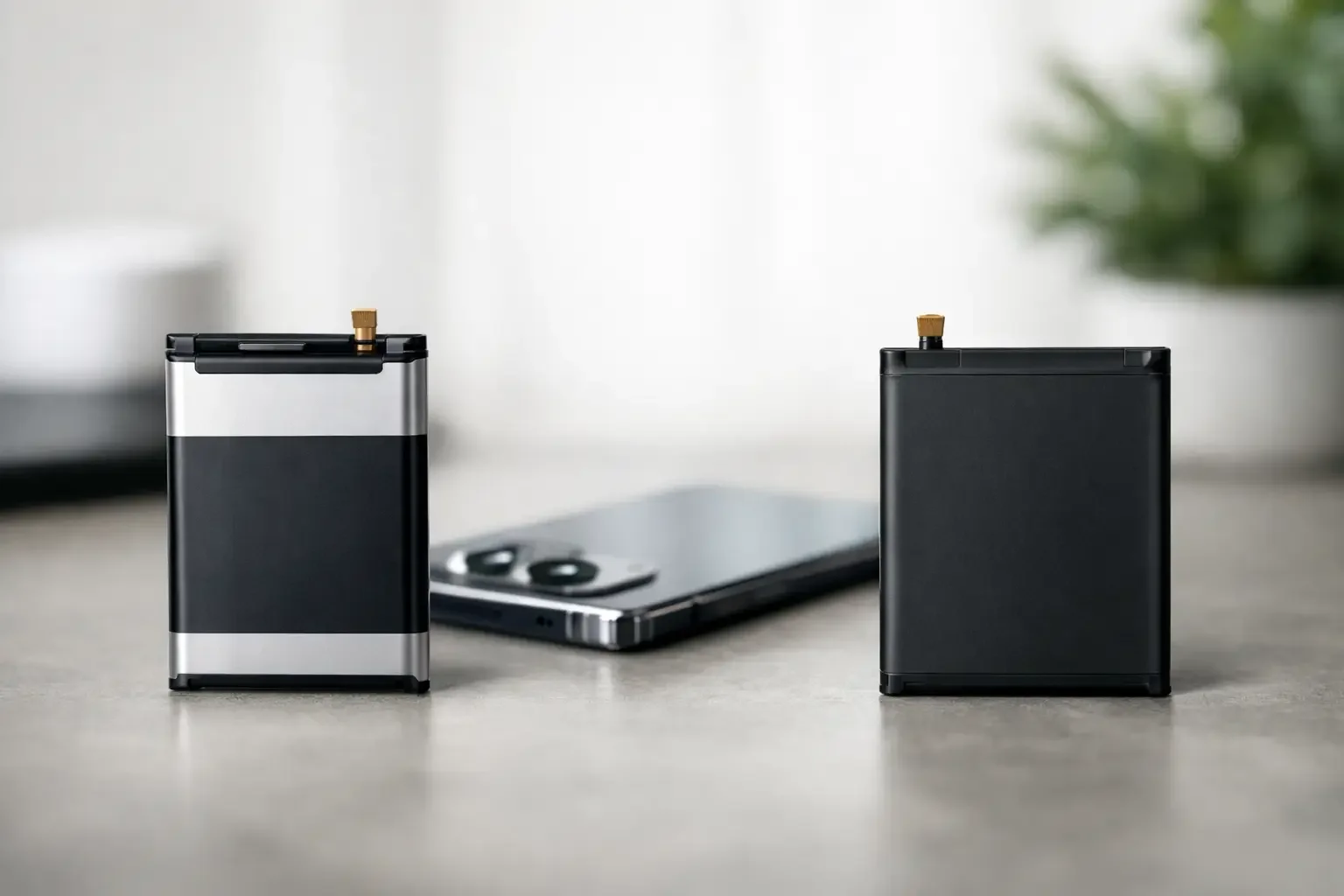
A phone that drops from 30% to shutdown, overheats during charging, or loses battery life in just a few hours doesn't require a generic choice: it needs the correct battery for that specific model. In the search for a compatible original Samsung battery, the commercial label matters less than verifying the model code, connector, capacity, and build quality. For a workshop, a reseller, or an experienced user, ordering the wrong replacement means extending device downtime and creating an avoidable return.
Original or Compatible Samsung Battery: The Real Difference
An original battery typically refers to a replacement produced by the manufacturer or intended for the official supply chain, often identified as a Service Pack. Depending on the supply channel, it may arrive as a single battery or included in a kit with double-sided adhesive, back cover, or other components. The presence of packaging, codes, and consistent markings is an initial control element but does not replace checking for technical compatibility.
A compatible battery, on the other hand, is an aftermarket component designed to replace the original unit. It is not automatically a lower quality product. There are compatible batteries suitable for reliable repairs and others with insufficient cells, protections, or tolerances. The crucial point is the source of the replacement, the quality of the protection circuit, the consistency of the declared data, and the exact match with the device.
The choice depends on the type of intervention. For a recent, high-value device or one covered by specific customer requests, using an original or Service Pack replacement may be the preferred solution. For models out of production or for repairs on a budget, a selected compatible option can be a sensible choice, provided the supplier accurately describes the model and features. Therefore, there isn't a one-size-fits-all answer for every Samsung: there is an appropriate replacement for that model and that use.
Identifying the Correct Samsung Battery
The commercial name of the series is not enough. Galaxy A, Galaxy S, Galaxy Note, Galaxy M, and Galaxy Z include variants with different batteries even when the external design is quite similar. A Galaxy A52, for example, should not be automatically equated to an A52s or an A52 5G: before purchasing, one must check the model code listed in the phone's information, on the casing when available, or in the technical documentation.
The second reference is the battery's part number. In Samsung replacements, it's common to find codes starting with EB-, but the prefix alone does not guarantee interchangeability. One must compare the complete code, the type of connector, the position of the flat, and the shape of the battery pack. Two batteries with similar capacity and the same nominal voltage may not be installable on the same chassis.
The verification must also consider hardware revisions. Some models have variants for specific markets, dual SIM, 4G, or 5G; in other cases, brackets, insulators, battery profiles, or internal component placement may vary. This is why an organized catalog by model, like the Samsung Replacement section of iPhoneHospital.it, reduces the risk of error compared to a search based solely on capacity in mAh.
Nominal Capacity and Typical Capacity
Technical specifications may indicate nominal capacity and typical capacity. The typical capacity is the commercial value generally associated with the device's autonomy, while the nominal capacity represents the minimum declared limit. They should not be superficially compared with promotional numbers from aftermarket batteries.
A declared capacity that is significantly higher than the original, at the same physical dimensions, is a signal to be evaluated cautiously. A lithium-ion battery must adhere to real limits of volume, energy density, and thermal management. For professional repair, a realistic, verifiable value is preferable to a high value merely listed on the packaging.
When to Choose an Original Battery
An original battery is indicated when seeking maximum adherence to the specifications set by the manufacturer. It is a common choice for high-end smartphones, foldable devices, business terminals, and phones where the customer expressly requests components from the official supply chain. It can also facilitate repair management when the replacement comes with adhesives or complementary parts already expected in the kit.
The compromise is the cost, which may be higher, and a not always consistent availability for older generations. Furthermore, the term “original” needs to be read carefully: batteries taken from used devices, refurbished, or presented with unverifiable packaging do not offer the same guarantees as a new and traceable replacement.
For a workshop, offering the original does not simply mean proposing the most expensive option. It means clarifying the origin of the component, the sales conditions, and the difference compared to an aftermarket equivalent. This transparency avoids incorrect expectations and makes the estimate more defendable.
When a Compatible Battery is the Right Choice
A high-quality compatible battery is especially useful for devices with some years of use, for budget repairs, or when the official replacement is no longer available. It can help extend the life of a still-valid Galaxy, without pushing the customer toward a complete phone replacement.
The selection should not be based solely on price. Consideration should also be given to the reputation of the supply channel, the quality of electronic protections, the accuracy of the flat, the absence of deformations, the production date when available, and warranty management. Storage also plays a role: a battery left in storage for years, depleted, or exposed to unsuitable temperatures can lose performance even though it is new and officially compatible.
In the latest Samsung models, perceived autonomy also does not solely depend on the accumulator. High refresh rate displays, unstable network coverage, software updates, background applications, and ambient temperature can alter consumption. Replacing the battery is correct when tests highlight real degradation, not as an automatic response to every battery longevity issue.
Checks Before Assembly
Before sealing the device, the technician should perform a functional check with the battery connected. Booting, charge percentage, detection of external power, and the absence of abnormal reboots are essential checks. If the device does not power on, one should not force the assembly phase: first, check the integrity of the connector on the motherboard, the flat, and the bench power supply or test cable.
The battery should not show swelling, creases, cuts, or damaged insulation. A swollen accumulator should be treated as electronic waste according to regulatory procedures, without puncturing or compressing it. During removal, heat should be used moderately and far from the cell; the goal is to soften the adhesive, not to overheat the battery pack.
The use of proper tools makes a difference. Plastic levers, specific adhesive solvents where compatible with the model, properly adjusted heating plates, replacement double-sided adhesives, and display protections reduce the risk of damaging the casing, coaxial cables, and nearby modules. For those performing recurring repairs, organizing batteries, adhesives, and consumables in the same order avoids downtime and improvisation at the workbench.
Errors That Reduce Lifespan and Safety
The first mistake is installing a battery just because it “looks the same.” The second is reusing contaminated or no longer adhesive adhesives: a battery that moves within the frame can stress the flat and compromise the repair. The third is closing the phone without checking seals, back cover, and alignment of parts, especially on models where opening alters the original seal against dust and liquids.
After assembly, repeated full discharges are not needed to “calibrate” the battery. It's more useful to go through a few cycles of normal use, check the stability of the percentage, and ensure that charging occurs without excessive heat. If the percentage remains inconsistent or consumption is abnormal, the check should include software, charging connector, sub-board, and board draws, not just the installed battery.
A correct battery is not one that promises the highest number, but one that fits into the device without forcing, communicates correctly with the system, and maintains stable performance over time. Starting from the exact model, battery code, and quality of the replacement allows turning an ordinary replacement into a repair that the customer won't need to repeat in a few weeks.