


How to Choose iPhone Parts by Model
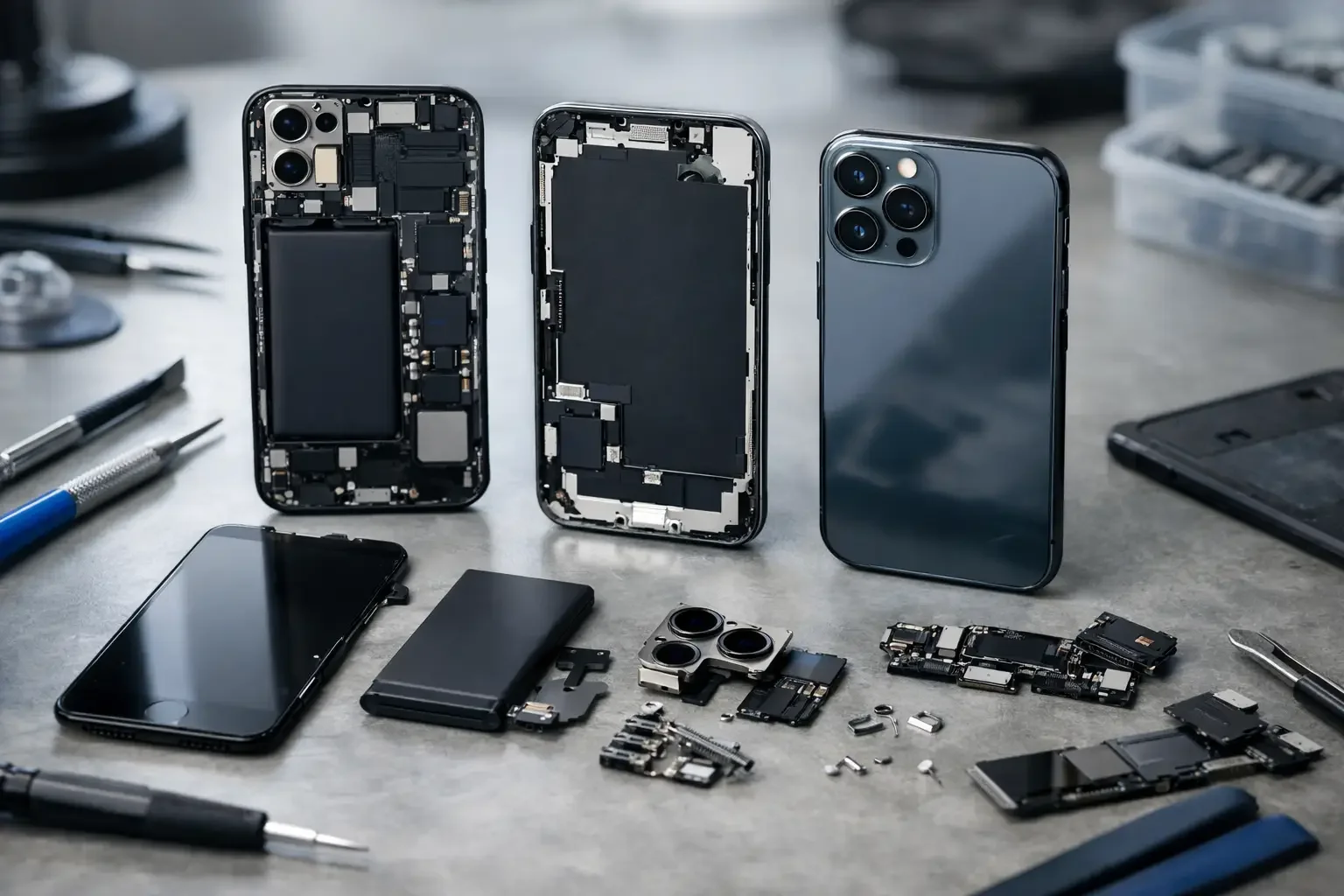
The issue isn't finding a replacement for an iPhone. The challenge is finding the right part for that model, revision, and the level of compatibility required for the repair. Understanding how to choose iPhone parts by model means reducing order errors, avoiding returns, and especially not holding up the repair bench with an incompatible component.
Anyone working in a lab knows well: two aesthetically similar devices may have different parts, and a generic product description is not enough. A precise selection criterion is needed, based on model identification, component function, and required quality standards.
How to Choose iPhone Parts by Model Without Errors
The first step is to accurately identify the device. It’s not enough to know it’s an iPhone 11 or an iPhone 12. The exact variant must be verified, as there may be differences in connectors, display groups, cameras, batteries, and small assembly components within the same family.
The most reliable reference is the model number. When available, it should be checked directly on the device or casing and cross-referenced with the technical data sheet of the replacement part. This approach is safer than merely relying on commercial identification, especially in cases where the customer describes the phone vaguely or when the terminal has already been opened and modified.
The source market can also have an impact. Some components are interchangeable without issues, while others require careful attention based on the hardware configuration. For a technician, this verification is routine. For an experienced user making independent purchases, it’s the point where the most costly mistakes are avoided.
The Commercial Name is Not Enough
One of the most common causes of incorrect purchases is relying on the name by which the customer identifies the phone. "iPhone Pro", "iPhone Max" or "iPhone with three cameras" are not sufficient identifying information. The same applies to phrases like "same as last year’s model." In part selection, these shortcuts often lead to mistakes.
If the device is operational, it's wise to retrieve the identifying data from the system. If the phone is damaged or won't turn on, identification must come from the casing, internal layout, or by comparing with technical images of the model. In the lab, this preliminary check saves more time than it takes.
Attention to Compatible Revisions
Not all parts belonging to the same model behave identically during installation. Some display assemblies, for example, may be sold as compatible, service pack, premium, or various levels of aftermarket. Even when the component is formally compatible, color rendering, brightness, touch sensitivity, power consumption, and assembly quality can vary.
For this reason, the choice shouldn't be made solely based on the iPhone model but also on the part's tier. A lab managing repairs with differentiated standards must first decide whether to seek the most competitive price, the best compromise, or a solution closer to the original specifications. Mechanical compatibility alone is not sufficient.
Identifying the Correct Component
After verifying the model, it is crucial to precisely define which part needs replacement. It may seem trivial, but many wrong orders stem from inaccurate diagnoses. A charging issue could be due to the dock connector, but also to a battery, motherboard, oxidation, or damaged flex cables. Ordering the first suspicious component without technical confirmation increases time and costs.
The same goes for displays. Visible cracks in the glass do not automatically mean replacing just the touch or just the LCD, as in recent models, the group is often integrated. Therefore, it is essential to read the composition of the replacement part carefully: complete display, glass with touch, OLED, LCD, frame included or excluded.
Batteries, Displays, and Small Components Require Different Criteria
Batteries are chosen by model but also by cell reliability, cycle management, and stability over time. In this case, it’s not just about the correct connector. Build quality and the replacement part's consistency with the actual device use matter.
For displays, the discussion is even more technical. One must verify panel technology, frame presence, compatibility with sensors and ear speaker, along with any implications regarding True Tone or system messages. A mountable display is not always equivalent to a display suitable for the type of intervention.
For small components - such as cameras, sensors, speakers, buttons, volume flex, or dock - the main risk is confusing similar versions. Here, the precision of the catalog by model is crucial because even a minimal layout difference can render the part unusable.
The Quality of the Replacement Affects the Final Result
When discussing compatibility, often only the possibility of mounting is considered. However, for those repairing professionally, functional quality after installation matters. A cheap replacement may fix the fault in the short term but may lead to returns, abnormal consumption, reduced sensitivity, or finishing lower than the customer's expectations.
This does not mean there is only one correct choice. It depends on the service positioning, the residual value of the device, and the available budget. For an older iPhone, it may make sense to adopt a more economical solution, provided the compromise is clear. For recent models or for business customer interventions, the quality of the replacement weighs much more.
When to Save and When Not To
It makes sense to contain costs on low commercial value devices, on quick repairs, or on terminals intended for secondary use. In these cases, the customer often prioritizes immediate functionality over absolute fidelity of the component.
However, it is advisable to raise standards on displays, batteries, and critical components of recent models, or when the device is part of a professional flow and needs to remain reliable over time. The point is not necessarily to spend more; it’s about choosing a replacement consistent with the intervention.
Product Sheet, Technical Description, and Details to Check
A correct purchase depends on careful reading of the product sheet. To truly understand how to choose iPhone parts by model, one must verify at least four elements: declared compatibility, component type, quality or category of the replacement part, and actual kit content.
Many errors arise when it’s presumed that a replacement includes already preassembled accessory parts. A display may be sold with or without a frame. A battery may come with adhesive or without it. A flex may require the transfer of original components. If these details are not considered before ordering, work slows down as soon as the package arrives at the bench.
Images help, but they should not replace the technical description. Similar photos may refer to different components, while a well-structured description clarifies version, inclusions, and exclusions. This is why an organized catalog by family, series, and specific models is a real operational advantage.
The Importance of Tools and the Context of Installation
Choosing the correct replacement isn’t enough if the intervention requires appropriate equipment. Some components can be replaced quickly, while others require bench tools, specific adhesives, hot air stations, presses, testers, or suitable consumables. Ordering the part without verifying the necessary setup means exposing oneself to delays or suboptimal installations.
For those purchasing professionally, replacement and tools should be considered together. This aspect is often overlooked by advanced users performing self-repairs but is central to labs that need to maintain productivity and consistent standards.
A specialized supplier like iPhoneHospital.iT is particularly useful at this stage: not only for the breadth of the catalog but because it allows thinking by model, component, and related equipment without wasting time across different sources.
Common Errors to Avoid During Ordering
The first error is ordering based on aesthetic similarity of the device. The second is failing to distinguish between compatible and qualitatively equivalent. The third is neglecting what needs to be transferred from the original component, especially on displays and modules with sensors.
Another typical mistake is purchasing the part before completing the diagnosis. This happens less in the lab, but often in independent repairs. One replaces a seemingly plausible part and only later discovers the fault was upstream.
Finally, there's the issue of timing. When the catalog is not well organized by model, time is wasted filtering nearly compatible products. In this sense, correct classification is not just a convenience for navigation. It’s a tool to reduce the margin of error.
Choosing the right replacement does not depend on a single piece of information, but on the intersection of the exact model, correct diagnosis, required quality, and real conditions of the intervention. If this logic becomes standard, every order is quicker, assembly is more streamlined, and the end customer immediately perceives the difference.
Useful Parts and Tools: Batteries