


How to Buy Professional Micro Soldering Tools
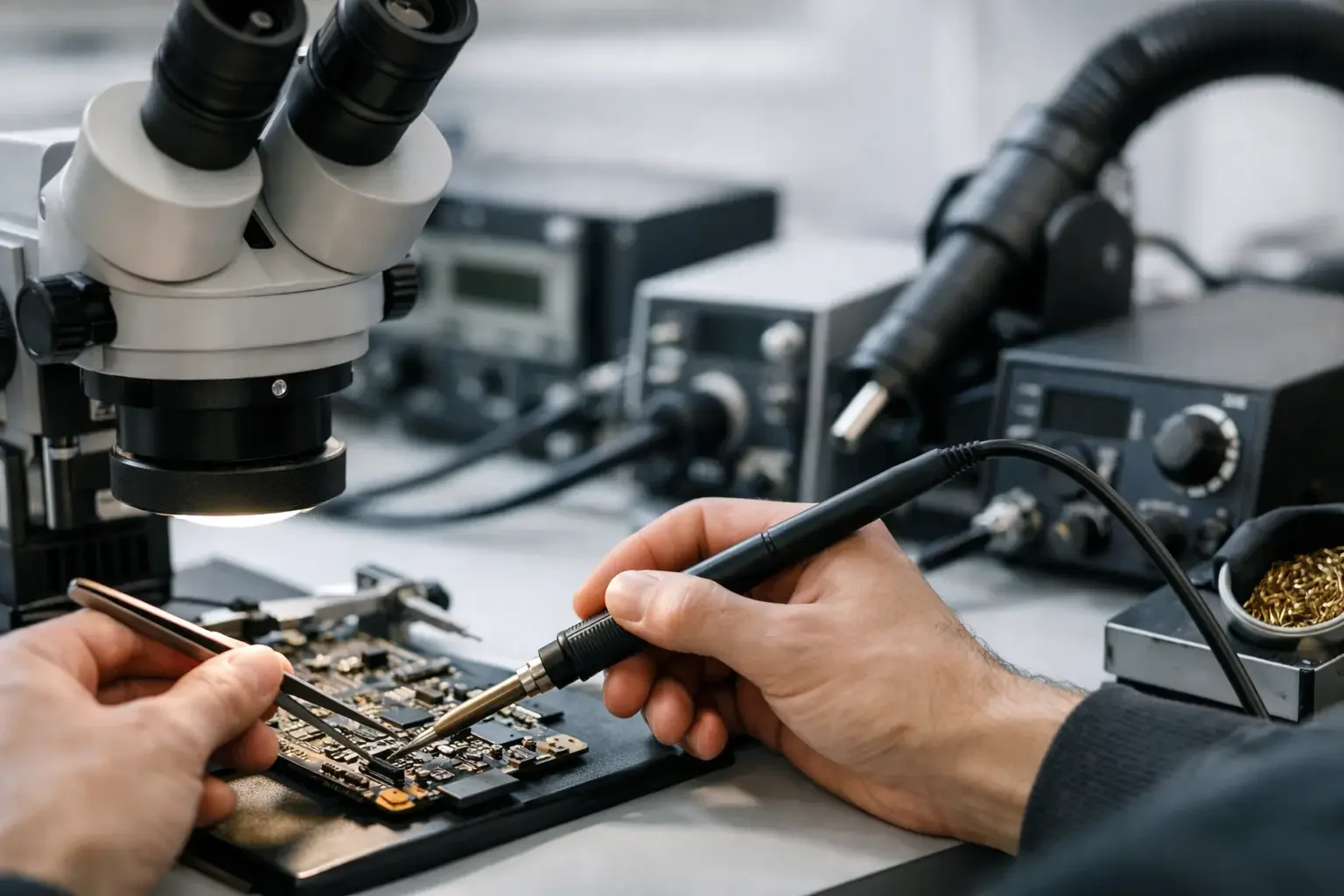
If you do rework on iPhone, iPad, or MacBook boards, buying the wrong equipment can lead to immediate issues: lifted pads, unstable temperatures, and downtime. Understanding how to purchase professional micro soldering tools means selecting a setup consistent with the type of work you actually perform, rather than cluttering your workspace with poorly used or underpowered tools.
How to Buy Professional Micro Soldering Tools without Mistakes
The first consideration isn't price; it’s the actual workload of your lab. A technician performing jumper repairs, FPC connector replacements, IC reballing, and backlight line repairs has different needs than someone who occasionally does micro soldering on a few models. If the volume is high, thermal stability and operational continuity are more important than initial savings.
The type of devices you work on matters significantly as well. Working primarily on Apple motherboards requires a higher level of precision compared to generic repairs on larger consumer electronics. Dense components, shields, adhesives, lead-free solder, and close tracks necessitate reliable tools, not just powerful ones.
This is why purchasing should be thought of as a system. Soldering station, hot air, tips, consumables, optical supports, and ESD accessories must work together. A good station with unsuitable tips or poor flux performs worse than a well-configured but balanced setup.
The Soldering Station: Where Much of the Outcome is Decided
The soldering station is the center of your workbench. Here, focus on three parameters: thermal recovery speed, temperature control precision, and availability of compatible tips. Wattage alone doesn’t say much; a station can claim high power but lose stability once it encounters significant thermal masses.
For work on smartphone and tablet boards, fine tips are necessary, but the thinnest tip isn’t always the best choice. For connectors, shields, and small passive components, the geometry must transfer heat in a controlled manner. An overly thin tip forces you to raise the temperature and extends contact times, increasing the risk for pads and nearby components.
Also, check the availability of spare tips. A system that looks good on paper but is hard to maintain creates operational issues. If a tip wears out or you need a specific shape for a recurring job, you should be able to replace it quickly.
Temperature is Not the True Selection Criterion
Many buyers focus only on the maximum temperature range. In reality, how well the station maintains the setpoint under load matters more. In professional micro soldering, dynamic response makes the difference, not the highest number on the display.
Another often-overlooked aspect is the ergonomics of the handle. If you work for hours on fine components, the weight, stiffness of the cable, and comfort of the grip affect precision. This is not a minor detail, especially in labs that do continuous rework.
Professional Hot Air: Useful, but Only If Proportional to the Work
The hot air station is not only for removing components. It is essential for BGA rework, shielding, connectors, and prepping the work area. However, not all stations are suitable for micro soldering on high-density boards.
Here, you need to evaluate actual flow control, temperature stability, quality of nozzles, and precision of the jet. An overly aggressive air flow displaces nearby components, while a too-weak flow prolongs the thermal cycle. The right balance depends on the packages you handle most often.
For smartphones and tablets, nozzle precision is critical. If you work on PMIC, NAND, CPU, or connectors near sensitive plastics, thermal dispersion must be limited. However, if you also work on notebook or console boards, a more versatile station with a wider operational range might be necessary.
When Preheating is Truly Needed
The preheater is not mandatory at every workstation, but it becomes very useful when performing complex rework on multilayer boards or components with high thermal mass. It reduces localized thermal stress and makes working with hot air or solder more manageable.
For those mainly tackling advanced tasks on motherboards, preheating is not a secondary accessory. For a lab focused on lighter repairs, it might be a purchase to plan for later.
Microscope and Vision: Saving Here Can Be Costly
In practice, many purchasing mistakes stem from underestimating the optical system. Yet, the quality of vision directly impacts precision, speed, and rework rates. An inadequate microscope leads to soldering that appears acceptable but isn't.
For professional micro soldering, stable vision with good depth of field and adequate working space under the optics is essential. If your bench is cramped or the support vibrates, even a good lens deteriorates performance. Choosing between a trinocular head or a simpler solution also depends on usage for cameras, documentation of interventions, or internal staff training.
Working distance is a concrete parameter. If too short, it hinders movement of tweezers, soldering iron, and hot air. If adequate, it allows smoother operation and reduces placement errors. Lighting also matters: a well-distributed ring light helps better view solder, cracks, and alignments.
Consumables and Accessories: The Part That Determines Daily Performance
Those looking to buy professional micro soldering tools often focus on the main hardware and overlook consumables and accessories. This is a classic mistake. Flux, solder, desoldering braid, tweezers, PCB supports, ESD mats, and tip cleaners influence daily results.
The flux must be compatible with the type of work being done. Not all behave the same way on ICs, connectors, or small passives. Residues, viscosity, and thermal activation significantly affect the operational experience. Likewise, solder should be selected based on diameter and application: too thick for fine work means imprecise dosing.
Tweezers deserve real attention. Misaligned tips, mediocre steel, or poor grip under magnification slow down work more than expected. The same goes for board supports: if the board doesn’t stay still, the quality of micro soldering drops immediately.
How to Evaluate a Technical Supplier
Just having a product available is not enough. For a lab, it’s essential to be able to purchase consistently by category, compatibility, and continuity of replenishment. A reliable technical supplier should allow you to find tools, spare parts, and consumables within the same purchasing flow, minimizing time and fragmentation.
The depth of the catalog is a useful indicator. If the supplier covers not only the primary tools but also accessories, spare parts, consumables, and complementary equipment, the bench grows in an organized manner. For those working within the Apple ecosystem and professional electronic repair, this completeness makes an operational difference.
Catalog classification also helps. When categories, product families, and compatibility are clear, the risk of generic or unsuitable purchases for your workflow is minimized. In this regard, a specialized operator like iPhoneHospital.it meets the needs of labs and technicians who want to consolidate supplies and equipment in a single reference.
Common Mistakes When Buying Micro Soldering Tools
The first mistake is buying by imitation. A setup seen online or used by another lab may not make sense for your repair mix. The second is aiming only for the lowest price on tools that operate under critical thermal conditions every day.
The third mistake is over-dimensioning. If you mainly perform connector work, small passives, and line restorations, starting with a complete advanced rework bench isn’t always necessary. It’s better to build a balanced setup with room for growth rather than locking budget into rarely used tools.
Then there’s the opposite error: under-dimensioning the bench with the idea of upgrading later. If your lab already manages consistent volumes, an unstable tool incurs indirect costs that exceed initial savings. More reworks, more time per intervention, and higher risk of damage.
A Practical Method for Smart Purchasing
Before buying, separate interventions into three groups: basic precision work, intermediate rework, and advanced repairs on boards. Then evaluate which tools you use daily and which are only for specific cases. What enters your daily workflow must be reliable and easily maintainable.
After this analysis, build your bench starting with the soldering station, hot air, microscope, and correct consumables. Only then does it make sense to add preheating, specialized accessories, or more advanced integrations. This approach avoids random purchases and leads to a truly productive workstation.
If you work in the repair industry, the goal isn’t to have more equipment. It’s to have the right tools to reduce the margin of error, increase repeatability, and keep the bench operational without unnecessary interruptions.