


How to Identify the Correct iPhone Replacement Part
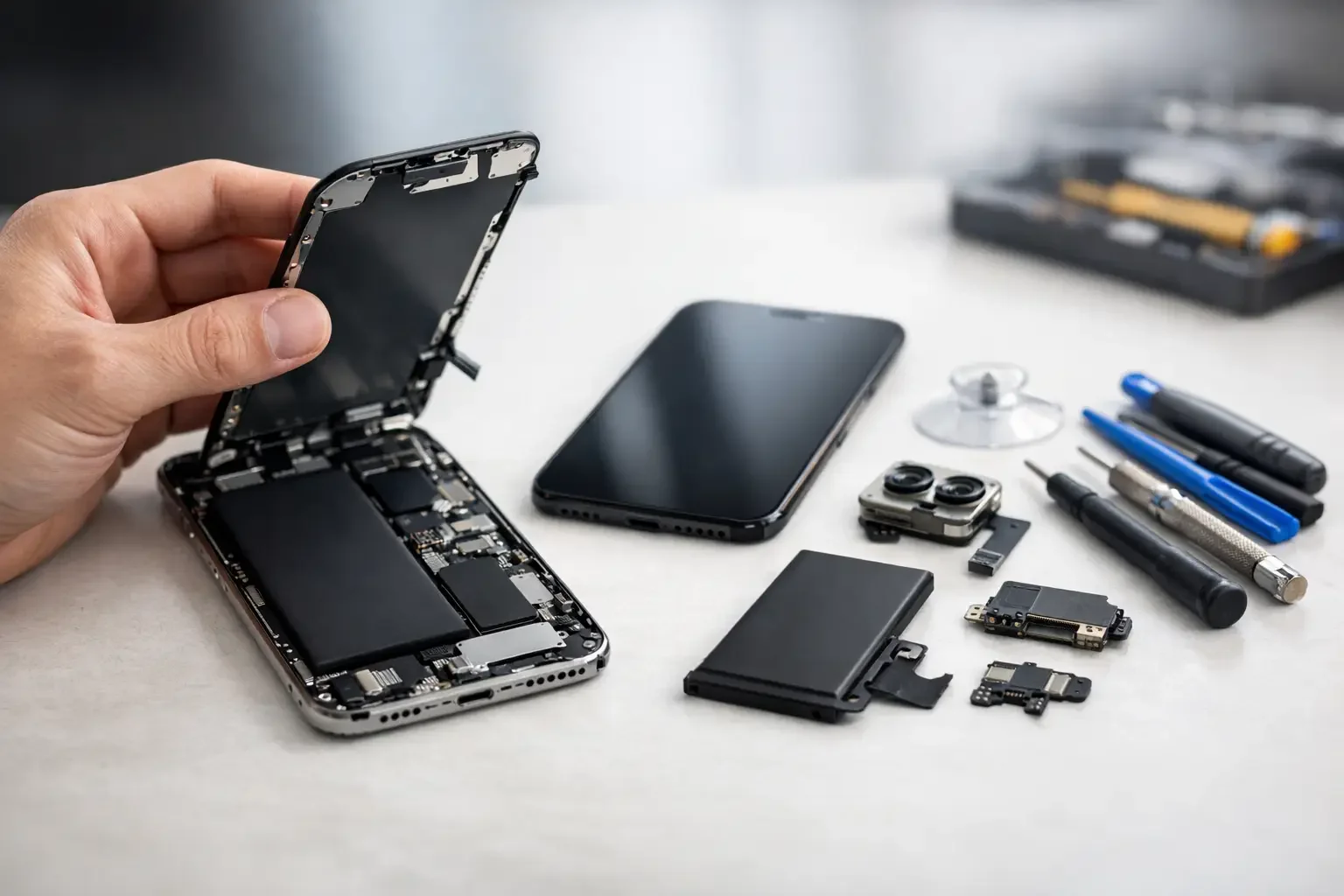
If you order a display, battery, or camera flat without accurately checking the model, the risk is not just purchasing the wrong part. The real problem is halting a repair, wasting time on unnecessary tests, and managing a return that could have been avoided. Understanding how to identify the correct iPhone replacement part means reducing errors, speeding up repairs, and working with a more secure operational margin.
How to Identify the Correct iPhone Replacement Part Without Errors
The first check should not be based on the commercial name perceived by the customer, but on the technical identity of the device. "iPhone 12", for example, is not always sufficient information if you are looking for a battery, display, or camera module. You need to verify the exact model, variant, series year, and, when necessary, any internal differences between compatible and incompatible revisions.
The most common mistake arises from a mental shortcut: if the case looks similar, the replacement will fit. In reality, Apple has very strict segmentation, and especially for the latest models, aesthetically similar components may have different connectors, brackets, management chips, or housings.
For this reason, the correct procedure always starts with three data points: exact model name, model number, and precise type of component to be replaced. Only after that does it make sense to compare the compatibility of the replacement part.
Start with the Model Number, Not "It Looks the Same"
The most reliable reference is the model number of the device. It can be retrieved from the system, from the back in models that display it, from the SIM tray when applicable, or from the documentation associated with the device. This step is crucial because it distinguishes devices that the customer may call by the same name but, in terms of replacement parts, require different selections.
Even a simple commercial designation can produce ambiguity. An iPhone Pro and an iPhone Pro Max from the same generation share design and product family, but do not automatically share the display, battery, or internal modules. Similarly, perceived compatibility by year is not enough. Exact correspondence must always be verified.
Component Part Numbers Help, But Don't Replace Device Identification
When you've already disassembled the device, reading the code on the original component can be useful, especially for cameras, speakers, vibration units, flex cables, and small modules. However, it should not be used alone as the sole key. Some components may have different codes while being part of the same compatible family, while others may seem similar but belong to different revisions.
The practical rule is simple: first confirm the iPhone model, then cross-reference the installed component, and finally check the declared compatibility of the replacement.
Data to Check Before Purchasing a Replacement Part
To truly understand how to identify the correct iPhone replacement part, you must distinguish between mandatory data and useful data. Mandatory data includes the exact model of the device and component category, without which you should not order anything. Useful data helps avoid more subtle errors, such as replacement quality, presence of small pre-assembled elements, or specific version.
For example, searching for an "iPhone 11 display" isn’t enough if you need to know whether the assembly includes the frame, if it includes the ear speaker mesh, if it’s a service pack solution, or if it requires component transfers. The correct replacement is not only compatible; it must also be suitable for the type of intervention you are performing.
Displays, Batteries, and Small Components Are Not Identified the Same Way
Displays are among the replacement parts where accuracy matters the most. In addition to the correct model, you need to check whether the group is assembled, if it includes accessory components, and what quality standard you are purchasing. For a workshop, this difference directly impacts installation times, breakage risk during transfer, and final yield.
Batteries require attention to nominal capacity, adhesives, model compatibility, and management of system notifications. It's not enough for the connector to fit; the replacement must be intended for that specific hardware platform.
Small components, like sensor flex, volume buttons, dock connectors, or charging modules, require even finer checks. Variants for the model, differences in internal layout, and in some cases, color or mechanical configuration of the casing come into play.
Most Common Confusions Between iPhone Models
Close families are where the most mistakes occur. Plus, Pro, and Pro Max series generate constant errors when purchasing in haste. The same goes for SE models, which are often searched for as a standalone category without distinguishing the actual generation to which they belong in terms of components.
Another critical point concerns models with similar names but different structures. Those working at the bench know well: a customer may be convinced they have a certain iPhone because the cover or contract card has inaccurate wording. Relying on that information creates a high margin of error.
Watch Out for SE Generations
The SE tag is one of the most misleading. Generations may share a similar aesthetic setup, but the correct replacement must be identified based on the actual generation, not just the commercial designation. This applies to displays, batteries, and especially to secondary internal components.
Beware of Components that Seem Interchangeable
Front cameras, ear speakers, proximity sensors, and charging groups are often the cases where the most time is lost. They may seem close in size or wiring at the bench, but even a tiny difference in the flat or mounting points makes the part unusable. It’s never advisable to proceed based on visual similarity.
Practical Method for Selecting the Correct Replacement Part
An efficient method is to work in verification levels. First, identify the device. Then, select the replacement family. Finally, check the application details of the product you are purchasing.
The first level is the device: exact name, model number, and potential serial verification if necessary during diagnostics. The second level is the component: display, battery, button, camera, antenna, dock, speaker. The third level is the configuration of the replacement: version, completeness of the kit, quality, pre-assemblies, declared compatibility.
This approach avoids two opposite errors. The first is buying too quickly. The second is unnecessarily complicating the search when the model is already certain. A well-structured catalog by brand, product line, and model significantly reduces the risk, forcing the selection of the replacement part within the correct family. In this sense, a specialized platform like iPhoneHospital.it is useful for organizing by device and technical type, not just for the availability of the part.
When the Model is Certain But the Replacement Remains Unclear
There are situations where the device has been correctly identified, but the uncertainty concerns the type of replacement to choose. This occurs especially with displays available in multiple quality levels, batteries with different specifications, or components sold in compatible and premium versions.
Here, the choice depends on the work you need to perform and the end customer. In a professional repair context, the correct replacement is not just the one that fits. It’s one that aligns with the expected outcome, installation time, and required level of reliability.
If you have a quick intervention, a solution with pre-assembled components may be more efficient. If, on the other hand, cost is the focus, you might consider a less complete configuration, knowing, however, that it will require more transfers and greater attention in assembly. There is no one-size-fits-all answer. There exists the right selection for that device, that defect, and that workflow.
Signals That You're About to Order the Wrong Part
There are some indicators not to ignore. The first is a product description that is too generic for the component you are searching for. The second is the absence of the specific model in the declared compatibility. The third is your own uncertainty in identifying the phone.
If you think, “this should be fine,” stop for a moment. In the repair sector, that type of assessment almost always results in wasted time. It’s much better to double check the model, verify the disassembled component, and compare technical details before ordering.
An unusual price can also be a red flag. It does not always indicate a problem, but often signals a difference in quality, equipment, or version that must be understood before purchase.
Correct Identification Starts with an Operational Habit
Those who make fewer mistakes are not those who know the entire Apple catalog by heart. It’s those who have a repeatable method. Verify the model, confirm the component, check the version of the replacement, then buy. When this sequence becomes routine at the bench, workflow interruptions decrease, times improve, and avoidable returns are minimized.
In daily work, immediately recognizing the correct replacement is not a commercial formality. It’s part of the repair itself. The more accurate the initial check, the smoother the intervention flows.
Replacement parts and useful tools: Batteries