


When to Change iPhone Battery: Signs and Criteria
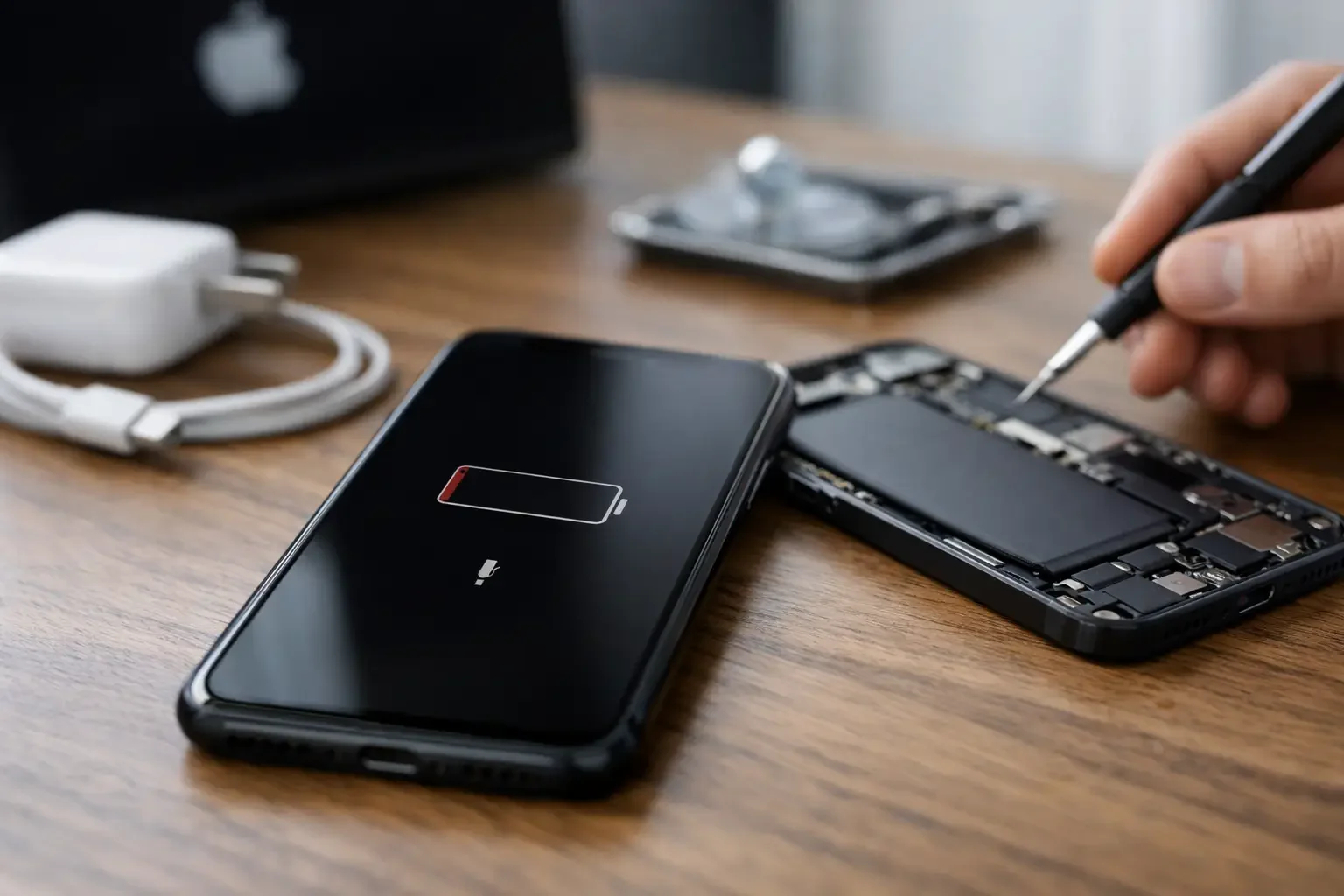
An iPhone that reaches midday with 15%, shuts down in the cold, or slows down during simple operations doesn’t necessarily need to be replaced. Often, the solution is to identify when to change the iPhone battery and accurately install a compatible replacement for the model. For a repair shop, an accurate diagnosis avoids returns, downtime, and unnecessary replacements; for the experienced user, it allows for extending the device's life.
Lithium-ion batteries are components subject to chemical wear. Over charging cycles, effective capacity decreases, internal resistance increases, and voltage can become less stable under load. The result is not just reduced battery life: there may be slowdowns, unexpected reboots, and inconsistent charge indications.
When to Change iPhone Battery: Real Signs
The first data to check is the battery status in Settings > Battery > Battery Status and Charge. In models that support this feature, the Maximum Capacity compares remaining autonomy with that of a new device. A capacity around or below 80% is the most common reference for evaluating replacement, but it shouldn't be interpreted as an automatic threshold.
An iPhone at 82% that holds the charge well, doesn't shut down, and responds correctly can continue to work without issues. Conversely, a device with a higher percentage that experiences sudden shutdowns or unstable performance requires more in-depth checks. The software data is useful but must be interpreted alongside the actual behavior of the phone.
The symptoms that most often justify an intervention are four or more from the following:
- significantly lower autonomy compared to usual use;
- shutdowns with remaining percentage, especially during photos, videos, gaming, or browsing;
- messages related to performance management or battery assistance;
- percentage that drops rapidly or rises abnormally during charging;
- iPhone gets very hot during light activities without an app or environmental condition that explains it;
- battery swelling, raised display, or abnormal pressure on the frame.
The last case is a priority. A swollen battery shouldn't be recharged or used to check if the defect worsens. The device should be turned off and opened using the correct procedure, employing suitable equipment, and handling the component as electronic waste according to applicable regulations.
Maximum Capacity, Cycles, and Performance: How to Read the Diagnosis
Maximum capacity is an indicator estimated by the operating system, not an absolute bench measurement. It can vary after an update, recalibration, or a period of irregular use. Therefore, during acceptance, it is useful to gather practical information: since when the problem has occurred, under what conditions the shutdowns happen, which power adapter is used, and if the phone has endured shocks or liquid contact.
Apple generally indicates that many iPhone batteries are designed to retain about 80% of their original capacity after 500 complete cycles under ideal conditions. However, this doesn’t mean every battery should be replaced after the five-hundredth cycle. Temperature, frequent fast charges, intense use, accessory quality, and prolonged stays at 100% affect degradation.
When the battery fails to provide sufficient instantaneous power, iOS can implement dynamic performance management to prevent shutdowns. The user perceives slower openings, less fluidity, or delays during heavy operations. In this scenario, a new battery can restore autonomy and stability, but it doesn't resolve memory defects, logic board issues, damaged charging connectors, or abnormal consumption generated by software.
Before Replacement: Exclude False Positives
An efficient diagnosis separates cell wear from problems that mimic it. High absorption after an iOS update, ongoing cloud synchronization, or an app with abnormal activity in the background can temporarily reduce autonomy for a few days. Poor network coverage also forces the modem to work harder and may make a seemingly exhausted battery still usable.
Checking per-app consumption, the status of the Lightning or USB-C connector, the presence of oxidation, and the device’s temperature helps narrow down the field. If the iPhone charges intermittently, doesn't reach 100%, or requires moving the cable, the problem may lie in the charging port, the cable, the power adapter, or the charging circuit, not in the battery pack.
In devices already opened, it's also advisable to check stickers, screws, shields, flex cables, and connectors. A connector that isn’t perfectly seated can lead to reboots, failure to start, or incorrect readings. In the lab, testing the device before and after intervention reduces disputes and documents the actual benefit of the repair.
Choosing the Right Battery for Each Model
Compatibility doesn’t rely solely on physical size. Two similarly shaped batteries can have different connectors, flex arrangements, nominal capacities, or electronic profiles. Selection must start from the exact iPhone model, not just the commercial generation indicated by the customer.
You must distinguish, for example, between standard, Plus, Pro, Pro Max, mini, and SE variants. Even within the same family, components and opening procedures can change. Before ordering, it’s useful to check the model code in Settings > General > Info or on the frame and compare it with the technical sheet of the replacement.
In more recent models, replacing the battery can trigger messages related to the component or require configuration and calibration procedures set by the system. This is not a minor detail: it should be communicated before the intervention, especially when using a compatible replacement. The technician must assess the balance between cost, availability, required functionality, and customer expectations.
The quality of the replacement affects autonomy, lifespan, and operational safety. A battery with inconsistent specifications or low-quality protections may offer a high declared capacity but perform worse over time. Therefore, the choice shouldn't be reduced to the unit price: supplier reliability, declared compatibility, lot control, and availability of dedicated adhesives matter.
Replacement Procedure: What Makes a Difference
Changing an iPhone battery requires more attention than suggested by what seems to be a simple intervention. Before opening the device, turn off the iPhone and bring the charge below 25% when possible. A less charged cell reduces energy risk in case of accidental damage.
Opening must adhere to the model: screw positions, adhesive softening temperature, access to connectors, and presence of seals vary. Using metal levers near the cell is risky. To remove stretch-release adhesives, pull at a low and constant angle; if they break, removal must be managed without puncturing the battery casing.
After installation, the check doesn't end with the first boot. Verify startup, charging, battery recognition, absorption, temperature, and autonomy under normal conditions. If the display has been removed, also check brightness, touch, sensors, and proper placement of seals. A quick but structured test is more useful than a hasty replacement.
For those managing recurring repairs, keeping batteries available by model, specific adhesives, opening kits, magnetic mats, ESD tools, and chassis cleaning materials allows for uninterrupted work. iPhoneHospital.it is oriented precisely to this logic: selected spare parts and tools based on compatibility and laboratory operating needs.
Is It Worth Replacing or Upgrading Your iPhone?
Replacement is usually worthwhile when the phone is intact, still receives useful updates, and presents a problem limited to battery autonomy or shutdowns related to the battery. A new cell can make a device that is still adequate in terms of display, cameras, Face ID, connectivity, and memory usable again.
The assessment changes if there are multiple costly defects: damaged display, bent chassis, leaks, logic board with abnormal consumption, or compromised charging connector. In these cases, the estimate should consider the entire state of the device, not just the most obvious component.
A battery shouldn’t be changed out of habit nor should it be postponed until the iPhone becomes unusable. The right moment is when diagnosis, symptoms, and compatibility indicate a real advantage: thus, the repair remains technically sensible, transparent to the customer, and proportional to the device's value.
Spare parts and useful tools: Batteries