


When to Change a Samsung Battery and Why
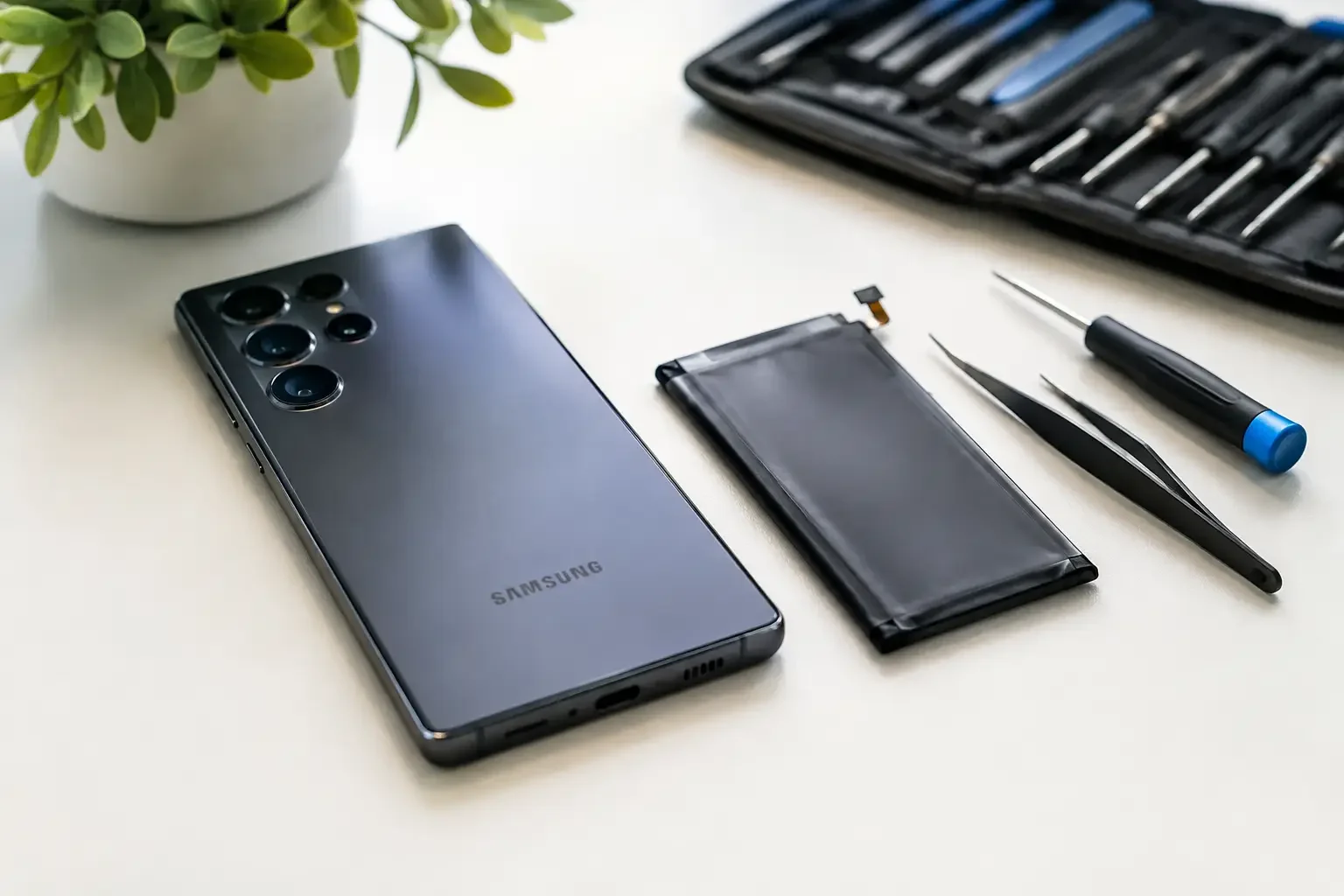
A Galaxy that drops to 20% and turns off, loses a lot of battery life during a call, or takes hours to recharge is not just an "old" phone. These are clear indications of when to change a Samsung battery and assess whether a focused intervention is needed. For a repair shop, accurate diagnostics prevent unnecessary replacements; for the savvy user, it means choosing a compatible replacement and restoring the device's functionality without confusing a battery failure with a charging issue.
Lithium-ion batteries are subject to chemical wear. With charge cycles, heat, deep discharges, and heavy use, their effective capacity diminishes and internal resistance increases. The outcome isn't always linear: some devices maintain acceptable battery life but become unstable under load, while others show inconsistent percentages or slow charging times. Therefore, the decision to replace the battery should start with the symptoms, continue with checks, and take into account the specific model.
When to Change a Samsung Battery: Real Signs
A reduced battery life is the most common symptom, but it’s not sufficient on its own. Heavy use, weak network signals, power-hungry apps, high brightness, and recent updates can increase power consumption. The signal becomes more indicative when usage time significantly worsens compared to previous habits, under similar conditions.
Sudden shutdowns are generally more pertinent. If the phone turns off with a remaining charge of 10%, 20%, or even higher, the battery might no longer be able to support peaks in power demand. This problem often manifests itself during camera use, gaming, GPS navigation, video calls, or at low temperatures: activities that put a heavy load on the cell.
Also, if the percentage drops too quickly, remains stuck for long periods, or increases abnormally after a reboot, it deserves attention. These behaviors may depend on battery degradation, but also on incorrect estimation of the charge state or a software anomaly. Before ordering a replacement, it’s wise to update the system, restart the device, and observe if the issue persists for multiple charge cycles.
A fourth sign is abnormal overheating. Slight warmth during fast charging or under intense use is normal; constant heat localized around the battery area, even during light activities, is not. If this heat is accompanied by case deformation, lifting of the display, or back cover, the intervention should be halted: a bulging battery is a safety risk and must be replaced without continuing to use or charge the phone.
Age, Cycles, and Conditions of Use
There isn't a universal threshold applicable to all Samsung devices. In many cases, after two or three years of daily use, the loss of capacity begins to become noticeable, but this varies widely. A Galaxy recharged multiple times a day, exposed to heat in a car, or used extensively for gaming and navigation may degrade faster than a device charged more regularly and kept in controlled temperatures.
The number of cycles is a useful reference, not a definitive measure. One cycle equates to 100% of energy used, even if distributed over multiple charges. A battery does not become unusable once a certain number of cycles is exceeded; it simply gradually loses capacity, and instability may increase. Therefore, in repair practice, actual battery life, stability under load, and the absence of physical symptoms are more critical.
Temperatures directly affect these factors. Heat speeds up chemical aging, while cold temporarily reduces available capacity and can make pre-existing defects apparent. A phone that only shuts down in winter should not be ignored: it may have a degraded battery, even if it seems to work normally in the warmer months.
Before Replacement: Checking Battery and Charging
The battery isn’t always to blame. A damaged cable, insufficient charger, worn USB-C connectors, oxidation, dirt in the charging port, or a power circuit defect can produce very similar symptoms. A replacement carried out without verification may not resolve the issue and could extend downtime.
The first check involves testing a reliable charger and cable suitable for the charging protocol specified by the model. If charging stops when moving the connector, only works in one direction, or requires abnormal pressure, the USB-C port needs inspection. In models with a separate charging board, the component can be replaced without accessing the motherboard; in models with an integrated connector, repair requires a different evaluation.
Diagnostic functions available on some Samsung devices and system apps can provide insights into the battery's state but do not replace instrumental testing. For a repair shop, testing voltage, current draw, and charging behavior allows for quicker differentiation between degraded cells, damaged flat connectors, faulty connectors, and power management anomalies.
It’s also useful to check consumption by application. If a process remains active in the background or an app consumes an abnormal share of energy, the phone can appear drained even with an efficient battery. In such cases, resetting settings, updating the app, or removing the problematic software is often more appropriate than hardware replacement.
Choosing the Right Battery for Your Samsung Model
Compatibility should not solely be defined by the commercial series. “Samsung Galaxy A” or “Galaxy S” are not sufficient identifications: within the same family, capacity, shape, connector, flat layout, and battery code vary. Before purchasing, it's essential to verify the exact model, usually found in the device settings, on the chassis, or on the technical label.
The code of the original battery is another useful reference, especially when regional variants or hardware revisions exist. However, the technician must ensure that the stated capacity, dimensions, and connector match the device being serviced. A physically similar but incorrect battery may not fit, may not connect properly, or could cause charging anomalies.
For those handling recurring repairs, model selection reduces inventory and bench errors. In the Samsung Parts category of iPhoneHospital.it, the correct approach is to start from the precise phone code and carefully compare it to the component description. This is not a mere catalog detail: it’s the crucial step that separates a successful intervention from a return or a second opening of the device.
What to Consider Before Opening the Device
On recent Samsung models, replacing the battery generally requires removing the back cover using controlled heat, handling stubborn adhesives, and detaching internal components before accessing the battery connector. For various models, it’s necessary to lift covers or intermediate modules; working without knowing the sequence increases the risk of damaging flats, wireless charging coils, sensors, or displays.
The battery should be disconnected as soon as possible, before intervening on other connectors. For extraction, avoid deep metal levers and excessive heat directly on the cell. A punctured or bent battery can overheat and release irritating substances. Plastic tools, isopropyl alcohol used judiciously where compatible, and a controlled procedure are preferable to brute force.
The closure deserves the same attention as the opening. Residues of double-sided adhesive, deformed covers, and damaged seals compromise the assembly. After a repair, the original resistance to dust and water should not be taken for granted, even when a new adhesive is applied. For devices intended for professional use or exposed to harsh environments, this limitation must be clearly communicated to the customer.
After Battery Replacement: Useful Tests and Best Practices
After installation, testing goes beyond just turning it on. It’s essential to verify the boot, charge percentage, wired charging, possible wireless charging, connector stability, and temperature during the initial power phases. A consumption test under moderate load helps identify unexpected shutdowns or drops before delivery.
It is not necessary to fully discharge a modern lithium-ion battery to "calibrate" it. One or two normal cycles can help the system make the percentage indication more consistent, but repeated deep discharges do not improve the cell's health. To minimize wear over time, it’s best to avoid prolonged heat, dubious quality chargers, and the habit of leaving the device overheated while charging.
When symptoms are confirmed and the replacement is correctly identified, changing the battery has an immediate impact: fewer shutdowns, increased reliability, and a device that remains fully usable. The most efficient approach remains the same: diagnostics first, exact compatibility next, and installation carried out with appropriate tools and procedures.
Useful Parts and Tools: iPhone Parts