


Where to Find Compatible MacBook Parts
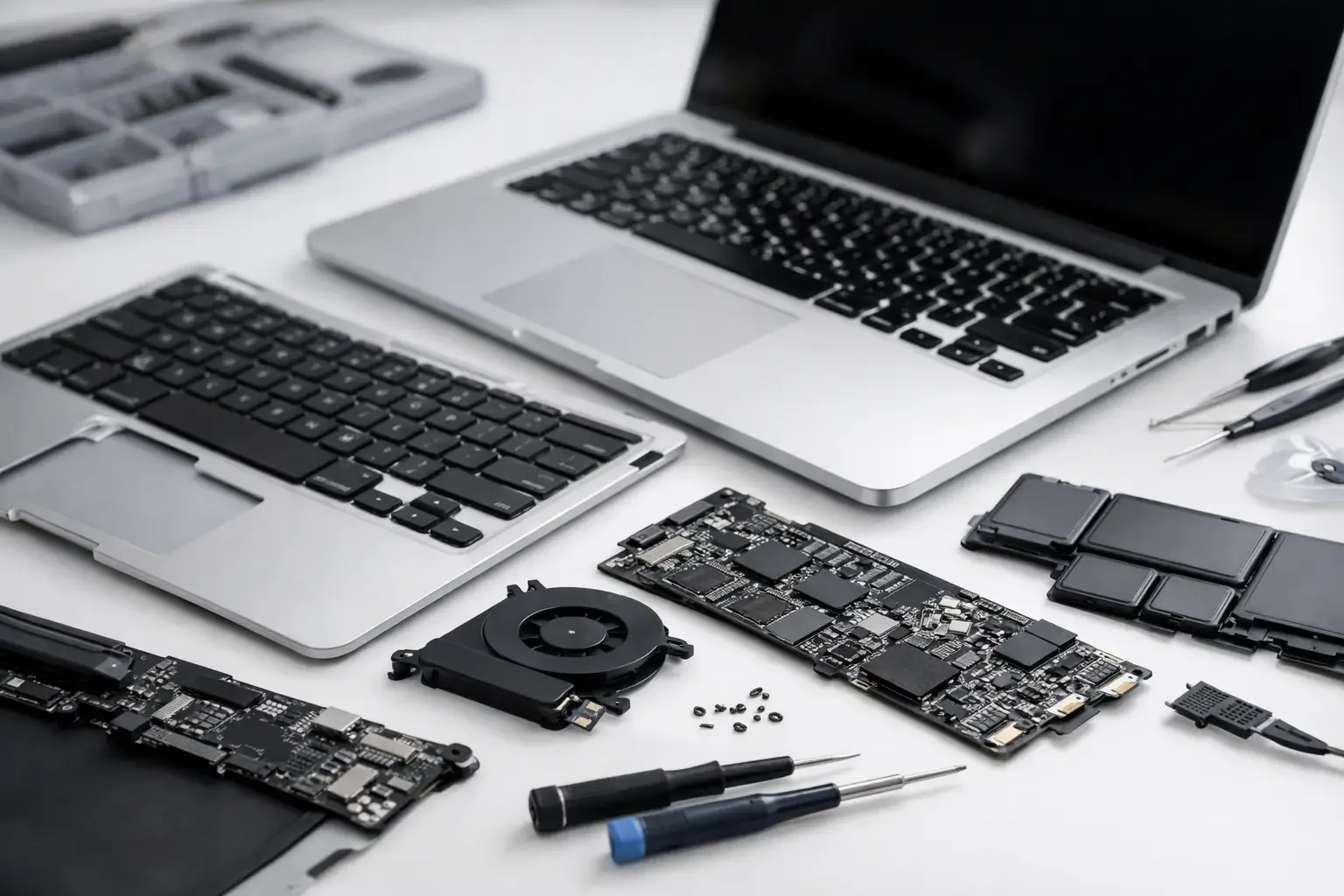
A MacBook that won’t charge, a damaged display, or a noisy fan doesn’t necessarily require replacing the computer. Knowing where to find compatible MacBook parts allows technicians, labs, and knowledgeable users to intervene on the specific component, reducing downtime and operating costs. The key is to accurately identify the model and purchase a part that matches the actual hardware configuration.
The Correct Replacement Starts with the Exact Model
The trade name alone isn’t enough to order a component. “MacBook Pro 13” refers to a very broad family, where the year, processor, port arrangement, connectors, battery size, display, and logic board can change. Two aesthetically identical laptops may contain non-interchangeable parts.
The most useful information is the model code Axxxx, located on the bottom of the MacBook. This should be associated with the year of release and, when available, the EMC or internal model number. For a more accurate verification, it’s wise to also check the system information in macOS or the serial number, especially on recent models with varied hardware configurations.
Before searching for the replacement, noting these elements prevents incorrect purchases:
- product family: MacBook Air, MacBook Pro, or MacBook Retina;
- display diagonal and production year;
- Axxxx code on the chassis;
- component to be replaced and its stamped code, if accessible;
- any keyboard layout, color, or connector position variations.
For batteries, complete displays, trackpads, fans, and flat cables, the code printed directly on the removed component is often the most reliable reference. This is particularly useful when Apple has released versions of the same machine with slight production differences.
Where to Find MacBook Parts for Technical Use
A supplier specialized in Apple parts allows searching by model and category, rather than relying on generic descriptions like “battery for MacBook Pro.” This organization is essential for those who need to repair multiple devices per day: the component must be quickly identifiable, comparable to the original, and available alongside the necessary tools for installation.
The MacBook Parts category on iPhoneHospital.it is structured for targeted searches of components intended for different generations of Apple notebooks. For a workshop, focusing sourcing on a technical catalog reduces the number of suppliers, simplifies recurring orders, and speeds up the procurement of complementary materials like adhesives, screws, pentalobe, screwdrivers, and opening tools.
General marketplaces may seem convenient, but they have a concrete operational limit: the description can be incomplete, the compatible model isn’t always verifiable, and the photos may be generic. For critical components like displays, batteries, or keyboards, a compatibility error can turn a simple repair into a longer technical halt.
Which Components are Most Commonly Found
Availability depends on the generation of MacBook and the model’s popularity. For newer machines, some parts are integrated into assembled groups, while on older models, it’s more common to replace the individual element. It’s not just a cost difference: it also changes the time needed for the repair and the level of disassembly required.
Batteries and Power Supply
The battery is one of the most frequently replaced parts. Reduced autonomy, recommended service messages, high cycles, or sudden shutdowns are signs that require diagnosis. Not every charging issue is due to the battery: before ordering, defects in the charger, USB-C or MagSafe port, I/O board, and power circuit should be ruled out.
When choosing a battery, it’s important to check the battery pack code, compatibility with the model, and the presence of appropriate adhesives. In MacBooks with glued batteries, replacement requires adhesive removal products, non-metallic tools, and careful handling of the cells. Forcing the battery pack poses a risk to both the technician and the device.
Displays, Hinges, and Cameras
A MacBook display isn’t always just a simple panel. In many models, the replacement is managed as a complete display group, including the cover, webcam, antennas, and hinges. In other cases, the LCD panel or specific elements may be available, but the intervention becomes more delicate and requires careful consideration of the cost of the replacement, labor, and reliability of the result.
Black screens, vertical lines, absent backlighting, intermittent images, and cracks are different symptoms. A visible damage to the panel suggests replacing the display; an image that appears only at a specific opening angle may indicate a flex cable or connection issue. Diagnosis comes before purchase.
Keyboard, Trackpad, and Top Case
In modern MacBooks, the keyboard, trackpad, battery, and top case can be closely integrated. Therefore, a malfunction in a single key, a trackpad that doesn’t respond, or a deteriorated battery may lead to the replacement of the complete top case, depending on the generation.
Before ordering a keyboard, it’s essential to check the layout. Italian, American, British, and other standards don’t differ only in printed symbols: they change the physical arrangement of some keys. The color of the case and variations of the Touch Bar or function key must also match the device being repaired.
Fans, Speakers, Ports, and Flat Cables
Fans, speakers, charging connectors, I/O boards, display cables, and flat cables are often underrated spare parts. Yet, they directly address common issues: unusual noise, overheating, non-functional ports, absent audio, and power problems.
Here, compatibility is very specific. A right and a left fan, for example, are not interchangeable simply because they belong to the same MacBook. The same applies to flat cables: length, connector orientation, and board revision can change between seemingly equivalent configurations.
Original, Compatible, or Recovered Replacement?
The choice doesn’t have a one-size-fits-all answer. A good-quality compatible replacement can be an effective solution for many repairs, provided it’s selected based on the model and checked before installation. For a workshop, yield, supply stability, and consistency of specifications matter, not just the purchase price.
A component recovered from a used device may be suitable for structural parts or difficult-to-find elements, but it requires additional checks on the wear condition. A recovered battery, for instance, may already have a high number of cycles and not represent an efficient choice for the end customer.
In MacBooks with Apple Silicon chips and in generations with components associated with the logic board, some replacements may involve functional limitations or necessitate specific procedures. Displays, Touch ID, and other sensitive modules should be evaluated case by case. Purchasing the correct part does not replace the diagnostic expertise required for the intervention.
Essential Tools to Avoid Damaging the MacBook
The replacement alone is not enough. MacBook screws use different formats, including pentalobe, Torx, and Phillips. Using the wrong screwdriver easily damages the screw head and slows down the entire repair. Additionally, plastic levers, precision tweezers, spudgers, a magnetic mat for organizing screws, and ESD protection when working on delicate logic boards and connectors are necessary.
For glued batteries and displays, preparing the workstation before starting is useful: containers for screws, adequate lighting, cleaning products, and replacement adhesives. A tidy assembly counts as much as the choice of the part. A screw placed in the wrong spot can damage the casing, trackpad, or logic board.
Checks Before and After the Order
Before confirming the purchase, compare model code, description of the spare part, photos of the connectors, and device variant. If the MacBook is already open, verifying the code of the installed part further reduces the margin of error. For service centers, it’s helpful to record compatibility in the management system or work sheet: this speeds up subsequent interventions on the same model.
After assembly, perform a complete test. For a battery, this means checking charge, discharge, and detection in macOS; for a display, checking brightness, webcam, sensors, and hinge opening; for keyboard and trackpad, every related function. Do not hand over a MacBook after a partial test: a quick check avoids returns, disputes, and additional bench time.
The most economical replacement isn’t the one with the lowest price, but the one that arrives correct at the bench, installs without adjustments, and allows for closing the repair with a complete functional test.