


Complete Guide to iPhone Charging Connectors
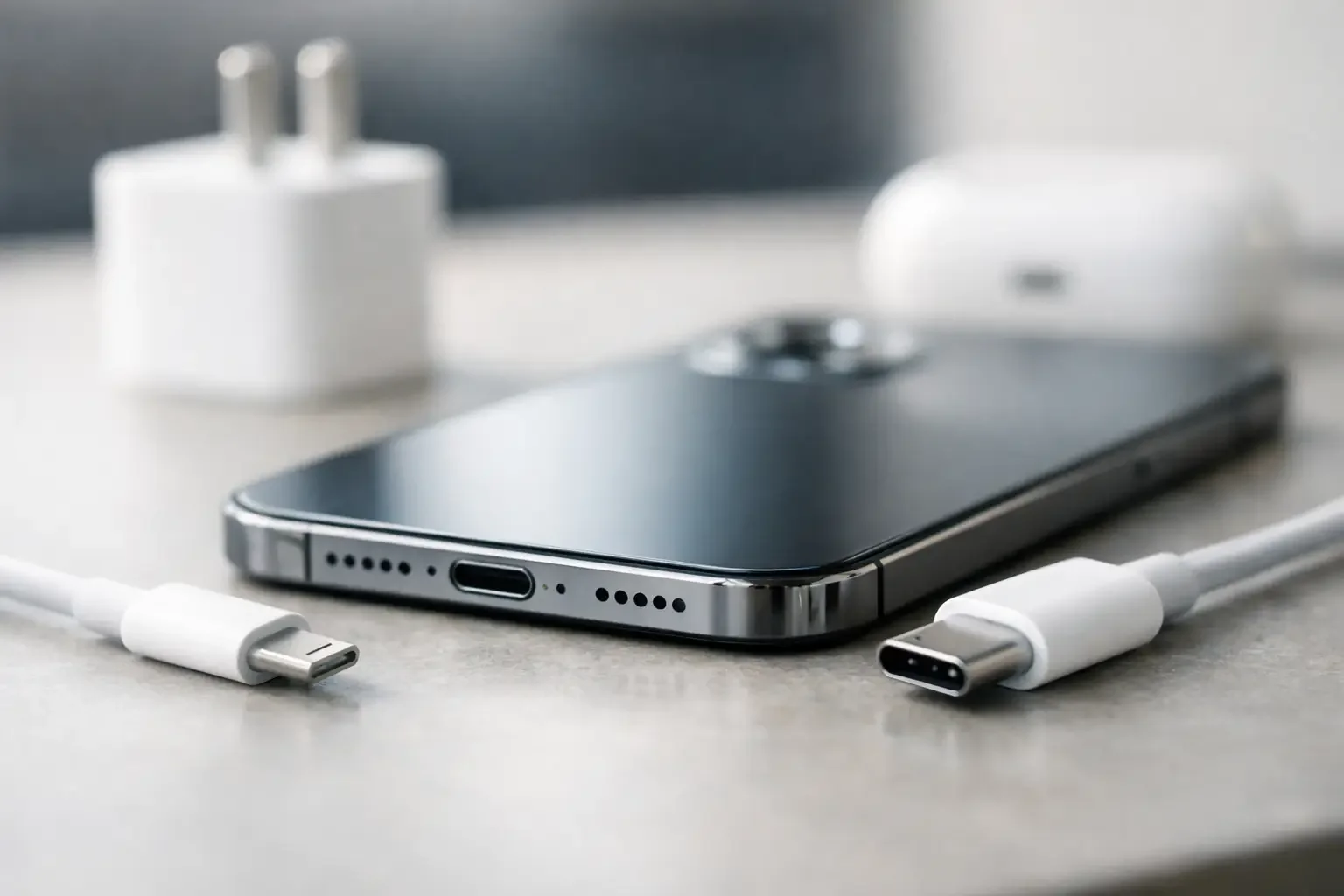
When an iPhone arrives in the lab that won’t charge, the issue is rarely just the charger. A complete guide to iPhone charging connectors is essential for distinguishing standards, actual compatibility, mechanical limits, and typical faults to avoid approximate diagnoses and incorrect orders.
For those working on Apple repairs, the charging connector is not a secondary detail. The type of cable changes, data management varies, the involved flat group or sub-board differs, and, most importantly, replacement options depend on the model. Even for the experienced user buying a replacement independently, knowing whether it’s about the external port, flat dock, or simply a compatible cable makes a difference.
Complete Guide to iPhone Charging Connectors: What They Are
Over time, Apple has adopted three main standards for charging and data connection on iPhones. The first is the 30-pin connector, used on older models. The second is Lightning, introduced with the iPhone 5 and remaining the standard for many generations. The third is USB-C, adopted on the most recent models.
This distinction may seem trivial, but when purchasing, knowing the name of the connector isn’t enough. The exact model of the device matters, as the type of external port doesn’t always match the internal structure of the replacement. For example, on older models, the charging connector is often integrated into a flat with a microphone, antenna, or audio jack. On other devices, replacement involves different modules and requires attention to revisions and compatibility.
30-Pin Connector
The 30-pin belongs to the first phase of the Apple mobile ecosystem. It was bulkier, non-reversible, and designed to handle power, synchronization, and some accessory functions through a physically wide interface. Today, it mainly concerns those repairing very old devices or managing legacy stock.
From a practical standpoint, the limitations are evident. Replacement parts are less in demand, availability can be more variable, and it is often advisable to verify the general condition of the device before proceeding with a replacement. On products from that era, the charging issue may depend not only on the connector but also on the battery, oxidation, dock assembly, or motherboard.
Lightning Connector
Lightning marked the transition to a more compact and reversible format. For years, it has been the most widespread Apple standard on iPhones and remains central for those managing repairs on a still extensive installed base. Practically, it is the connector most focused on diagnoses related to intermittent charging failure, false contact, accessory connection errors, and wear from repeated insertions.
An important aspect is that, on many iPhones with a Lightning port, the so-called charging connector is not just a simple isolated piece. Depending on the model, it can include a flat dock, lower microphone, antenna contacts, support elements, and components that make replacement more complex than the end user might imagine.
USB-C Connector
With USB-C, Apple aligned with a standard already widespread on other electronic devices. For the technician, this doesn’t automatically mean greater simplicity. The type of cable used by the customer changes, but the device compatibility, the quality of the replacement, and upstream diagnosis remain crucial.
USB-C provides practical advantages regarding standard dissemination and accessory availability. However, because the market is filled with very different cables and chargers, the risk of tests conducted with unsuitable accessories increases. An iPhone USB-C that won’t charge doesn’t necessarily have a faulty port: there may be a problem with the cable, the power source, the management circuit, or internal contamination of the connector.
How to Identify the Correct Connector Before Ordering
The first criterion is always the exact model of the iPhone. A generic definition like “recent iPhone” or “iPhone with Lightning” isn’t enough. In repair contexts, a generation difference can mean a different internal layout, varied flats, misaligned mounting holes, or incompatible associated components.
The second criterion is distinguishing between charging accessory and hardware replacement. Purchasing a cable or adapter is one thing. Buying the charging connector as an internal component is another. Those working with replacements should always verify whether the requested product is a complete dock port, a flat with integrated components, or an element connected to a sub-board.
The third criterion concerns the function to be restored. If the phone won’t charge but is recognized by the computer, the diagnosis may differ compared to a device that won’t charge and doesn’t transfer data. If the connector appears mechanically intact but the issue is intermittent, before replacing the part, check for compressed residue, oxidation, pin deformation, or motherboard failures.
For those managing Apple spare part supply, a selection by model remains the fastest and safest route. In this context, consulting dedicated categories such as iPhone Parts and, when the correct disassembly tools, testing, and cleaning equipment are required, Laboratory Accessories helps reduce picking errors and downtime at the bench.
Common Faults of the iPhone Charging Connector
The most frequent case is the accumulation of dust and dirt compacted in the port. With Lightning, it often happens that the cable seems connected but does not seat fully. The customer interprets the defect as a broken port, while in reality, it needs a proper cleaning with the right tools and methods.
Next comes mechanical wear. Forced insertions, non-tolerance cables, intensive use in work environments, and lateral tension can deform or damage the connector. Here, the difference between simple maintenance and replacement is clear: if the contacts are compromised, cleaning isn’t enough.
Then there’s the chapter on oxidation. An iPhone exposed to humidity or liquids can present irregular symptoms: slow charging, unrecognized accessory, unstable absorption, or complete power failure. In these cases, the connector is just one of the points to check. Without verifying the rest of the line, replacing the dock may only solve part of the problem or not resolve it at all.
Another recurring scenario involves integrated flats. If the replacement also includes a microphone or other elements, the defect may manifest with multiple symptoms. This is the classic case where a charging problem is accompanied by altered lower audio or accessory anomalies. For this reason, identifying the correct component is always preferable to a generic search for the “charging piece.”
When to Replace the Replacement and When Not
Not all power issues require replacing the connector. If the port is merely obstructed, a well-executed technical cleaning is the quickest solution. If the cable disconnects easily, charging only works in one position, or the connector shows signs of physical damage, replacement is often unavoidable.
However, there are cases where a new replacement isn’t enough. If the phone doesn't negotiate charging correctly, restarts under power, or isn’t detected in any testing context, it’s necessary to consider the battery, charging line, Tristar circuit, or other board-level repair components, depending on the device's generation.
For a lab, the process makes a difference. First, test with a known working power supply and cable, then inspect the port, verify absorption, and only afterward consider replacing the component. Skipping this sequence often leads to replacing a healthy dock for a problem that originates elsewhere.
Quality of the Replacement and Actual Compatibility
The quality of the charging connector matters more than it seems. Imprecise mechanical tolerances, unstable flats, or discontinuously assembled components can generate issues right after installation. The worst result isn’t a piece that doesn’t work at all, but one that works intermittently and slows down diagnosis.
For this reason, it’s advisable to work with replacements classified by exact model and with clear technical descriptions. A supplier oriented towards the repair sector, like iPhoneHospital.it, is valuable when it comes to finding not only the correct component for iPhone but also tools, adhesives, utensils, and supporting materials in the same operational flow.
Those managing other lines of assistance know well that the standard approach is the same across the entire ecosystem. Searching by product family remains crucial even for iPad Parts, MacBook Parts, Apple Watch Parts, or Airpods Parts, especially when the customer arrives with an approximate diagnosis and tight deadlines.
Errors to Avoid in Purchases and at the Bench
The most common mistake is ordering based on the type of cable rather than the device model. The second is confusing a physically similar port with an identical internal replacement. The third is testing a charging defect with unverified accessories, introducing an unnecessary variable into the diagnosis.
There are practical differences even in disassembly. On some iPhones, the charging connector is one of the components that takes the longest, as a significant part of the bottom section must be dismantled. In these cases, the operational cost of the bench is nearly as important as the cost of the replacement. If the device is very worn or has multiple damages, evaluating the convenience of the intervention in advance avoids disputes and rework.
A good rule remains simple: identify the model, verify the actual symptom, check the port, perform tests with verified accessories, and only afterward choose the replacement. For iPhone charging, speed is essential, but precision saves more time than rushed work.