


Soldering Workbench Tool Guide
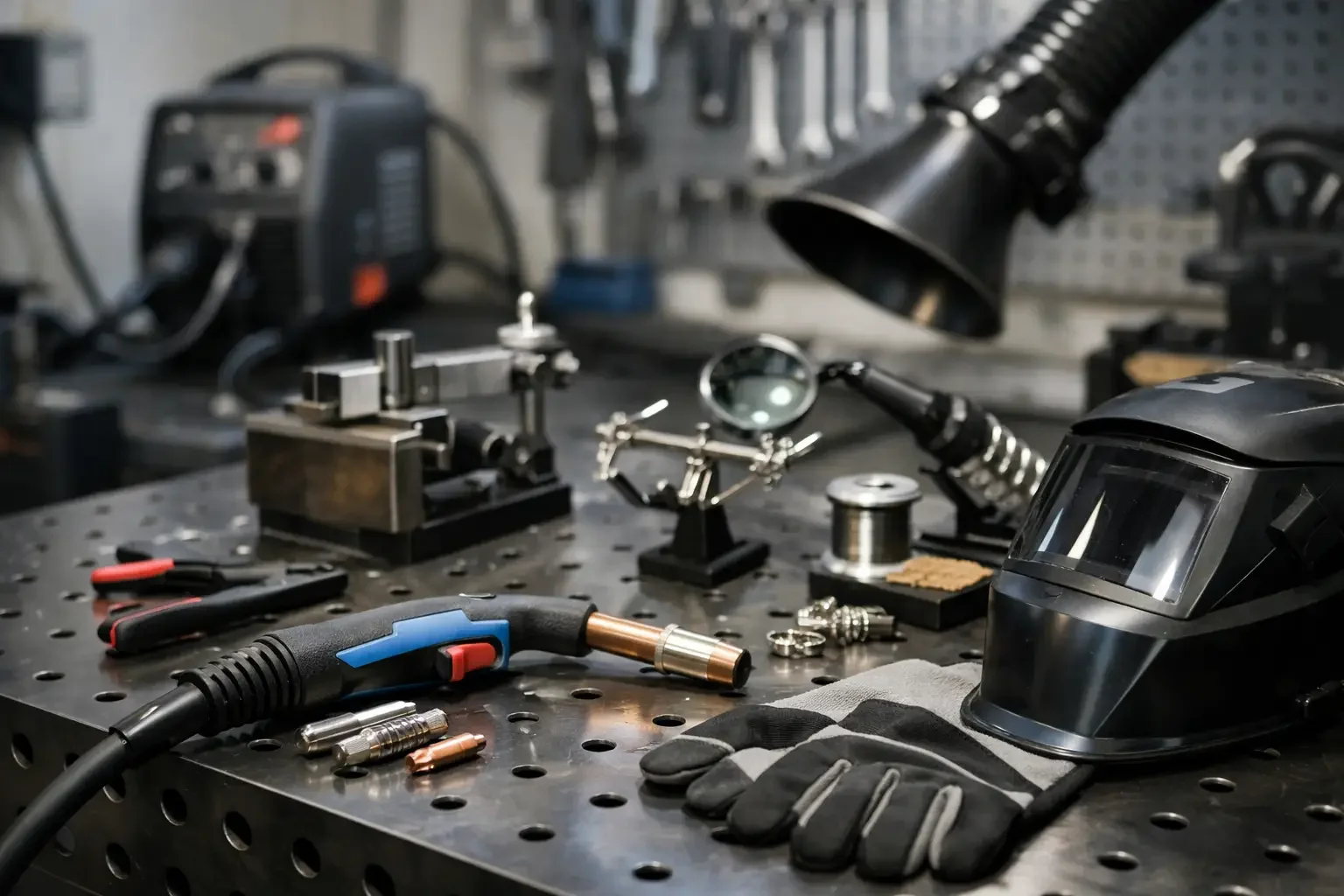
A makeshift soldering bench is easy to identify: worn tips, unstable temperatures, poorly managed fumes, and prolonged intervention times. A soldering workbench tool guide helps to avoid this scenario, especially when working on smartphone motherboards, charging connectors, flat cables, microcomponents, and repairs where error margins and tolerances are minimal.
In the repair sector, it’s not enough to have "a soldering station." A bench must align with the types of work performed, featuring tools that communicate with each other and reduce operational risk. Those who repair iPhones, iPads, MacBooks, or circuit boards of other devices know that it’s not the individual tool that makes the difference but the whole setup: thermal stability, visibility, precision, cleanliness, and continuity of work.
Soldering Workbench Tool Guide: Where to Start
The first mistake is to buy in random order. The second is choosing oversized equipment for basic tasks or, conversely, undersized for real micro soldering. An efficient bench is born from the frequency of interventions and the level of technical complexity.
If the lab primarily performs connector replacements, pad interventions, reworking on small SMD components, and line restoration, the priority is a stable and repeatable workstation. If, however, you’re working on CPUs, ICs, basebands, or reballing, the stakes are higher, and the bench must be configured for finer control and stricter thermal management.
In this context, the laboratory accessories category is often the right starting point because it allows for building a coherent workstation without wasting budget on redundant tools.
Essential Tools for the Workbench
The soldering station remains the core of the setup. It should be chosen for temperature stability, rapid thermal recovery, availability of tips, and reliability for continuous work. On compact boards like those of the iPhone or Apple Watch, an unstable station can easily cause overheating at the work point or prolong contact too much, risking pad lift.
Alongside the soldering iron, a hot air station is almost always necessary. Real flow regulation matters here, not just the nominal value. Too much air displaces components, while too little forces an increase in time and temperature. In consumer electronics repairs, balance is more important than pure power.
The microscope is the third decisive element. Without proper vision, solder quality is poorly assessed and time is wasted on checks. For those working on Apple boards, micro connectors, jumpers, and fine components, magnification isn't an accessory; it's part of the process. Good integrated or dedicated lighting also improves the visibility of flux, cold solder joints, and solder bridges.
The benchtop power supply completes the minimal core. It not only powers the device during testing but also reads current draws, identifies shorts, checks abnormal behaviors, and manages controlled startups. In the lab, a stable power supply saves time in both diagnosis and post-repair phases.
Choosing Based on Repair Type
Not all labs need the same bench. Those working heavily with iPhone and Samsung parts tend to handle a mix of quick replacements and targeted board-level interventions. In this case, prioritizing versatility, setup speed, and immediate availability of consumables is beneficial.
However, those also working with iPad parts, MacBook parts, or iMac parts often need to manage different surfaces, thermal masses, and more complex boards. Here, a more controllable hot air station, a preheater, or more structured thermal management can make a significant difference. The key is not having more tools but having the right ones for the types of boards that frequently come to the bench.
Even compact devices like AirPods or Apple Watch require specific logic. For AirPods and Apple Watch parts, space is limited, visual control must be superior, and manual dexterity should be supported by suitable tips and correct flux. A generic station is often enough to open devices, but not to work well.
Tips, Nozzles, and Consumables: The Impact You Might Overlook
Many problems attributed to the soldering station actually stem from incorrect or worn consumables. An inadequate tip for the job poorly transfers heat and forces compensating with excessive temperature. The result is a slower and messier intervention.
For this reason, at least multiple tip geometries should be organized on the bench, depending on the component and work area. The same applies to hot air nozzles. The correct nozzle concentrates heat where it's needed; the wrong one spreads the area and increases the risk of affecting nearby components.
Solder, flux, desoldering braid, and pastes are not details. An overly aggressive or unsuitable flux creates difficult residues, alters the readability of the soldered point, or complicates control during rework. Even cleaning the bench contributes to productivity: residues, unmaintained tips, and contaminated surfaces complicate every subsequent step.
Soldering Workbench Tool Guide for a Faster Workflow
A well-configured workbench doesn't just help with soldering better. It reduces the time between diagnosis, intervention, and testing. This changes the lab's profitability, especially when the volume of work is high.
Layout matters. Microscope, soldering station, hot air station, technical mat, PCB supports, and power supply must be positioned to minimize unnecessary movements. If the technician has to keep pausing the operation to search for a tip, move a cable, or clear the optical area, the problem isn't manual dexterity but the organization of the bench.
Separating the soldering area from the disassembly area also helps. In repairs on smartphones, tablets, and notebooks, it’s useful to distinguish the zone where rework is done from the one dedicated to screws, modules, and removed components. This reduces trivial but costly errors, especially on highly constructed devices.
What to Consider Before Purchasing
Price and performance must be read together. An economical station may work well for occasional jobs but become a bottleneck in a lab that performs repairs daily. Conversely, buying overly advanced equipment without real necessity ties up budget that could go to spare parts, batteries, or complementary tools.
It's also worth considering the availability of spare parts and consumables. Hard-to-find tips, incompatible supports, or proprietary accessories can result in operational downtime. For a lab, continuity is as crucial as initial performance.
The usability curve also counts. Highly comprehensive tools aren't always the most efficient if they require excessive adjustments for repetitive tasks. In many cases, a predictable machine with consistent behavior is better than a feature-rich platform with seldom-used functions.
Soldering Bench Compatibility with Daily Work
Those managing repairs across multiple product families should think of the bench as a cross-functional workstation. If working on iPhone parts, iPad parts, Mac Mini parts, or iPod parts, the real priority is maintaining coherence between testing, soldering, and final verification. Having tools that are isolated from each other slows down the work process and complicates internal standardization.
That's why many labs prefer to buy both parts and technical accessories from the same supplier. The logic is practical: reduce procurement times, standardize supply levels, and consolidate consumables, equipment, and components into a single operational flow. In this context, a broad catalog structure like that of iPhoneHospital.it responds well to the needs of those who must keep the bench always ready.
Frequent Mistakes in Workbench Setup
The most common mistake is underestimating ergonomics. An unsuitable chair, a poorly positioned microscope, or bad reflection lighting fatigue the technician and diminish precision after a few hours. The second mistake is working without proper fume management. It isn't just an environmental issue but one of comfort and visibility during prolonged work.
Another typical error is failing to update the bench as work changes. If the lab shifts from standard replacements to more advanced board interventions, the workstation must evolve. Continuing with tools designed for a lower operational level leads to waste, lengthy times, and less predictable outcomes.
Finally, many neglect the standardization of consumables. Changing solder, flux, or tips indiscriminately makes it hard to understand why an intervention succeeded or failed. In the lab, repeatability is a technical and commercial advantage.
When building an effective soldering bench, the goal is not to fill the workstation with tools but to remove friction from the work. Every choice should help the technician intervene in a cleaner, faster manner with fewer uncontrolled variables. This is what distinguishes an ordinary bench from a truly productive workstation.