


Guide to Electronic Repair Bench Equipment
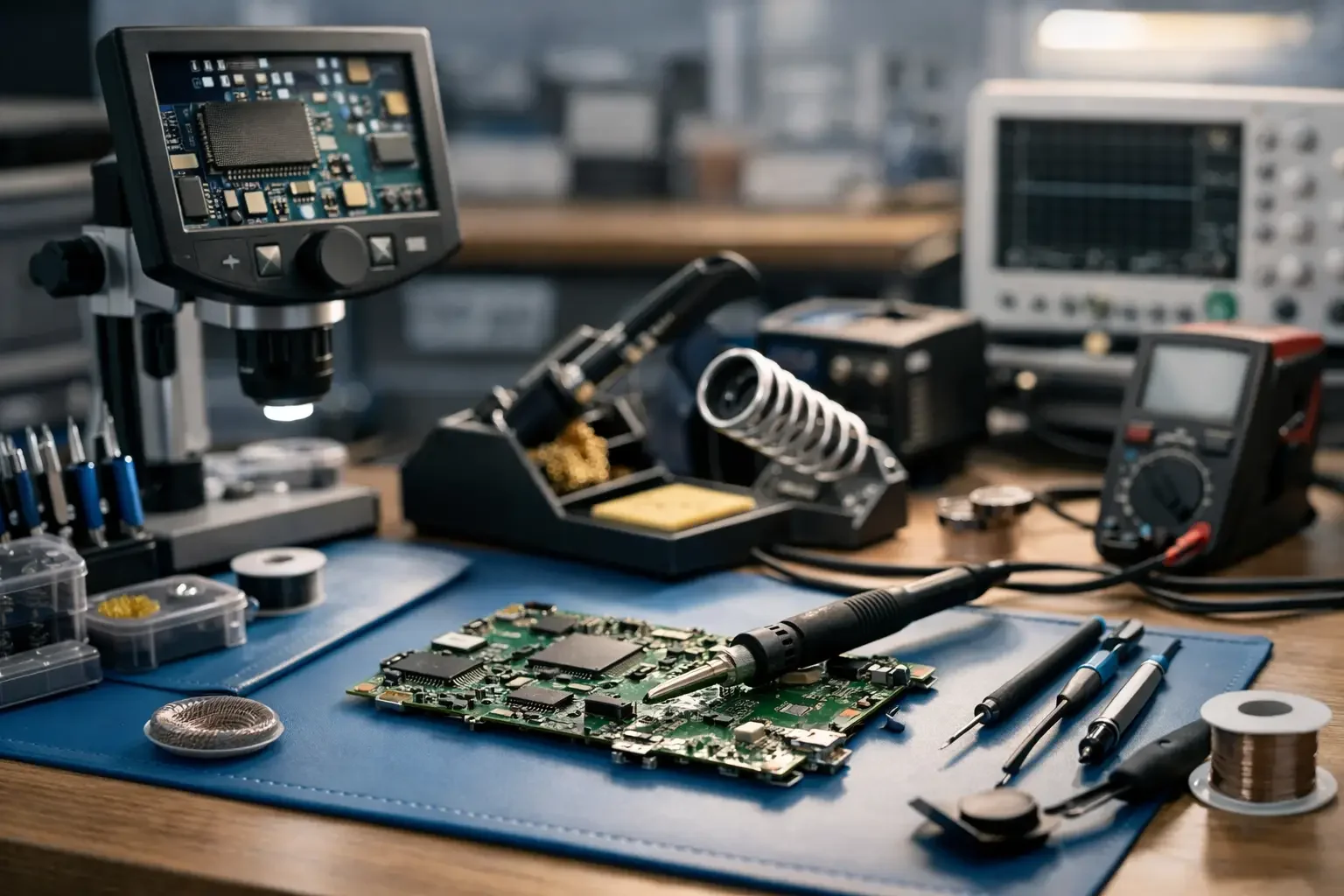
An improvised bench slows you down more than a wrong spare part. If every job requires searching for a bit, moving a lamp, or adapting an unsuitable power supply, the problem is not the technician but the workstation. This guide to electronic repair bench equipment is designed for those working on smartphones, tablets, notebooks, and Apple devices to reduce downtime, errors, and risks during disassembly and diagnosis.
For a workshop that handles iPhone, iPad, MacBook, Apple Watch, or AirPods, equipment should not be chosen based on trends or accumulation. It should be selected based on actual tasks: display openings, battery replacements, micro-soldering, power testing, cleaning, rework, and final checks. The difference between an efficient workstation and a chaotic one lies here.
How to Properly Set Up the Bench
The bench must first be stable, well-lit, and organized into zones. A wide surface helps, but layout matters more. The central area should be left for the device being worked on. On the sides, tools for continuous use should be placed, while more sensitive equipment like bench power supplies and soldering stations should remain accessible but not obstructive.
ESD protection is not an optional accessory. Anti-static mats and wrist straps reduce the risk of latent damage to logic boards, connectors, and charging circuits. On products like iPhones and MacBooks, where density and miniaturization are high, neglecting this aspect increases the margin for error without immediate realization.
Even screw management deserves attention. Those who repair Apple devices know that one misplaced screw can cause serious damage, from a scratched display to long screw damage. This is why magnetic organizers, separate containers, or work pads with dedicated areas are necessary. It’s not a detail for beginners; it’s a best practice.
Guide to Electronic Repair Bench Equipment: Essential Tools
The first group of tools is manual. Precision screwdriver sets, anti-magnetic tweezers, plastic levers, spudgers, suction cups, and picks cover a large part of standard repairs. Here, the compromise is simple: saving too much means quickly wearing out bits or damaging screw heads and flat connectors.
Next comes the thermal section. An adjustable hot air station and a reliable soldering iron are needed for tasks beyond modular replacements. Not all workshops perform advanced micro-soldering, but almost everyone eventually has to handle connectors, shields, small components, or controlled desoldering operations. The choice depends on the average level of work. If the workshop mainly performs display and battery changes, a basic setup may suffice. If work often enters the motherboard area, the quality of the station directly impacts the result.
The bench power supply is one of the tools that significantly changes the diagnostic flow. It allows reading current draws, simulating power, and identifying abnormal behaviors even before proceeding with complete disassembly. On shorted iPhones, non-booting boards, or devices with irregular consumption, having this control saves real time.
The microscope is another often underestimated point at the start. Many begin with a magnifying glass and good lighting, only to discover that on tiny pads, local oxidations, and impact damage, enlarged vision is not a luxury. It’s a tool that increases precision and reduces rework.
Bench Equipment: What You Really Need to Get Started
If the workshop is in its startup phase, there’s no need to buy everything at once. It’s about buying wisely. A sensible initial setup includes an ESD mat, adjustable LED lighting, professional screwdriver set, tweezers, opening tools, a screw organizer mat, isopropyl alcohol for cleaning, a bench power supply, and at least one soldering or hot air station, depending on the most frequent types of work.
For those who primarily work on phones and tablets, the priority is to streamline repetitive repairs. Batteries, displays, charging connectors, internal cameras, earpieces, and small flat components should be managed without interruptions. In this scenario, having consumables always available is almost as valuable as having the main tool.
For those dealing with Apple notebooks or compact desktops, the logic changes slightly. More space is needed, better management of disassembled parts, products for thermal cleaning, and useful tools for fans, heat sinks, board-to-board connectors, and batteries of different formats. In categories like MacBook parts, iMac parts, and MacMini parts, the work tends to require even more order because the number of steps and components involved increases.
Essential Consumables
Many benches look complete on paper but lack in daily use. There is a shortage of decent solder, suitable flux, desoldering braid, kapton tape, replacement adhesives, lint-free cloths, gloves, anti-static brushes, cleaning solvents, and specific double-sided adhesives. This is where unnecessary slowdowns occur.
Consumables should also be chosen based on the type of device. On iPhones and iPads, the quality of the adhesives and cleaning before reassembly is crucial. On Apple Watches and AirPods, miniaturization makes the precision of applied materials even more critical. For MacBooks, thermal paste, non-aggressive solvents, and products for controlled board cleaning become central.
For those wanting to centralize supplies and tools in one operational supply chain, the Laboratory Accessories section is the natural starting point to build or integrate the bench without fragmenting purchases.
Electronic Repair Bench for Apple: Operational Differences
Repairing Apple devices requires a bench designed for construction density, tight tolerances, and careful compatibility management. Spare parts are not generically interchangeable, and neither are the tools. Some openings, some screws, and some adhesives require the correct tools and clean procedures.
On iPhone and iPad parts, the typical flow is fast but repetitive, so the bench must promote rhythm and precision. For Apple Watch and AirPods parts, the criticality increases due to reduced sizes and compact assemblies. For MacBook parts, a setup that supports electrical diagnosis, cleaning, and organized disassembly management is essential. If the workshop also works on Samsung parts, it’s wise to maintain separate or at least well-identified sets to avoid mistakes with screws, adhesives, and components.
This doesn’t mean duplicating everything. It means categorizing. A professional bench works better when tools, bits, and consumables are organized by intervention type or device category.
Common Mistakes in Equipment Choice
The most frequent mistake is buying tools that are too cheap for ongoing work. The initial cost is lower, but the loss comes in the form of rapid wear, reduced precision, and rework. The second mistake is the opposite: buying advanced equipment without a workload that justifies it.
Another critical point is ignoring ergonomics. A poorly positioned lamp, an uncomfortable microscope, or power cables crossing the work area negatively affect productivity and safety. After hours of consecutive work, these details weigh much more than they seem.
Then there's the issue of operational compatibility. An effective bench is not just made of excellent tools taken individually but of elements that work well together. If the mat takes up too much space, the power supply is far away, and the consumables are scattered, the bench remains dysfunctional even with valid products.
When to Upgrade the Bench and Not Just Fill It
Upgrading makes sense when it enhances work quality or expands the types of repairs manageable. If the workshop begins to receive more devices with liquid damage, better inspection and cleaning equipment becomes a priority. If work on boards increases, then a microscope, stable hot air, and rework tools become central.
The opposite also applies. If the main volume remains on standard replacements, it often makes sense to invest in smart duplication of tools for continuous use rather than in underutilized specialized machines. Two complete sets of screwdrivers and opening tools can have more impact than an advanced accessory used once a month.
A structured supplier like iPhoneHospital.it makes sense in this logic: not just spare parts by model but also tools and materials to keep the bench aligned with the real work of the workshop.
An Efficient Workstation Reduces Errors Before Increasing Speed
Those who repair daily see it immediately. The right bench doesn’t just help you work faster; it helps you make fewer mistakes. Fewer confused screws, fewer damaged flats, fewer dirty solder joints, and less downtime between diagnosis and device closure. When the equipment is selected based on actual interventions, the bench stops being just a workspace and becomes part of the technical process.
If you’re reviewing your workstation, start with what you use every day and not from what seems more advanced. It’s almost always there that you recover time, margin, and reliability.