


Best iPhone Diagnostic Tools for the Workshop
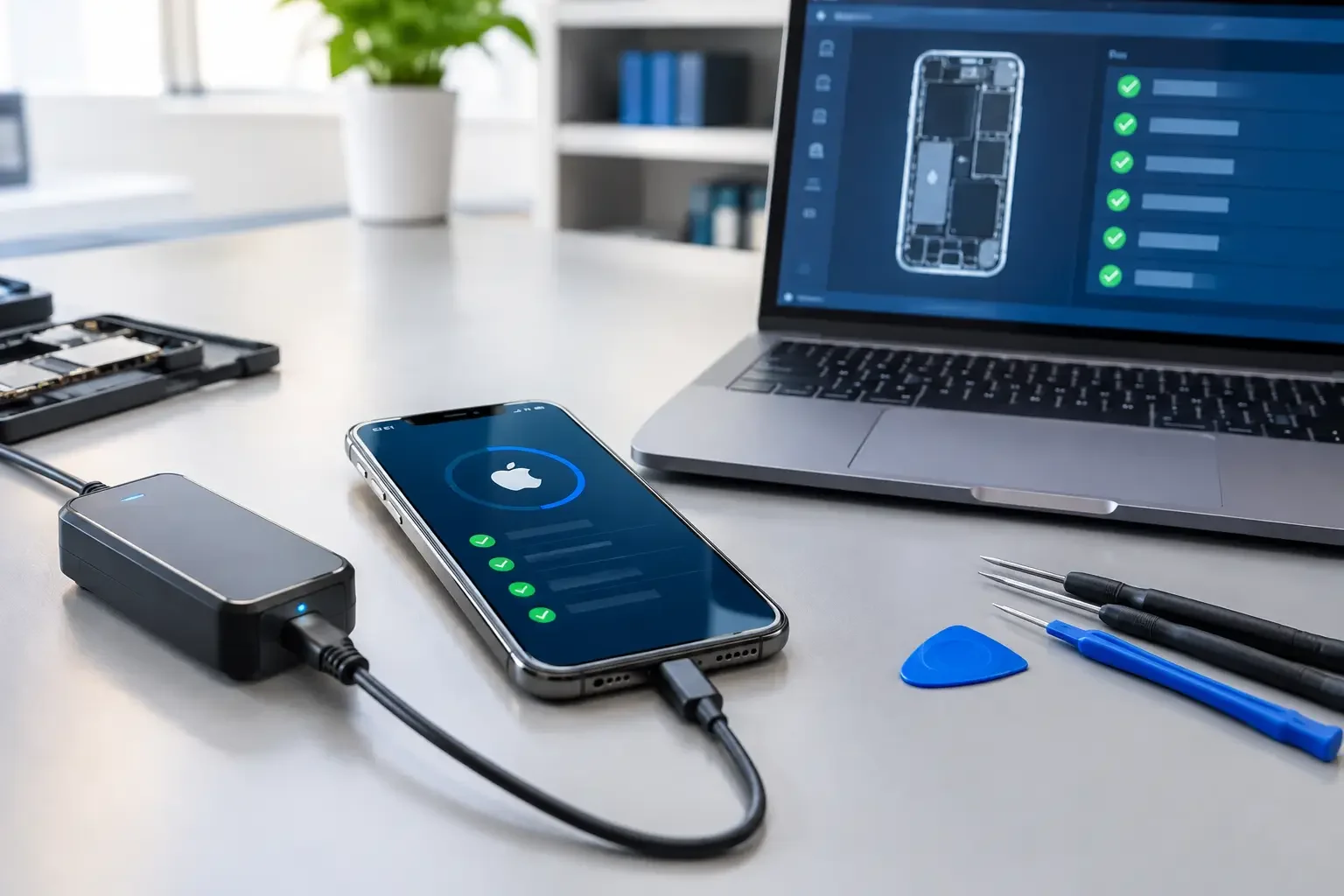
An iPhone that won’t turn on, won’t charge, or randomly restarts doesn’t immediately need a replacement part; it first requires a repeatable diagnosis. The best iPhone diagnostic tools allow you to quickly differentiate a battery issue from a faulty charging port, a display defect from a logic board anomaly, or a software error from an unrecognized component. For a workshop, this distinction reduces downtime, avoidable returns, and unnecessary replacements.
Effective diagnosis does not rely on a single universal device. It depends on a well-composed workstation: controlled power supply, electrical measurement, inspection tools, functional tests, and software equipment. The selection should be based on the models serviced, the types of interventions performed, and the level of repair, from simple battery changes to work on the motherboard.
What should an iPhone diagnosis verify?
Before purchasing equipment, it’s advisable to define what information is truly needed to determine the intervention. A useful test should check if the device draws current correctly, if it communicates via USB, if it detects the main components, and if the power circuits receive the expected voltages.
In the most common cases, the technician must isolate four areas: power and battery, charging and dock connector, display and touch, logic board with its data lines. An iPhone with zero consumption could have a dead battery, a damaged Lightning port, a faulty cable, or a break in the power pathway. Abnormal consumption, on the other hand, can indicate a short circuit, a leaking IC, or a faulty peripheral component.
The diagnosis should be performed before invasive disassembly when possible, then repeated with the device open. This comparison is useful because behavior often changes after disconnecting displays, cameras, batteries, or damaged flex cables.
How to choose the best iPhone diagnostic tools
For a professional bench, the priority is not to have many tools but to have reliable measurements compatible with the workflow. A laboratory performing standard repairs will have different needs compared to one working on Face ID, microsoldering, or data recovery.
Bench power supply with current reading
The regulated power supply is one of the most useful tools for analyzing iPhones that won’t turn on or exhibit restarts. Connected via a special startup cable or battery adapter, it allows you to observe current draw in amperes during boot. The consumption curve alone does not provide a definitive diagnosis but accurately guides subsequent checks.
A steady consumption at zero suggests a break in the input circuit or a connection issue. A spike followed by shutdown may be indicative of a blocked start, while high and constant draw necessitates checking for possible shorts. For this application, stable voltage adjustment, current limiting, and a readable display are required. Precision is more valuable than excessive rated power.
Digital multimeter and fine work probes
A multimeter is essential for checking continuity, voltages, resistances, and voltage drops across connectors and the board. In iPhone repair, the quality of probes is as crucial as the instrument itself: overly thick tips increase the risk of touching adjacent components, especially on FPC connectors and close test points.
The diode mode is particularly useful for comparing suspicious lines with expected values or with a functioning board of the same model. It does not replace the schematic or experience but helps identify shorted or open lines. A reliable multimeter should have a quick response, adequate protections, and good reading stability.
Battery, charging port, and cable testers
Many failures attributed to the battery actually stem from oxidized connectors, worn Lightning cables, or inadequate power supplies. A USB tester allows you to see voltage, current, and charge negotiation, useful for identifying inconsistent behaviors during connection. It’s a simple check but prevents the need to open devices when the issue is external.
For batteries and connectors, dedicated test adapters speed up verification of main lines without immediately installing a new component. They are particularly valuable for those managing a high volume of replacements because they make comparing the original battery, spare parts, and external power quicker.
It should be noted that recent models can display alerts regarding unrecognized batteries, displays, or cameras. The system message does not necessarily prove that the replacement is defective; it can depend on the association of the component, data transfer, or applied procedure. The diagnosis must therefore distinguish between electrical functionality and software reporting.
Microscope and inspection tools
Visual inspection is part of the diagnosis, not an ancillary step. A stereoscopic microscope allows you to check for corrosion, bent pins, lifted pads, microfractures, and debris beneath shields or connectors. It’s essential after contact with liquids, drops, and previous repairs performed incorrectly.
For a microsoldering-oriented activity, the microscope must offer enough working distance to use soldering and hot air tools. An adjustable ring light prevents shadows on components and improves the recognition of oxidation or cold solder joints. Inspection with a lens or direct light may suffice for connectors and docks, but is inadequate for diagnosing defects on fine SMD components.
Programmer and module testing tools
When working on displays, batteries, cameras, and flexes, programmers and module testers help read data, verify functions, and manage operations compatible with the model being worked on. They are not essential for every workshop, but become useful when frequently intervening on recent devices and aiming to reduce uncertainty before reassembly.
The advantage is operational: a display can be checked outside the frame, a battery can be assessed before installation, and a camera module can be isolated as a potential cause of restarts or malfunctions. The limitation is compatibility. Before purchase, it’s crucial to verify the exact iPhone generation, component version, and supported functions of the tool.
Software diagnosis: useful, but not sufficient
Computers, quality data cables, and reading software can highlight restore errors, boot cycles, diagnostic logs, and communication issues. They are valuable resources for distinguishing a corrupted operating system from a hardware malfunction, especially when the device enters recovery mode or is detected by the computer but doesn’t complete booting.
However, software does not replace electrical measurement. A restore error might be related to NAND, baseband, sensors, charging connector, or USB cable. Before attributing the fault to the logic board, one must rule out accessories, the port, the battery, and connected peripherals. The most efficient procedure always starts with the least invasive checks.
An organized workstation reduces errors
Tools yield better results when incorporated into a consistent workflow. Recording the model, declared fault, aesthetic condition, charging behavior, and initial current draw creates a useful history for managing estimates and warranties. Photographing oxidation, connector damage, or already replaced components protects the workshop and clarifies communication with the customer.
Reliable cables, compatible adapters, ESD tweezers, an antistatic mat, and containers for screws and modules must also be available on the bench. A false contact caused by a faulty cable or a screw inserted in the wrong position can turn a quick check into a lengthy and costly diagnosis.
To set up or integrate the workstation, the iPhoneHospital.it Laboratory section allows you to focus your purchasing of equipment, consumables, and necessary supports for daily repairs. When the test identifies the component to be replaced, selecting the spare part must follow the exact model, component code, and quality required by the intervention.
The choice of the best iPhone diagnostic tools should not be made by looking for a one-size-fits-all solution for every fault. A bench power supply, an accurate multimeter, a inspection system, and targeted testers cover the majority of real checks. The best outcome comes from a documented diagnosis performed with consistent steps, concluded only when the fault has been reproduced, isolated, and verified after repair.