


Samsung Screens for Professional Repairs
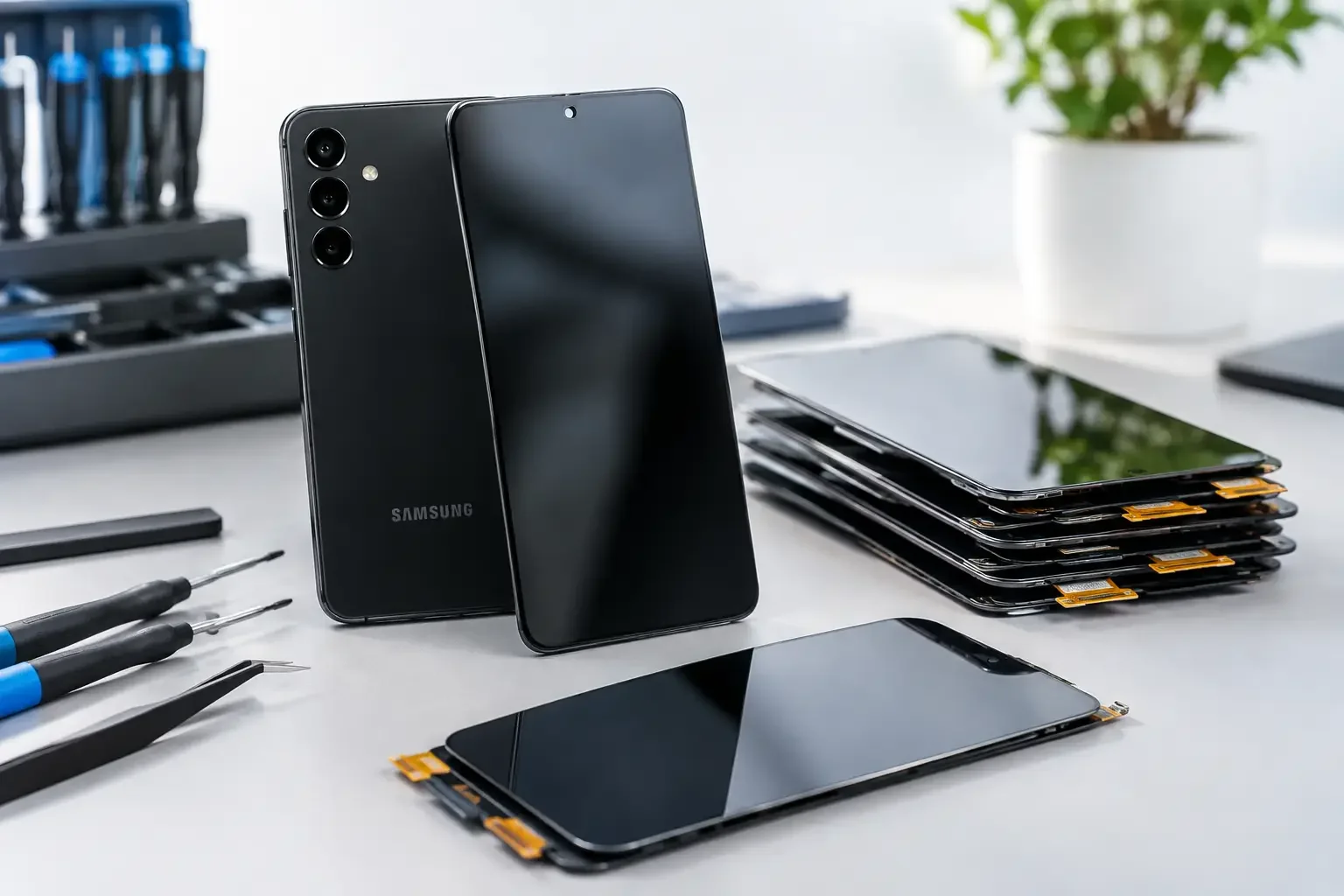
A broken display requires more than just a new glass: to correctly choose Samsung screens, one must identify the exact model, the panel technology, and the performance level required by the customer. On many Galaxy smartphones, a similar code does not guarantee real compatibility. A 4G variant and a 5G variant, a European model and one destined for another market, or a revision with a different fingerprint sensor can have different display groups.
For a repair shop, the most costly mistake is not purchasing a higher or lower-end replacement. It’s ordering an unserviceable module, wasting time on return management, and keeping the device idle on the counter. A clear identification procedure reduces this risk and allows for a repair that is consistent with the age, value, and use of the smartphone.
Samsung Screens: Identify the Model Before Ordering
The commercial name is a first reference, but it should not be the only one. “Galaxy A” or “Galaxy S” identifies a family, not a component. Before opening the device, it’s preferable to check the model code in the settings, on the chassis if present, or via an internal label and printed code on the original display.
The code may start, for example, with SM- and continue with an alphanumeric combination. This is the most useful data for distinguishing seemingly identical devices. Even the diagonal size is not a sufficient criterion: two 6.5-inch panels may have completely different connectors, resolution, refresh rate, bezels, and flat cable positions.
Before purchasing, checking at least four elements avoids most incompatibilities:
- complete device model code;
- original display technology and presence of in-display fingerprint sensor;
- frame color, if the module is provided assembled with a frame;
- condition of connectors, battery, and chassis, which can make panel-only replacement unfeasible.
The check must also include the cause of the failure. If the phone doesn’t turn on, doesn’t charge, or isn’t recognized by the computer, the display might not be the only component involved. Replacing the module without an initial diagnosis may mask a problem with the battery, charging connector, motherboard, or power line.
OLED, AMOLED, and LCD: What Changes in Repair
The choice between OLED and LCD involves more than just image quality. It changes the behavior of the replacement, the cost of the intervention, and in some cases, the functions that the customer can expect after installation.
OLED and AMOLED panels used in many mid-range and high-end Samsung devices offer deep blacks, high contrast, and a thin profile. Each pixel emits light independently, so black does not require backlighting. This feature enhances visual rendering, but makes the panel more sensitive to shocks, pressure, and bending. Models with high refresh rates or ultrasonic fingerprints also require replacements expressly designed for that configuration.
A compatible LCD may be available for certain models originally equipped with OLED. This solution reduces repair costs but should be offered transparently. The result may entail greater thickness, different brightness and contrast, mismatched energy consumption, and absence or reduced reliability of the fingerprint reader integrated into the display. For an older device or one with low value, it can be a rational choice; for a recent Galaxy S, for a discerning customer, or for a device intended for resale, a quality OLED is usually more suitable.
Not all OLEDs are equivalent. Differences may involve color fidelity, maximum brightness, uniformity, touch sensitivity, durability, and behavior under low-frequency lighting. The technician should evaluate the replacement concerning the end use, avoiding both oversizing the intervention and proposing a component that compromises a previously premium experience.
Display with Frame vs. Panel Without Frame
A display module with a frame includes the panel already mounted on the central frame. It is often the most efficient solution when the shell is deformed, edges are damaged, or old adhesives make recovering components risky. Transferring the motherboard, battery, speakers, cables, and buttons requires care, but the new panel is installed on a structure that is already corrected and clean.
The display without a frame instead requires detaching the original panel from the existing frame. This can reduce the cost of the replacement and maintain the original shell, but increases the sensitivity of the process. Controlled heat, appropriate opening tools, complete removal of adhesive residues, and verification of frame flatness are necessary. If the frame is even slightly bent, the new screen can suffer localized stresses and break during installation or in the days following.
The choice thus depends on the actual damage, the available labor time, and the quality of the desired result. For repeatable interventions and tight timelines, the module with a frame can reduce unexpected issues. For targeted repairs, where the frame is perfect and the customer has a defined budget, the panel without a frame remains a valid option for equipped technicians.
Testing Procedure Before Closure
The display should not be glued as soon as it's connected. Bench testing, before removing protective films and adhesives, is an essential step to avoid unnecessary re-openings. Connecting the new module, starting the device, and checking image, touch, and brightness allows for the immediate identification of incorrectly seated flats or defects in the replacement.
The check should include the entire touch surface, not just the center of the panel. It’s useful to test the edges, quick typing, scrolling, auto-rotation, proximity sensor, and front camera. In models where it’s available, the fingerprint reader should also be checked: after a replacement, new fingerprint registration may be required, while actual compatibility depends on the technology of the installed panel.
Before the final reassembly, disconnect the battery when the model procedure allows. This prevents accidental short circuits during flat connections and protects the circuits during board operations. Working with non-metallic tools in the most sensitive areas and using a controlled heat source reduces the risk of damaging cables, seals, or batteries.
Adhesives, Seals, and Finishing the Repair
A new display mounted with insufficient adhesive can lift at the edges, accumulate dust, or lose stability with temperature variations. Conversely, excess liquid glue can reach speakers, side buttons, sensors, or connectors. The amount and type of adhesive should be chosen based on the geometry of the frame and the closure procedure required by the model.
Sealing gaskets, when present, merit a realistic assessment. After opening, the original resistance to water and dust cannot be taken for granted. Even with new adhesives applied correctly, previous shocks, frame deformations, or micro-damages to the back cover can reduce protection. Communicating this aspect to the customer is part of a professional delivery, especially for devices claimed to be water-resistant.
It is advisable to carefully clean the frame, ensure no glass or residues remain along the perimeter, and check for uniform pressure during closure. A precise finish improves aesthetics, but more importantly, prevents noise, bending, and premature detachment.
How to Manage Replacement for the Right Customer
The repair proposal should start from three data points: overall condition of the phone, user expectations, and the commercial value of the device. A premium display on a smartphone with a worn-out battery, broken cover, and unstable connector may not be the most economical choice. In these cases, it’s helpful to present alternatives and, if necessary, plan a combined intervention.
For service centers, maintaining a small stock of the most requested models reduces idle times, but inventory should be rationalized based on rotation rather than just model popularity. Devices from the Galaxy A series often have high repair volumes; the S and Note series, on the other hand, require greater attention to quality, integrated functions, and perceived value. An organized catalog by model and panel type, like the Samsung spare parts catalog at iPhoneHospital.it, helps reduce selection errors when the counter is under pressure.
The best repair is not always the one with the most expensive display. It is the one that starts from the exact identification of the device, clearly states the type of panel installed, and returns a tested, clean phone suitable for the intended use.