


Why Does iPhone Heat Up While Charging?
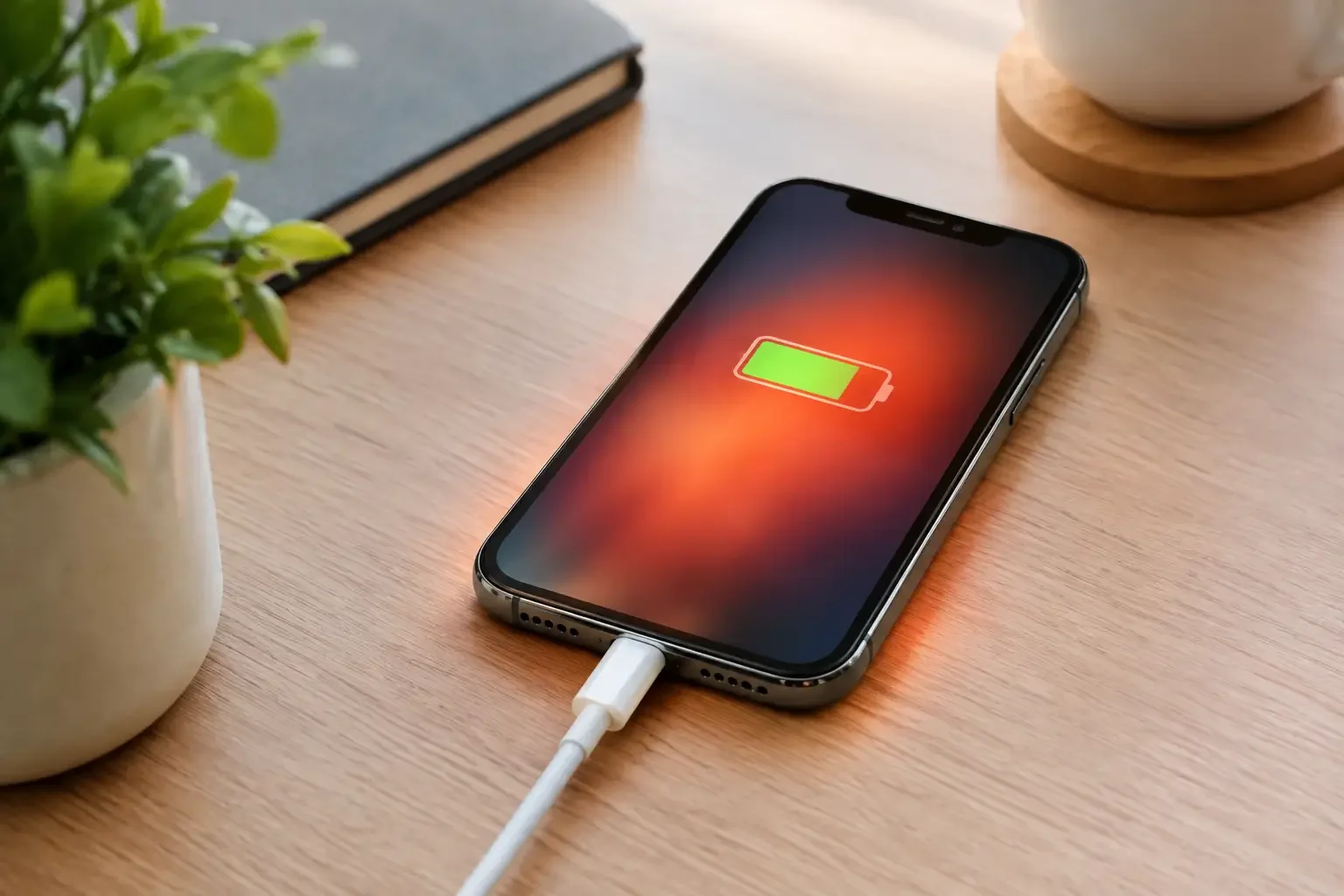
An iPhone that becomes warm while connected to the charger is not automatically a malfunctioning device. However, if the heat is intense, occurs frequently, or is accompanied by slow charging, crashes, and shutdowns, a thorough diagnosis is needed. Understanding why the iPhone heats up during charging allows you to distinguish between normal behavior and issues with the battery, power supply, or logic board.
When Heating During Charging is Normal
During charging, the iPhone converts energy from the charger, manages the lithium-ion battery, and simultaneously powers the system. Inevitably, some energy is lost as heat. This phenomenon is most apparent in the initial phase of charging when the battery receives more power, or when utilizing fast charging with a USB-C Power Delivery charger.
Using the phone while charging significantly raises the temperature. Video calls, gaming, GPS navigation, hotspots, high-definition streaming, and background-running applications add their load to the charging circuit. In this case, heat is not solely generated by the battery: the processor, modem, display, and power management all contribute to the temperature felt on the case.
A slight warming localized at the back or lower area of the device is normal. However, it is not normal if the iPhone is difficult to hold, displays a temperature warning, has reduced brightness without an apparent reason, or repeatedly stops charging.
Why iPhone Heats Up While Charging: Common Causes
The cause should be investigated starting from the charging setup, then moving on to internal components. Many anomalies are external to the phone and can be resolved without replacing any parts.
Charger, Cable, and Wireless Charging
An inadequate charger, non-compliant with required charging profiles, or damaged can provide unstable voltage and current. The iPhone's internal controller attempts to manage the anomaly, but charging may become inefficient and generate heat. The same applies to Lightning or USB-C cables with worn connectors, compromised internal shielding, or oxidized contacts.
Wireless charging requires additional checks. If the charger's coil is not properly aligned with the iPhone's coil, it can dissipate some energy, causing the temperature to rise. Very thick cases, metal accessories, incompatible magnetic rings, or a low-quality charging pad worsen inductive transfer. Compared to wired charging, a wireless charger might feel hotter even when functioning correctly: this is a known trade-off of the technology.
For a reliable test, use a proper charger, an intact cable, and connect the iPhone directly to a stable outlet. Avoid overloaded extensions, cheap multi-adapters, and USB ports on computers not designed to deliver constant power.
Degraded or Improperly Installed Battery
An aging battery increases its internal resistance. When it receives current, more energy is transformed into heat instead of being efficiently stored. Symptoms may include reduced battery life, erratic percentage fluctuations, shutdowns under load, and limited performance.
In devices already opened, the quality and installation of the component must also be considered. A compatible but unsuitable battery model, with damaged flex, improperly seated connector, or poorly placed adhesives requires technical inspection. Do not force the charging of a swollen, deformed battery or one with an unusual odor: the device should be powered off and the component safely replaced.
For the technician, the check should not stop at the battery status displayed in iOS. This data is useful, but does not replace the observation of behavior under load, consumption when the screen is off, and the device's response during charging. In iPhone replacements, compatibility for the model is the first requirement: connector, capacity, management circuit, and physical format must match exactly.
Dirty or Damaged Charging Connector
Lint, dust, metal debris, and oxidation in the Lightning or USB-C port prevent stable contact. The iPhone may continuously alternate between connecting and disconnecting, slow down charging, or heat up more than expected. Before attributing the defect to the battery, inspect the port with adequate lighting and suitable non-metallic tools.
If the connector has bent pins, corrosion, or visible mechanical play, cleaning is insufficient. In models where the charging group integrates microphones, antennas, or other flats, a replacement performed without verification may introduce secondary defects. It is advisable to test charging, data transfer, microphone, and signal after the intervention.
Apps, iOS, and Background Activities
The iPhone can heat up during charging even if the problem is software-related. A stuck app, very heavy cloud synchronization, restoring a backup, indexing after an iOS update, or a weak network signal can keep the processor and modem active. If the device is constantly searching for a signal, especially in 5G or during hotspots, heat can increase even with the screen off.
The practical check consists of rebooting the iPhone, updating iOS and apps, checking which applications consume the most battery, and repeating the test in airplane mode. If the temperature drops significantly in airplane mode, the radio component or a network process is a solid lead. If the heat remains the same during charging with the phone inactive, attention should return to the battery, connector, and power circuit.
Signs That Require Technical Diagnosis
The thermal protection of iOS can slow down charging, reduce brightness, limit some functions, or show a warning when the temperature exceeds a safety threshold. Do not bypass these signals by placing the iPhone in the refrigerator or in front of a very cold air stream: condensation can damage internal components. Remove the case, unplug the power, and let the device cool to room temperature is the correct procedure.
A laboratory check is recommended when the iPhone heats up quickly even when off, does not exceed a certain charge percentage, draws abnormally from the bench power supply, or always heats up at the same point. A hot area near the connector suggests checking the port and input line; heat in the battery area requires attention to the battery and connections; a very hot spot on the board may indicate a charging circuit failure, short circuit, or leakage.
For the repair technician, testing with a bench power supply and measuring its absorption provides more useful data than mere touch perception. A thermal camera, isopropyl alcohol to highlight evaporation, or dedicated diagnostic tools can pinpoint a struggling component. Preventively replacing the battery only makes sense when tests render it plausible: changing components without isolating the cause increases time and costs.
How to Reduce Overheating Without Compromising Charging
The first rule is to charge the iPhone on a flat, clean, and well-ventilated surface. Beds, sofas, cushions, and sun-exposed cars retain heat and make dissipation less effective. During charging, remove the case if it is thick or thermally insulating, and suspend gaming, GPS navigation, and long video calls.
It is preferable to use reliable chargers and cables suitable for the power supported by the model. A higher power is not always problematic, as the iPhone negotiates current with the charger, but a defective or non-compliant accessory remains a risk. With wireless charging, check alignment and remove objects between the phone and the pad.
It is also worth checking the optimized charging feature. When active, iOS may slow down or complete the charge later to reduce the time spent at 100%. This is not a malfunction and should not be confused with slow charging caused by heat.
Heat Only Appears Up to 80%: Is It a Defect?
Not necessarily. The initial charging phase is typically more vigorous and may produce more heat. As it approaches full charge, the system gradually reduces current. If the device cools down after 80% and shows no other symptoms, the behavior can be normal.
Is It Safe to Use the iPhone While Charging?
For light activities, yes, but it is not the best condition for the battery and temperature. If the device is already warm, using it intensely while charging lengthens charging times and increases thermal stress. For a reliable diagnostic test, leave it inactive with the screen off.
When the heat is recurrent, the effective choice is not to seek a generic remedy but to identify the variable causing it: accessory, environment, software, or internal component. A methodical check avoids unnecessary replacements and brings the iPhone back to stable, safe charging that is compatible with its daily use.