


Why iPhone Won't Charge from Connector
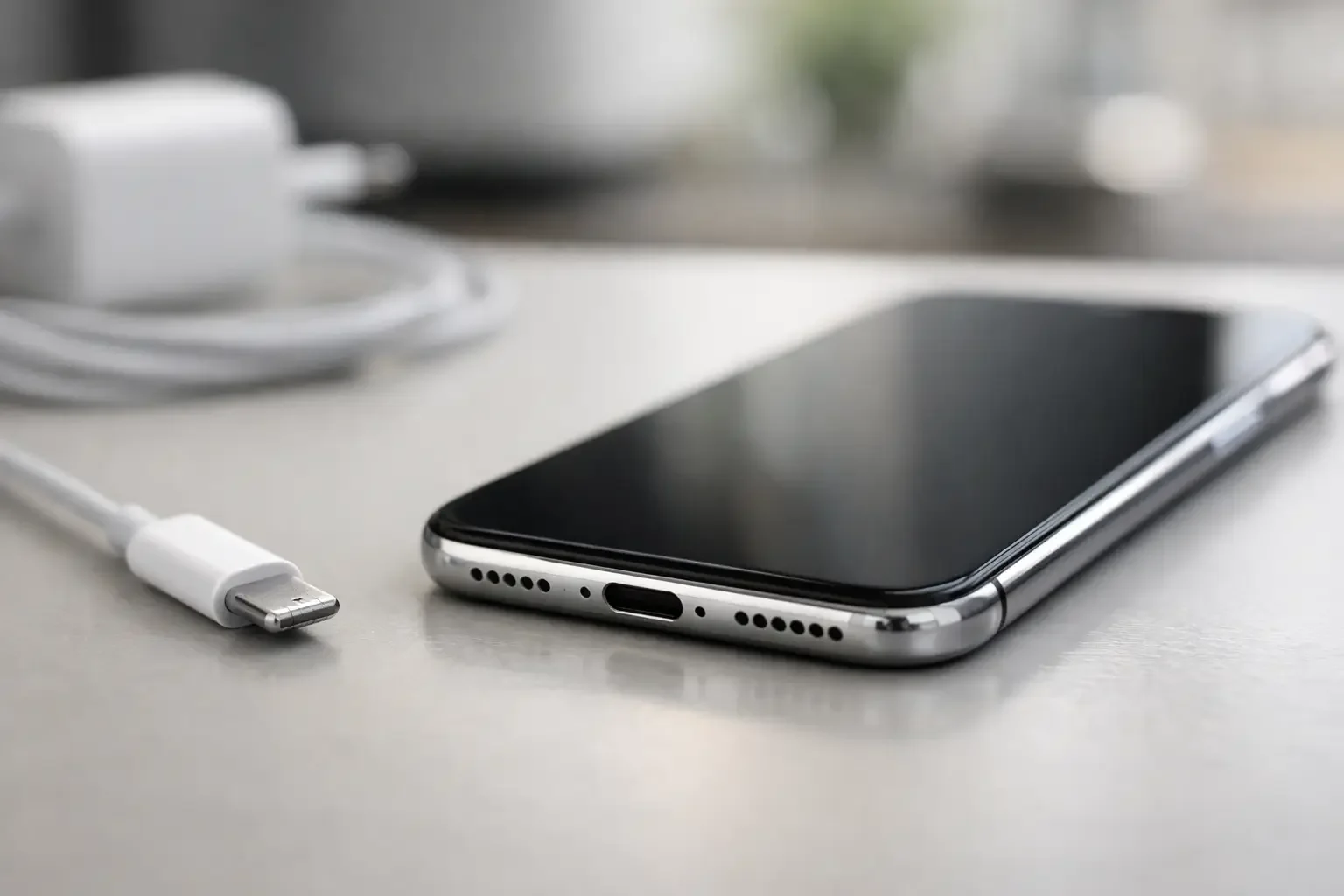
When a customer arrives at the counter asking why the iPhone won’t charge from the connector, the issue is rarely singular. Charging failures can be due to dirt in the dock, damaged pins, unstable cables, unusual absorption, degraded batteries, or faults on the charging line in the board. Understanding where the chain breaks is the key to saving time.
For those working in repair or managing repairs independently, the charging connector shouldn’t be treated as the only suspect. It’s one of the most common causes, but it’s not always the right one. A hasty diagnosis often leads to replacing the flat dock when the actual defect lies in the cable, power supply, or a board component.
Why iPhone Won't Charge from Connector: Where to Start
The first useful check is to distinguish three scenarios. The first is when the iPhone doesn’t detect the cable at all. The second is when the iPhone detects the connection but doesn’t charge, or charges intermittently. The third is when the iPhone charges very slowly or only when powered off. Each behavior points to a different diagnosis area.
If the device shows no reaction to the connection, the initial focus should be on the port, cable, power supply, and continuity of the input circuit. If the charging symbol appears but the percentage doesn’t rise, battery condition, absorption, and power management must be checked. If charging only starts by tilting the cable or applying mechanical pressure, the primary suspicion remains with the connector group or dock wear.
Common Causes of the Problem
Dirt and Oxidation in the Connector
The simplest cause is also one of the most frequent. Compressed dust, textile fibers, and debris in the Lightning or USB-C port prevent proper cable engagement. In many cases, the connector only seems to fit, but doesn’t make complete contact, and the pins don’t function stably.
On devices exposed to humidity or liquids, oxidation should also be considered along with dirt. Even slight corrosion can disrupt continuity on power or data contacts. If the phone charges sporadically or isn’t recognized by the computer, this hypothesis should be verified immediately.
Defective Cable or Power Supply
It sounds trivial, but in real diagnostics, out-of-device issues are much more common than admitted. A worn cable can provide unstable voltage, interrupt a data line, or have consumed terminals. The same applies to undersized or unreliable power supplies.
The correct test isn’t just to try another random cable. You should use a known working cable and a compatible power supply, preferably already tested on another device. This is the only way to truly eliminate the external variable.
Damaged Flat Dock
If the defect lies within the component, the flat dock remains the main candidate. Mechanical wear, infiltrations, bent pins, microfractures in the flat, or damage from forced insertions can compromise the circuit. In newer models, the dock group often also integrates microphones, antenna contacts, or other elements, so a local damage can produce combined symptoms.
A typical signal is when charging only starts in one position of the cable, or when the device stops being recognized by the PC. In these cases, replacing the connector is plausible, but it should always be preceded by minimal tests to avoid unnecessary changes.
Out-of-Specification Battery
Not everything that seems like a port problem is genuinely a port issue. A battery with high internal resistance, unstable voltage, or active protection can prevent regular charging. The phone indicates a connection, but the real increase in percentage is none or very slow.
Here, the electrical behavior counts, not just the battery health read by the system. A degraded battery may still turn on, making one think there’s a dock defect, when in reality the limitation is in the battery pack.
Motherboard Failure
When the connector, cable, power supply, and battery check out, the diagnosis shifts to the board. Charging lines may have issues with filters, protections, management circuits, or damaged traces. After drops, liquids, or previous repairs, this possibility rises significantly.
Symptoms can vary: zero absorption, fixed absorption with no boot, intermittent charging, absent USB recognition, or localized overheating. Here, a generic functional test is no longer sufficient. Measurements are needed.
Technical Checks to Do Before Replacing the Connector
Thorough Optical Inspection
Before disassembling, it's advisable to inspect the cavity with a magnifying glass or microscope, if available. Compacted residues at the bottom of the dock perfectly simulate a connector fault. Even deformed pins are often visible to a trained eye.
Cleaning should be done methodically and without forcing contacts. If after cleaning the cable fits properly and charging returns to stability, the component didn’t need replacing.
Testing with Known Power Supply
Using a certain combination of cable and power supply avoids incorrect diagnoses. If available, the USB bench power supply or current tester helps immediately determine if the phone is drawing power and with what stability. No absorption points to the port or board. Abnormal but present absorption opens broader scenarios.
Check Data Recognition
If the phone charges but isn’t detected by the computer, the issue might not only be on the power line. The dock could have a partially damaged section, or the fault could lie in data management and USB lines. This test is useful as it narrows down the repair perimeter.
Checking for Liquid Signs
On iPhones with a history of liquid exposure, the charging connector is one of the first points to check, but not the only one. If there’s oxidation in the dock area, it must be considered that the damage may extend along the flat or reach the board. In these cases, replacing only the connector may resolve the issue, but not always definitively.
When the Connector is Really at Fault
Symptoms Pointing to the Dock
The suspicion is strong when the cable has excessive play, charging starts by moving the terminal, the connector has compromised pins, or the phone doesn’t maintain a stable connection. Also, the absence of charging with verified battery and external power shifts the diagnosis toward the dock group.
Another useful clue is the presence of secondary defects consistent with the flat. On some models, for example, issues may appear with the lower microphone or other elements integrated into the same group. In that case, the component becomes even more likely as the primary cause.
When Changing the Part Isn’t Enough
If the new dock doesn’t change the behavior, the problem was elsewhere. This often happens in devices with liquid damage, in phones that have endured significant impacts, or in cases with irregular absorption already in the initial phase. Here, replacing the connector is just a step of exclusion, not the final solution.
For a workshop, the goal isn’t just to repair, but to avoid downtime. Therefore, it’s beneficial to think technically by exclusion rather than by random attempts.
Why iPhone Won't Charge from Connector: Frequent Diagnosis Errors
The most common mistake is confusing no charging with slow charging. In the first case, the dock is immediately suspected. In the second, battery, system absorption, temperature, or inadequate power supply often come into play. Treating them the same way leads to unnecessary mounted spare parts.
An additional recurring mistake is stopping at the battery icon test. Just because the icon indicates charging doesn’t mean that the current is actually going where it should. Without observing times, the percentage increase, and the device’s behavior under load, the diagnosis remains incomplete.
Then there’s the issue of spare part compatibility. Not all flat docks offer the same construction level. On sensitive models, uncertain quality can generate new symptoms or instability. For those who routinely purchase components, relying on a specialized supplier like iPhoneHospital.it helps reduce this margin of operational error.
When to Switch from Basic to Advanced Diagnosis
If after cleaning, testing with a certain cable, and checking the battery the phone still doesn’t charge from the connector, it’s time to step up. At that point, laboratory tools and methods are needed: measuring absorption, internal inspection, testing with a substitute dock, visual inspection of the board, and checking for signs of oxidation.
For those who repair daily, the advantage is clear. An organized diagnosis reduces internal returns, limits the replacement of good components, and shortens the customer's device downtime. For the experienced user operating independently, the principle is the same: first isolate the defect, then order the part.
When an iPhone doesn’t charge from the connector, the correct solution is almost never the quickest to imagine, but one that eliminates one variable at a time with technical criteria. It’s this approach that makes the difference between a casual repair and an intervention that lasts over time.