


What Tools Are Needed for Micro Soldering
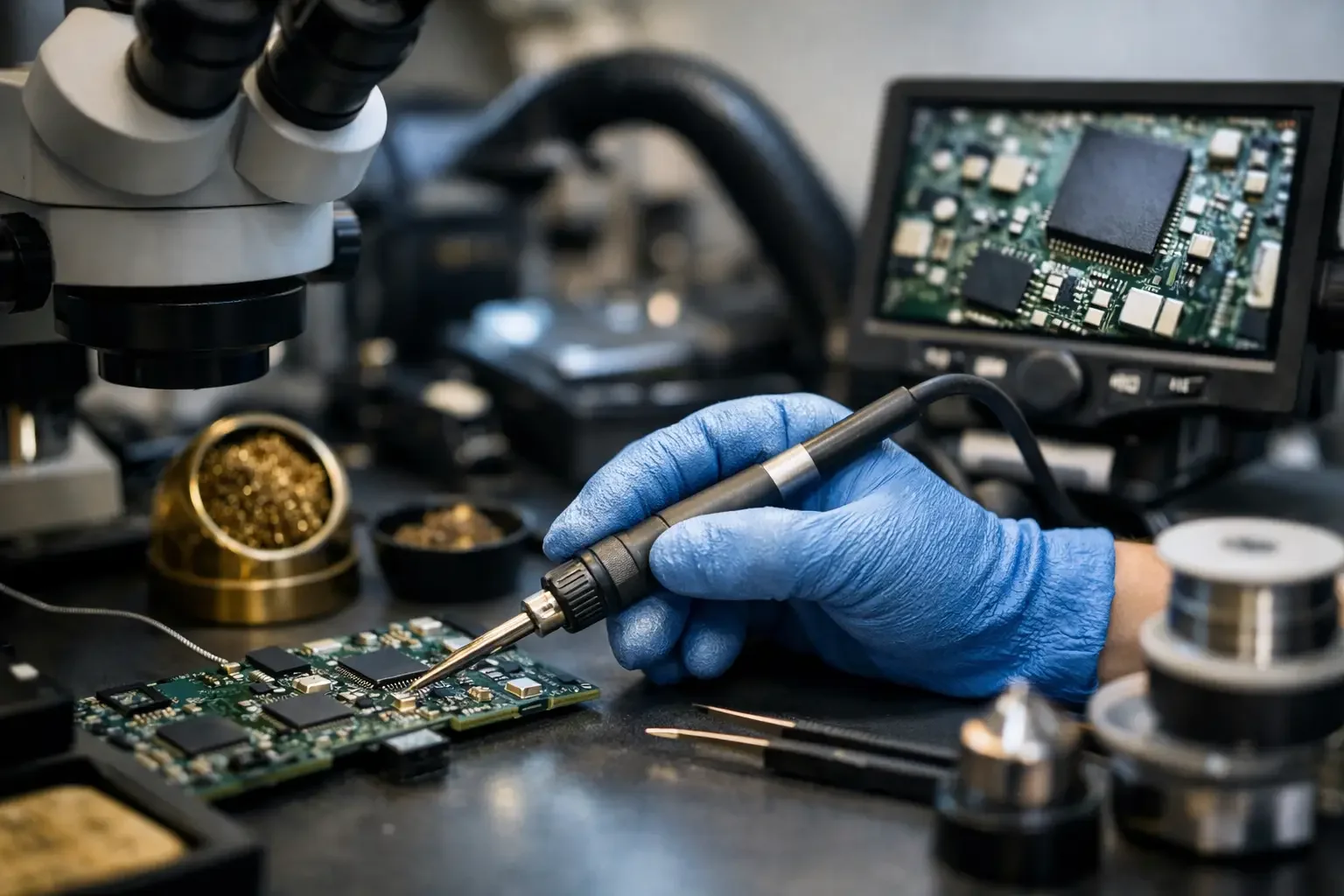
When working on tiny pads, data lines, FPC connectors, or high-density SMD components, asking what tools are needed for micro soldering is not just a formality. It’s the crucial point that separates a clean repair from damage to the board. When working on iPhones, iPads, MacBooks, and compact devices, the choice of equipment directly impacts precision, intervention times, and success rates.
Micro soldering requires more than a steady hand. It needs a properly set up workstation, tools that match the type of board, and consumables that assist the technician instead of complicating the job. Wasting money on a single item, such as an unstable tip or unsuitable flux, often costs more than it seems because it increases the risks of lifting pads, overheating nearby components, or having to redo the work.
What Tools Are Needed for Micro Soldering on Electronic Boards
The first truly essential tool is the soldering station. For micro soldering, it requires stable temperature control, quick temperature recovery, and compatibility with fine tips. A generic station is not enough. On multilayer boards with heat-absorbing masses, a sluggish machine makes the work slow and uneven. The typical result is dull soldering or excessive thermal exposure.
Next to the soldering station, there is usually a hot air station. It’s used for SMD rework, IC removal, shields, connectors, and components that are glued or require a more uniform heat distribution. Here, the difference is made by flow stability, nozzle precision, and actual temperature adjustment. An overly aggressive airflow can displace components. A flow that is too weak prolongs the times and stresses the board.
The third indispensable element is the microscope. Without adequate magnification, micro soldering becomes a trial-and-error endeavor. A good stereoscope allows the technician to see the wetting of the solder, the cleanliness of the pad, any bridges, and the correct centering of the component. For work on Apple boards, where components and pads are often very close together, the microscope is not an accessory: it’s part of essential equipment.
Tips, Flux, and Solder Matter Too
One of the most frequently overlooked aspects concerns soldering tips. In micro soldering, there is no one-size-fits-all tip. Very fine tips help with jumpers, small pads, and sensitive lines, but they don’t always transfer heat in the best way. In some cases, a slightly wider well-shaped tip works better because it delivers heat steadily without requiring the technician to linger too long on the point.
The flux also plays a significant technical role. Good flux improves wetting, reduces oxidation, and makes the behavior of the solder more readable during work. Aggressive or overly fluid flux can create a mess, leave annoying residues, or make the area less controllable. For dense componentry, it’s best to choose formulations suitable for micro soldering, not generic products designed for coarse electronics.
Solder should be selected based on the type of intervention. Diameter, alloy, and melting ease significantly impact performance. For fine touch-ups and the reconstruction of delicate points, thin and consistent solder is useful. For reballing, reinforcements, or different operations, various materials may be necessary. The technician who often works on smartphones and laptops knows well that a comfortable alloy on one board can become uncomfortable on another.
The desoldering braid completes this block of essential materials. It’s used to clean pads, remove excess solder, and prepare the surface before new soldering. If the braid is of low quality or poorly matched to the flux, it tends to work poorly and can require more passes than necessary.
Optical Equipment and Workbench Support
If the question is what tools are needed for micro soldering in a truly operational way, everything that makes the bench stable must be included. The PCB support is one of these tools. Keeping the board still, adjustable, and at the correct height reduces errors and fatigue. Working with a board that moves while soldering a connector or reconstructing a track is one of the quickest ways to compromise the result.
Lighting is equally important. Even with the microscope, well-diffused and adjustable light improves detail reading, residue contrast, and recognition of micro-fractures or cold solders. On a professional bench, light isn’t just for seeing better; it’s for spotting errors before they happen.
Also very useful are non-magnetic tweezers, technical scalpels, spatulas, ESD-safe brushes, and precision cleaning tools. They may not seem like protagonists, but they come into play in almost every intervention. Removing adhesives, lifting shields, positioning components, cleaning charred residues, or preparing a corroded area requires tools aligned with the level of detail of the work.
Power, Measurement, and Diagnosis
Micro soldering without diagnosis is incomplete. Before soldering, it’s essential to understand if it makes sense to do so and where to intervene. For this reason, an adjustable bench power supply is often indispensable. It allows for readings on current draws, checking for shorts, observing anomalous behaviors at startup, and working more controlled on boards.
The multimeter remains a basic tool for continuity, voltages, resistances, and quick checks on lines and components. In more advanced work, infrared cameras, dedicated meters, and injection tools come into play, but for many workshops, a good power supply and a good multimeter already cover a significant part of pre-and post-intervention diagnosis.
This is the part that often causes delays for those setting up an incomplete bench. One invests in a soldering iron and a hot air system but neglects everything else. Then the problem isn’t soldering the component; it’s figuring out whether that component was truly the issue.
Cleaning, Protection, and Consumables
An effective micro soldering bench always has a section dedicated to cleaning. Isopropyl alcohol, technical wipes, professional cotton swabs, ESD-safe brushes, and residue removal products help maintain a clear workspace. Cleaning thoroughly between steps allows you to verify the quality of the joint and reduces false visual signals under the microscope.
High-temperature tapes, thermal shields, and materials to protect nearby components during hot air interventions must also be considered. On dense boards, the risk isn’t just poorly soldering the target point; it’s altering everything around it.
No less important is ESD management. Mats, wrist straps, and organized workspaces help reduce the risk of electrostatic discharge, especially when working on sensitive components and high-value boards. ESD damage is not always immediate or evident, which is why it’s easy to underestimate.
Basic Set or Complete Bench: It Depends on the Type of Interventions
Not everyone needs the same level of equipment. Those performing occasional interventions on connectors, small touch-ups, or simple replacements can start with a good soldering station, microscope, suitable flux, tweezers, braid, and cleaning tools. It’s a sensible base, as long as the quality matches the work to be done.
Those working in a lab on iPhone, iPad, or MacBook motherboards need a more comprehensive setup. Hot air stations, PCB supports, adjustable power supplies, tip sets, thermal protection materials, ESD tools, and a well-selected range of consumables become ordinary elements, not optional. In these cases, it makes sense to seek everything in a specialized laboratory accessories section, ensuring consistency between tools, consumables, and spare parts.
For those who frequently operate on Apple devices, the rapid availability of the right component and correct equipment from the same supplier reduces downtime and fragmented purchases. If the workflow includes both board-level repairs and component replacements, having access to spare parts for iPhone, iPad, MacBook, AirPods, or Apple Watch alongside workbench equipment is a practical advantage even before it becomes commercial.
The Most Common Mistake: Buying for Price, Not Actual Use
In micro soldering, initial costs matter, but compatibility between tool and work matters more. A budget station may suffice for sporadic and simple tasks. For frequent interventions, however, thermal instability, poor ergonomics, and unreliable consumables become an operational cost. Time is lost, mistakes increase, and the bench always lags behind the laboratory’s needs.
This is why it’s wise to prioritize purchases. First, invest in tools that truly impact the precision and safety of the work, then on complementary accessories. A bench that grows in an orderly manner performs better than one hastily assembled with disconnected components.
If the goal is to work well and reduce error margins, the right question isn’t just what tools are needed for micro soldering. It’s what tools are needed for the type of micro soldering you do every day, on the type of boards that truly come into your workshop.