


USB Tester Review: Which to Choose in the Lab
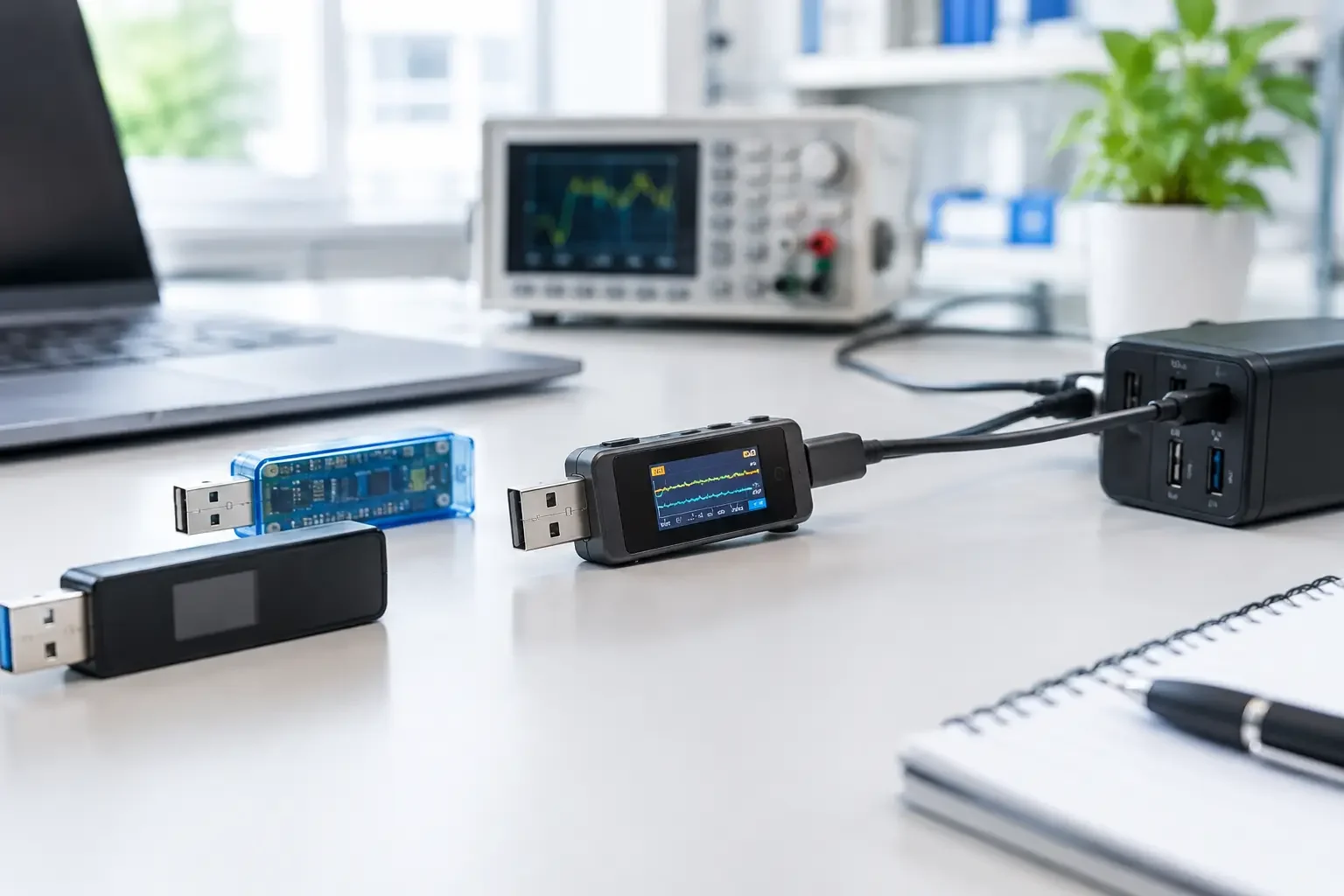
A power supply says 9 V, but the iPhone draws only a few milliamps. A USB-C cable charges one device but not another. A battery appears faulty when the real issue is a port with worn contacts. In these cases, a useful USB tester review does not just highlight a larger display or more features; it must clarify what data is truly needed to reach a repeatable diagnosis.
For a lab, a USB tester is a verification tool among power supply, cable, and device. It measures voltage, current, power, and energy transferred; in more advanced models, it reads rapid charging protocols and USB-C Power Delivery negotiations. It does not replace a bench power supply, multimeter, or board analyzer, but it reduces random attempts during acceptance testing.
USB Tester Review: What to Measure
The essential readings are volts, amps, and watts. Voltage checks what the power supply is actually providing. Current shows the device's instantaneous draw. Power, derived from the voltage-current ratio, helps determine if charging is occurring at normal levels or if it’s being limited by the cable, charger, port, or device management.
A practical example: an iPhone connected to a compatible charger may initially draw a high power, then reduce it based on battery percentage and temperature. A low reading does not automatically indicate a fault; it should be interpreted by comparing battery condition, charge level, cable used, device temperature, and negotiated protocol.
Therefore, a good tester must update values consistently and have a resolution suitable for its intended use. For quick checks, seeing voltage and current variations is sufficient. For diagnostics on connectors, cables, and unusual draws, readable decimal values, peak recording, and session history or graphs are more useful.
The measurement in mAh and Wh is another interesting function but should be interpreted cautiously. The value represents energy passed through the tester, not the actual capacity of the installed battery. Conversion losses, phone consumption during the test, and charging algorithms render the value unsuitable for certifying a battery's state by itself. However, it is valid for comparing multiple cables, chargers, or test cycles under the same conditions.
USB-A, USB-C, and Protocols: Compatibility Matters
The first selection criterion is the connector. A traditional USB-A tester is still useful for legacy power supplies and accessories, but it cannot accurately analyze all functions of modern USB-C charging. To work with recent smartphones, tablets, notebooks, and PD chargers, the USB-C format is now essential.
The physical presence of a USB-C port is not enough. It’s important to verify which protocols the tool can recognize or request: USB Power Delivery, PPS, Quick Charge, and other proprietary standards. In a mixed Apple and Android environment, the advantage is not to get a longer list on the package, but to identify whether the charger and device are negotiating the expected profile.
On a MacBook powered via USB-C, for example, it’s useful to observe available voltage and power but also to see if the charger correctly proposes the necessary PD profile. An adapter supplying 5 V without negotiating the higher profile can keep the computer powered or charge it slowly, creating a false suspicion about the battery. For such interventions, the control needs to be complemented with dedicated tools and verification of components in the MacBook battery category.
Pay attention to the direction of flow as well. Some testers are designed only to measure energy from the power supply to the device; others handle bidirectional scenarios, power banks, hubs, and devices that output current better. If the lab conducts tests on USB-C docks or notebook accessories, this distinction becomes tangible.
The Limitation of Budget Testers
A basic model may suffice to confirm that a charger is supplying voltage and that a cable is not completely broken. It becomes less reliable when analyzing PD negotiations, micro-variations in draw, high power, or USB-C e-marker cables.
The initial savings might make sense for the acceptance bench or a mobile kit. However, for the technical department, an incomplete tool risks generating repeated checks with different instruments. The choice should be based on the types of devices that actually enter the lab, not just on price or the number of available screens.
Display, Logging, and Truly Functional Features
A color display can make readings quicker, especially when the tool simultaneously shows volts, amps, watts, and the protocol. However, it’s not a decisive requirement if the characters are small, the contrast poor, or the interface requires constant scrolling through pages.
For those managing many repairs, memory of measurements, maximum value detection, a timer, and possible data export are more useful. Historical data helps document intermittent behavior: a drop in voltage during cable bending, fluctuating current with connector movement, or power interruptions under load.
The trigger function, present in advanced models, allows you to request a specific voltage from the power supply that is compatible with the supported protocol. It’s useful for testing cables, modules, converters, and power circuits. It should be used judiciously: forcing an incorrect voltage onto an accessory or a board not designed to receive it can cause damage. The tester should not turn a quick test into a risk for the device.
How to Use a USB Tester in Diagnostics
The correct method always starts from a known configuration: reliable power supply, certified or already tested cable, device at room temperature, and noted charge state. Only then do the detected data become comparable. If all the elements change within the same test, the final value tells very little.
When a phone isn’t charging, connecting the tester between the power supply and cable helps separate the most frequent cases. If no voltage appears, the problem may be upstream. If voltage is present but current remains almost zero, check the cable, connector, and charging circuit. If the draw appears and falls repeatedly, observe any system messages, battery state, humidity, temperature, or instability in the port.
On devices with a worn connector, measurements should be taken while carefully moving the cable and checking if the value changes. It’s not a complete diagnostic repair, but it can quickly direct visual inspection and any replacement of the component. To work on the connector without damaging the casing and flat cable, appropriate opening tools and precision instruments are needed, not improvised levers.
The USB tester is also useful after a battery replacement. During testing, it verifies that the device accepts the charge, maintains consistent power, and doesn’t exhibit unusual interruptions. However, it cannot replace a software check, test cycle, or load absorption verification on a bench power supply when suspecting a logical board defect.
USB Tester vs. Multimeter: Different Tools
The multimeter remains indispensable for measuring continuity, voltages at specific points, resistances, and diodes. The USB tester works instead on the behavior of the complete charging system, without needing immediate access to the board. Used together, they avoid both premature disassembly and conclusions based solely on a value read at the port.
In a well-equipped bench, the USB tester is the first non-invasive check; the multimeter steps in when the problem requires precise electrical measurements. For daily diagnostic activities, having multimeters and bench power supplies complements the workflow with tools suitable for different levels of analysis.
Which USB Tester to Choose
For interventions on smartphones and standard accessories, choosing a clearly readable USB-C model with volts, amps, and watts is generally the most practical solution. For a lab that also receives notebooks, tablets, power banks, and Android devices with rapid charging, it’s worth adding support for Power Delivery, PPS, protocol detection, and logging.
Those diagnosing boards, professional cables, and high-power chargers should also consider declared accuracy, maximum supported current, pass-through, PD trigger, and connector quality. The tester must be compatible with the power intended for measurement: an undersized device limits the test or introduces a weak point in the power chain.
The most useful data is not the highest one on the display but that obtained under controlled conditions and comparable to a previous test. A well-chosen USB tester transforms charging from a generic symptom to a sequence of verifiable measurements, saving time before even opening the device.