


Liquid MacBook Recovery: What to Really Do
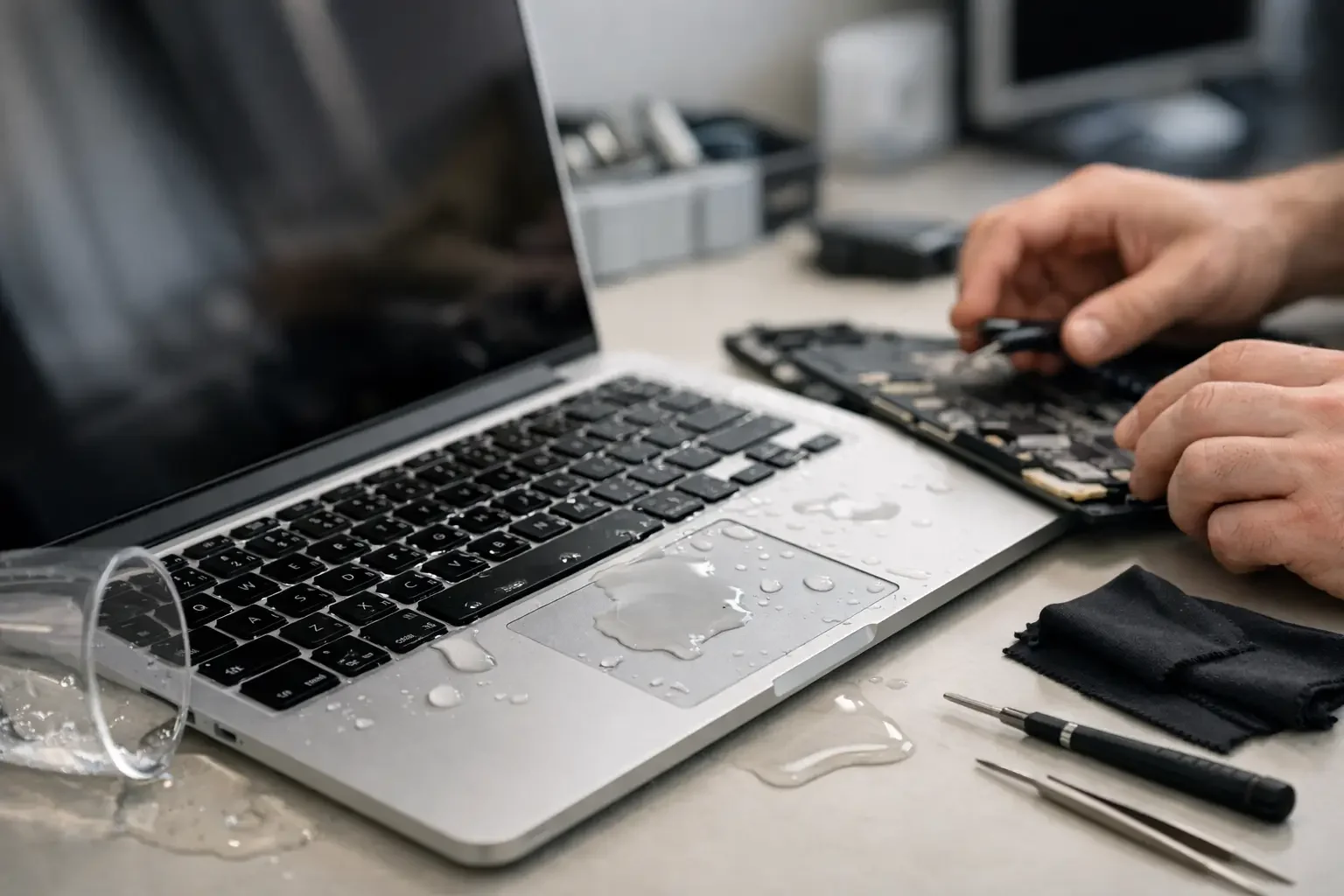
A liquid MacBook recovery is decided within the first few minutes, but it is only completed with an accurate diagnosis of the logic board and affected parts. A MacBook that turns on after contact with water, coffee, or sugary drinks is not necessarily safe: residual moisture and conductive deposits can initiate corrosion and short circuits even days later.
For a repair shop, the priority is not to immediately restart the computer. It is to cut off power, isolate the damage, and determine whether the economically correct intervention is cleaning, board-level repair, replacing specific modules, or data recovery.
Liquid MacBook Recovery: The Correct Initial Steps
When the device arrives in the lab, immediately disconnect the power supply, USB-C or Thunderbolt peripherals, and any other external power sources. If the MacBook is on, turn it off without performing restarts, charging tests, or repeated power attempts. Connecting a charger to see if it “takes power” is one of the costliest mistakes: it can turn localized oxidation into widespread damage to the power management circuits.
The next step is to open the bottom and disconnect the battery. The procedure varies significantly between MacBook Air, MacBook Pro Retina, Intel models, and those with Apple Silicon. Before ordering or installing any components, it is essential to accurately identify model A, year, and configuration of the machine. The compatibility of a battery, keyboard, or trackpad cannot be verified solely by the MacBook's commercial name.
Once the battery is isolated, a thorough visual inspection should be conducted. Areas to check include the battery connector, charging port or USB-C module, keyboard, trackpad, flat cable, I/O board, fans, speakers, and especially the logic board. White, green, or bluish traces, sticky residues, and oxidation on the connectors are clear signs of contamination. In sugary liquids, the residue is often more dangerous than water itself because it remains conductive and retains moisture.
Why Drying Isn’t Enough
Leaving the MacBook turned off in a dry place might slow down the problem, but it doesn’t remove mineral salts, sugars, and acidic substances. Even when the water evaporates, residues remain between the connector pins, under the integrated circuits, and along the power lines. The risk increases in compact models, where the logic board is very dense and numerous components operate at different voltages just a few millimeters apart.
Rice, hair dryers, and direct heat sources are not technical procedures. Rice does not eliminate contaminants and might release dust; excessive heat can warp plastics, damage flat cables, and accelerate the migration of residues. Compressed air should also be used judiciously: it can push liquid under connectors and shields where inspection becomes more challenging.
Professional cleaning requires disassembly of the affected modules, cleaning with suitable products, and visual inspection of the board. In the presence of significant corrosion, a microscope allows for the identification of deteriorated pins, blackened passive components, compromised traces, and areas with deposits under the integrated circuits. Only after thorough cleaning and complete drying does it make sense to proceed with electrical measurements and controlled power supply.
Diagnosis: Distinguishing the Faulty Component from the Logic Board
Liquid damage does not follow a single pattern. A limited spill on the top can primarily affect the keyboard, backlighting, trackpad, and their respective flat cables. An entry from the side of the ports can impact the I/O board, USB-C connectors, and charging circuits. If the liquid reaches the logic board, diagnosis must involve short readings, current draw on a bench power supply, and verification of the main rails.
A MacBook that shows no signs of life may have a faulty battery, an open fuse, a short in the primary line, or a damaged charge controller. Conversely, a machine that starts but has random keys, an unstable trackpad, a constantly maxed-out fan, or no charging may hide damage confined to a module. Replacing parts without isolating the fault increases costs and does not protect the new part from a possible existing short.
In MacBooks with USB-C ports, special attention should be paid to the port management controllers and their respective connectors. The absence of charging from one port does not always indicate a fault with the power supply or cable. Similarly, on some generations, the keyboard is integrated into the top case: replacement requires different evaluations compared to a model with a separate keyboard.
Useful Checks Before Reassembly
After cleaning, the lab should verify the absence of shorts on critical lines, the condition of the connectors, and the integrity of flat cables. Before final assembly, it is advisable to test startup with minimal configuration, then progressively extend the test to the display, keyboard, trackpad, ports, Wi-Fi, audio, webcam, and charging.
The battery deserves specific attention. If it has been directly exposed to liquid, shows corrosion on the connector, swelling or abnormal behavior, it must be replaced. It is not a component to recover at all costs: a compromised battery can introduce instabilities and risks that do not justify the initial savings.
What Spare Parts May Be Needed After Liquid Contact
The selection of spare parts depends on the affected area and the diagnosis results. In the most common cases, repairs involve the battery, keyboard, top case, trackpad, flat cables, fans, speakers, I/O board, charging connectors, and display. For models where multiple elements are assembled in the same group, replacing the assembly may be quicker and more reliable than repairing a single component.
A spare part should not be chosen based on visual similarity. Model code, connector layout, keyboard layout, hardware revision, and compatibility with the production year are essential criteria. This is particularly relevant for batteries and top cases, where an apparently identical variant may have different screws, cables, or connectors.
For labs and technicians managing multiple Apple generations, having MacBook spare parts classified by model reduces sourcing errors and downtime. iPhoneHospital.it supports this approach with a selection focused on pinpointing specific components, helpful when the diagnosis leads to replacing a specific module.
When Is It Worth Repairing and When to Stop
Recovery is generally worth it when the contamination is limited, the logic board is repairable, and the residual value of the machine justifies labor and parts. A recent MacBook with an intact display and recoverable board may merit a thorough intervention, even if the keyboard or battery needs replacement.
The evaluation changes in the face of widespread corrosion on multiple layers of the board, simultaneous damage to the display and top case, or when the overall cost approaches the market value of the device. In such cases, data recovery may remain a priority, while complete repair should be proposed transparently, specifying that liquid damage can have delayed consequences.
In MacBooks with removable SSDs, data recovery can sometimes be separated from the repair of the machine. In models with soldered storage, however, the condition of the logic board becomes decisive. It is not correct to promise recovery of files before ensuring stable boot-up and actual accessibility of the system.
Preventing Returns to Service
After a liquid repair, handing over the device without complete testing exposes one to disputes and returns. It is useful to document oxidized areas, replaced parts, and outcomes of charging, battery life, ports, and integrated peripherals. If the logic board has been cleaned but not fully rebuilt, the customer must know that subsequent defects related to prior corrosion may emerge.
The quality of recovery does not depend on the attempt to turn it on the fastest, but on the ability to remove contamination, accurately measure the fault, and install the compatible component. In liquid damage, every inspection performed before reassembly reduces wasted time, wasted spare parts, and repeated interventions.