


Compatible iMac Parts Online: Secure Choice
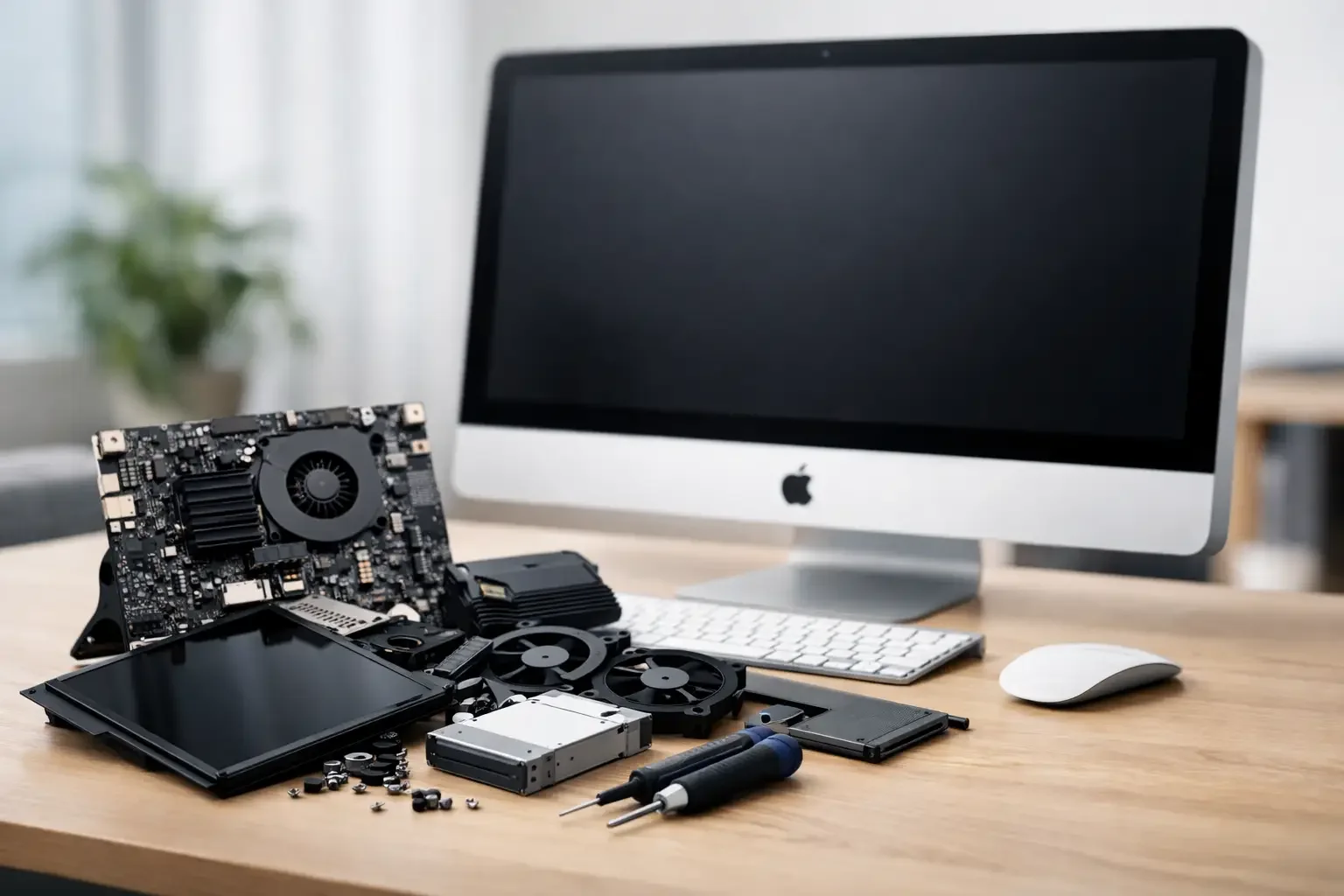
An iMac that won't boot, a display with uneven backlighting, or a sluggish hard drive doesn't necessarily mean you need to replace the entire machine. However, purchasing compatible iMac parts online correctly requires more than just searching for components by production year or screen size. Real compatibility depends on the hardware configuration, model number, EMC, and, in many cases, the cable or connector revision.
For a repair shop, an independent technician, or an experienced user, identifying the exact replacement part means reducing diagnosis time, returns, and machine downtime. The rule of thumb is simple: first identify the iMac, then the fault, and finally the component. Working in the reverse order often leads to purchasing a physically similar part that cannot be installed.
Identify the Model Before Searching for Parts
Commercial designations, such as “iMac 21.5 inch” or “iMac 27 inch”, are not sufficient for purchasing a display, power supply, fan, or cable set. Within the same diagonal, there can be very different platforms, with different panels, dedicated logic boards, and non-interchangeable connections.
The first reference to check is the Apple model number, usually indicated as Axxxx. It's also useful to check the EMC, which can be found on the back label or on the lower casing, as it allows you to distinguish variants of the same generation. If the system is still operational, the hardware information available in the Apple menu helps trace back to the year and identifier of the machine.
When the iMac won't turn on, visually inspecting the label is the most reliable method. Before ordering, it's advisable to compare the gathered data with the technical description of the replacement: supported model, year, display size, connector type, and, if indicated, the original component code.
Model Code, EMC, and Serial Number: Which Data Matters Most?
The Axxxx code is the basis for narrowing down the search. The EMC adds precision when Apple has produced multiple nearly identical external configurations. The serial number is useful for confirming the original configuration but should not be the only criterion: over time, the machine may have received updates, logic board replacements, or storage modifications.
For parts subject to many variants, such as displays, LCD cables, power supplies, and I/O boards, checking the code printed directly on the removed part provides an extra level of assurance. A clear photograph of the component, including connectors and labels, prevents confusion, especially in older models.
Which Compatible iMac Parts to Choose Online
An organized catalog by model allows for quick separation of the most requested parts: complete displays, front glasses, power supplies, fans, hard drives, SSDs, cables, speakers, Wi-Fi modules, webcams, Bluetooth boards, and internal structure components. The iMac Parts category on iPhoneHospital.it is specifically designed to facilitate this targeted search by product family and compatibility.
The term “compatible” does not necessarily mean universal. It indicates a component designed to work with specific models, adhering to their sizes, mounts, and connections. In some cases, the replacement may be equivalent to the original in function and installation; in others, it might be a recovered original part or an aftermarket component. The choice depends on the type of repair, the budget available, and the level of finishing required by the end customer.
For a storage replacement, for example, an SSD can significantly improve the responsiveness of many iMacs with mechanical drives. However, it’s crucial to check the available interface, the available space, any thermal sensor, and the mounting system. In models where the drive is connected to proprietary sensors or specific cables, ordering just the memory unit may not be sufficient.
Display and Glass: The Differences That Cause the Most Errors
The display is among the parts that require the most attention. A panel of the same size may have a different resolution, different technology, or an incompatible connector. In slim models, the screen is often fixed with one-time perimeter adhesives: reusing them can compromise the alignment and sealing of the panel.
Before purchasing, it is essential to compare the diagonal, device year, resolution, connector locations, and display code. If the defect only concerns the front glass, it is necessary to distinguish between generations where glass and LCD are separate from those where the display assembly is integrated. Purchasing the wrong component turns a simple repair into a longer technical downtime.
Diagnose the Fault Before Ordering
The immediate availability of the part is only useful if the diagnosis is correct. An iMac that won’t turn on may have an issue with the power supply, power button, internal cable, logic board, or electrical outlet. Replacing the power supply without measurements or preliminary checks is an expensive and inefficient choice.
The same applies to video faults. Black screens, artifacts, vertical lines, and flickering images can depend on the panel, display cable, GPU, or logic board. When possible, it is advisable to perform cross-tests with an external monitor, check the backlighting, and inspect the cables for kinks, oxidation, or loose connectors.
A dead backup battery can cause loss of data and settings but is unlikely to explain a complete failure to boot. A noisy fan may be worn out, but it can also respond to an incorrect thermal reading. The replacement must follow the verified symptom, not just the noise or initial impression.
Tools and Materials Needed for the Intervention
Modern iMacs require mechanical precision for opening, not force. Displays and cases can be constrained by double-sided adhesive, short cables, and delicate connectors. Improper leverage or excessive pulling can damage the functioning panel, the webcam flat cable, or the display’s power cable.
For safe work, you typically need tools suitable for Apple screws, non-metallic spudgers, suction cups, precision tweezers, replacement adhesives for displays, and materials for managing electrostatic discharges. When working on the logic board or power supply, diagnostic and measuring tools become indispensable.
Not all repairs require the same workbench. An SSD upgrade may be manageable by a user with good manual skills, provided they know the procedure for their model. Replacing an internal power supply or diagnosing a fault on a logic board, however, requires specific electrical skills: there are components inside that can retain a charge even after unplugging the power cord.
Final Checks After Replacement
Before fully closing the iMac, it's wise to perform a functional test. For a display, you need to check power up, brightness, uniformity of backlighting, webcam, microphone, and the absence of dead pixels or lines. After an intervention on a disk or SSD, confirm the detection of the unit, proper thermal management, and the system’s booting.
In the case of fans, speakers, and wireless modules, the check must include noise levels, rotational speed, Wi-Fi connection, Bluetooth, and audio output. Sealing the device without tests means you will have to reopen a glued display due to a forgotten connector or a cable inserted incompletely.
Keeping the removed component until final testing is good practice. The code on the original part can be useful for later checks and, if the diagnosis changes, allows for direct comparison of revisions and connections.
When It’s Worth Repairing and When It’s Not
The value of the repair depends on the residual value of the iMac, the nature of the fault, and the intended use. An upgrade of memory or storage on a machine still suitable for the software and peripherals used by the customer can concretely extend its operational life. A damaged display on a recent model can justify the repair, especially if the rest of the hardware is efficient.
However, if the problem involves the logic board, GPU, and multiple internal components on a very old model, it’s appropriate to estimate the total cost before proceeding. For a repair shop, this transparent evaluation avoids unsustainable quotes; for the experienced user, it prevents accumulating unusable parts.
The choice of the correct replacement always begins with accurately identifying the machine and ends with complete testing. With model, EMC, part code, and verified diagnosis, online purchasing becomes a reliable operational step, not a gamble.