


Touch Glass or iPad Display: What to Replace
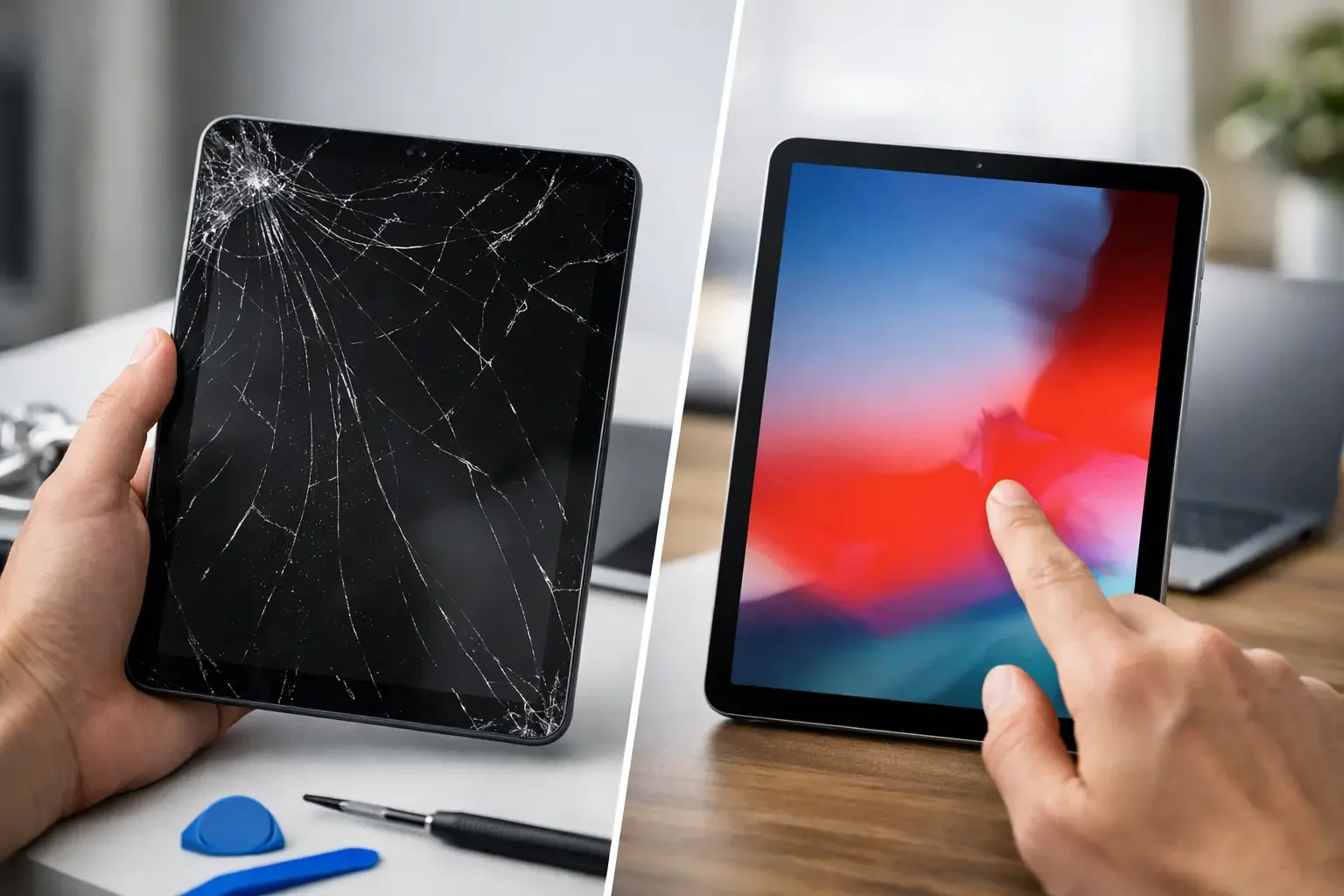
When an iPad falls, the glass cracks but the image remains visible: the question is always the same, touch glass or iPad display? For a repair shop, the answer affects time, margin, and the correctness of the order. For those purchasing the spare part independently, it prevents work from being stalled with the wrong or incomplete component.
The distinction is not just commercial. Depending on the model, the front assembly of the iPad can be made up of separate or integrated elements, and this difference affects both the diagnosis and the replacement procedure. Understanding what has truly broken means choosing the compatible spare part, anticipating the level of difficulty of the intervention, and assessing whether it is worth working on just the touch glass, the LCD display, or the complete assembly.
Touch Glass or iPad Display: The Real Difference
When we talk about touch glass, we mean the external panel with touch function. It's the part that receives touch input, protects the underlying module, and, in models where it is not laminated to the display, can be replaced separately. If the glass is damaged but the touch responds correctly and the image is clear, in many cases the damage concerns only the touch.
The display, on the other hand, is the module that generates the image. If vertical lines, halos, black areas, flickering, absent backlighting, or defective pixels appear, the problem is within the LCD panel or the display assembly, depending on the model's architecture.
The complication arises from the fact that not all iPads are built the same way. On some series, the touch glass is separate from the LCD display, so the two spare parts have distinct codes and processing. On others, the front is highly integrated, and replacing only the damaged element may not be the most efficient choice in terms of risk, yield, and bench time.
How to Determine if Touch Glass is Necessary
Touch glass is the correct candidate when the damage is mechanical but not visible. The typical case is an iPad with broken, chipped, or cracked glass, but with a regular image across the entire surface. The touch can also give clear signals: phantom touches, dead zones, irregular dragging, or inability to unlock or type in certain areas.
In these cases, the display may still be healthy. However, it must be checked carefully before ordering. A marked crack may have caused unusual pressure on the underlying panel, and LCD damage can manifest even after some hours or after the device is opened. Therefore, in a lab, it's advisable to check uniform brightness, color rendering, the touch response over a full grid, and the presence of micro-spots at the edges.
If the glass is broken but the touch functions poorly, it does not automatically mean that the display is compromised. Often the digitizer has sustained the primary damage. In models with separate touch glass, replacing just the touch glass remains the correct intervention, provided the LCD is tested and intact.
Typical Signs of Touch Failure
A touch that needs replacement is usually recognized by extended cracks, lack of response in specific areas of the screen, delays in touch response, or unwanted activations. If the image remains perfect, the likelihood that only the digitizer is needed is high.
A check on the flat cable, the connector, and any deformations of the frame is still necessary. A new glass mounted on a misaligned frame tends to work poorly or break again shortly.
When the Issue is the iPad Display
The display is the correct spare part when the iPad shows visual defects even in the absence of obvious breaks on the glass. The most frequent cases are a black screen with the device powered on, vertical or horizontal bands, liquid spots, uneven brightness, double images, or total absence of backlighting.
In the presence of these symptoms, replacing just the touch does not resolve the issue. In fact, it prolongs the time because it requires reopening the device and managing a second order. For those working on volume, this is one of the most costly mistakes: partial diagnosis, incomplete spare part, bench occupied twice.
In some models, the display can be damaged even without direct frontal impact. A twist in the frame, pressure from transport, or previous incorrect opening can injure the panel. This is particularly true for thinner iPads, where tolerances and adhesives make the front less forgiving to mechanical stress.
Symptoms Indicating LCD or Assembly Issues
If the iPad powers on but does not display an image, or if only part of the image shows while the rest is black, the main suspicion is the display. If the glass is intact but lines, flicker, or internal halos appear, replacing the visual module is practically mandatory.
A useful test is to temporarily connect a known working compatible display, when the platform allows. This is a simple check that reduces errors before the final order.
The Critical Point: It Depends on the iPad Model
The real discriminating factor is not just the symptom, but the model's structure. On older iPads, such as various standard generations and some Air and mini variants, the touch glass and LCD may be separate. In these cases, the spare part catalog clearly distinguishes the two components, and the technician can choose only the necessary module.
On more recent versions or specific configurations, the level of integration increases. Here, the issue is not only “what is broken,” but also “what is worth replacing.” The glass alone may theoretically be the damaged part, but the risk of processing, the sensitivity of the panel, and the time required can make a complete assembly more rational.
Therefore, before purchasing, exact model and possibly identifying code are needed. Generally asking for an “iPad display” or “iPad glass” exposes one to compatibility errors. The search for a spare part must start from the correct family and then go down to the exact model, including any relevant WiFi or Cellular variants. In the iPad Spare Parts section, the device organization helps avoid approximate orders.
Replace Only the Glass or the Complete Assembly?
From an economic perspective, replacing only the damaged component always seems like the best choice. In practice, this is not always the case. The only touch glass may cost less, but it requires more attention during opening, cleaning, repositioning, and final testing. If the frame is warped, if the original adhesion is compromised, or if the underlying display is already stressed, the initial advantage quickly diminishes.
The complete assembly, where available, often provides a more straightforward bench management. It reduces the risk of contamination, limits the number of variables, and makes the outcome more predictable. For a lab with tight timelines or on devices with appropriate residual value, this solution can be more efficient than a single replacement.
There is no absolute rule. On iPads heavily used in business or educational settings, where quick restoration matters, the complete assembly often makes more sense. On separate models, with a healthy LCD and a cost-sensitive customer, the sole touch glass remains a valid solution.
What to Check Before Ordering the Spare Part
The minimum check must include the exact model, type of failure, condition of the touch, state of the image, and conditions of the frame. Missing even one of these steps increases the likelihood of purchasing the wrong part.
It's also advisable to check the flat cable, connectors, the presence of bends in the frame, and residues from previous repairs. An already opened iPad may hide missing screws, non-original brackets, poorly replaced adhesives, or components that are not perfectly aligned. All of these elements affect the success of the intervention.
For those managing repairs in a structured way, treating the iPad front as a composed repair rather than a simple glass change is useful. The correct spare part should be chosen alongside consumables and the right tools. If double-sided tapes, opening tools, tweezers, mats, stations, or technical accessories are needed, the Laboratory Accessories section allows you to complete the supply in the same operational flow.
Common Mistake: Ordering Based on Visible Damage
The cracked glass leads many to immediately order the touch. It’s understandable, but not sufficient. Visible damage is not always the main issue. An LCD with an initial micro-fracture can worsen as soon as the front is lifted. Conversely, a seemingly compromised display may only suffer from a loose connector after the impact.
The correct diagnosis always starts from functional tests, not from the external appearance. This approach reduces returns, downtime, and immobilization of the device on the bench. In a repair business, the difference between a profitable intervention and a wasteful one often hinges on this.
Touch Glass or iPad Display: Making the Right Choice Saves Time
The right question is not just “what do I see broken?”, but “which module is truly faulty on this specific iPad?”. If the touch is the issue and the image is healthy, the touch glass is the spare part to consider. If the image is altered, absent, or unstable, the display is required. If the model or the device condition makes the intervention more delicate, the complete assembly may be the most efficient choice.
Those who do well in iPad repairs know that the correct spare part is identified first on the bench and then in the catalog. It’s a simple step, but it changes everything: fewer errors, less reopening, more reliability in the final result. And when the device downtime needs to be minimized, it’s this precision that makes the difference.
Spare parts and useful tools: Laboratory Accessories