


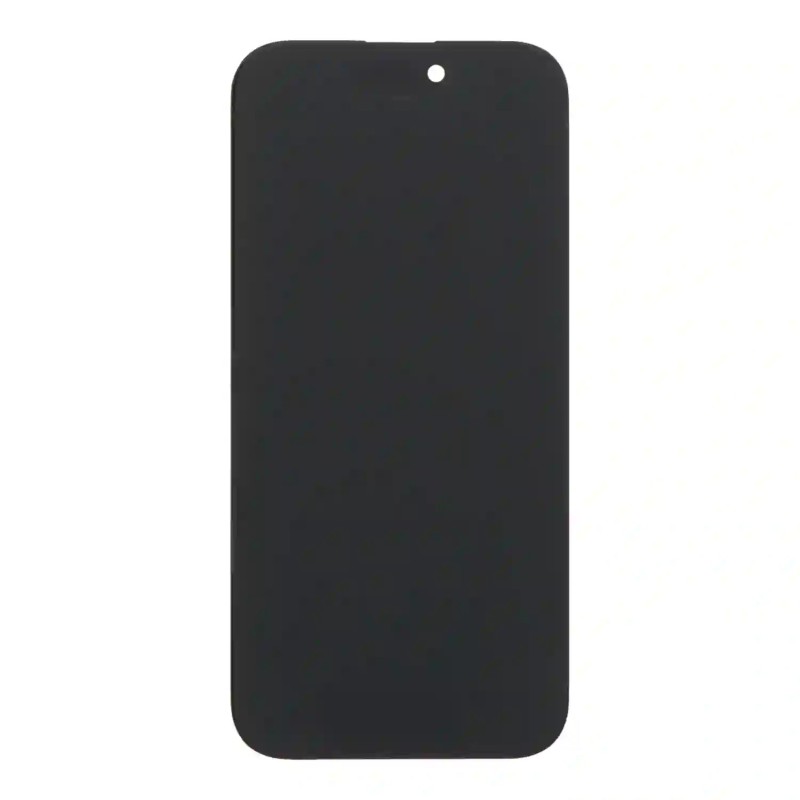

Complete LCD display with glass and touch screen for iPhone 16 Pro, original-equivalent quality. Test it before installing. QC Passed.
 Security policies
 Shipping policies
 Return policies
The Display Glass Touch Screen LCD for iPhone 16 Pro is a complete part to replace a damaged, broken or non-working display, giving the phone back its picture and touch response.
It is the fix when the screen has broken glass, stains, lines or areas that do not respond after a drop or impact.
To restore colours and detail, this display replaces the whole assembly, glass and touch included.
Suited to screens damaged by impacts, drops or touch faults. Before installing it, test it connected to the motherboard, without forcing the flex cable or bending it beyond 90 degrees. Discover all the details of this spare part
We recommend having it installed by qualified staff, after checking the exact model of your iPhone.
QC Passed product, sold in compliance with Italian Legislative Decree 206/05 and covered by warranty. Images are for illustration only.
To identify your iPhone model see the Apple website. For warranty, withdrawal and purchase terms read the Terms of sale.
Note: the trademarks mentioned belong to their respective owners and are used only to identify compatibility. No affiliation with Apple Inc.
➜ iPhone 16 Pro spare parts
More parts for your iPhone 16 Pro.
Go to iPhone 16 Pro spare parts
➜ iPhone spare parts
Parts for all iPhone models.
Go to iPhone spare parts
➜ All spare parts
The full spare parts catalogue.
Go to spare parts
➜ iPhoneHospital.it
Back to the home page.
Go to iPhoneHospital.it
Data sheet
Specific References


No customer reviews for the moment.
