


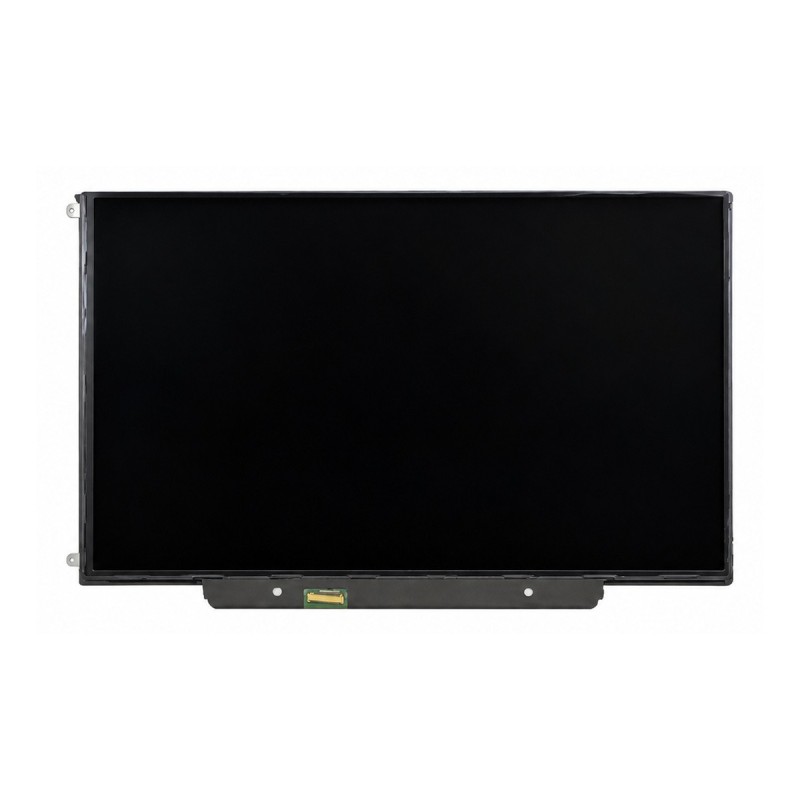


13.3" LCD Display LP133WX3-TLA6 - LP133WX2-TLG1
 Security policies
 Shipping policies
 Return policies
The 13.3" LCD Display LP133WX3-TLA6 for MacBook 13" A1278 - A1342 is the LED-backlit LCD panel of the Unibody MacBook screen. It is the part to fit when the screen is cracked, shows stains, lines or faulty pixels, or the picture is no longer displayed correctly.
The panel sits inside the display assembly, behind the front bezel, and is connected to the logic board through the LVDS flex cable. The same model can carry panels from different manufacturers (LG, Samsung, AU Optronics, Chi Mei and others), with different codes but the same resolution and connector. Before ordering, compare the code on the back of your screen with those listed on the page of the LCD display for MacBook A1342.
It is the fix for a cracked screen, dark or ink-like stains, vertical or horizontal lines and faulty pixels. If instead the picture comes and goes as you move the lid, the problem may be the LVDS cable rather than the panel. Discover all the details of this part.
No soldering is needed: the panel is mounted in the display assembly and plugs into the LVDS cable with its connector. To reach it you have to remove the front bezel (on the MacBook Pro A1278, the front glass). Work on a clean surface, do not press on the panel and handle the thin LVDS cable with care. Disconnect the battery before starting and, if you have no experience, have the job done by a technician.
If you are not sure which model you have, you can check it on the official page Apple: Identify your MacBook model.
For detailed information on warranty, returns and purchase conditions, please read our Sales Terms.
Note: the trademarks mentioned belong to their respective owners and are used only to identify the compatibility of the part. There is no affiliation with Apple Inc.
➤ MacBook Unibody 13" A1342 Parts
Discover the other parts for your MacBook A1342.
Go to MacBook Unibody 13" A1342 Parts
➤ MacBook Parts
Discover parts for all MacBook models.
Go to MacBook Parts
➤ All Spare Parts
Explore the whole spare parts catalogue for Apple devices.
Go to Spare Parts
➤ iPhoneHospital.it
Back to the home page to discover the whole catalogue.
Go to iPhoneHospital.it
Data sheet
Specific References


No customer reviews for the moment.
