


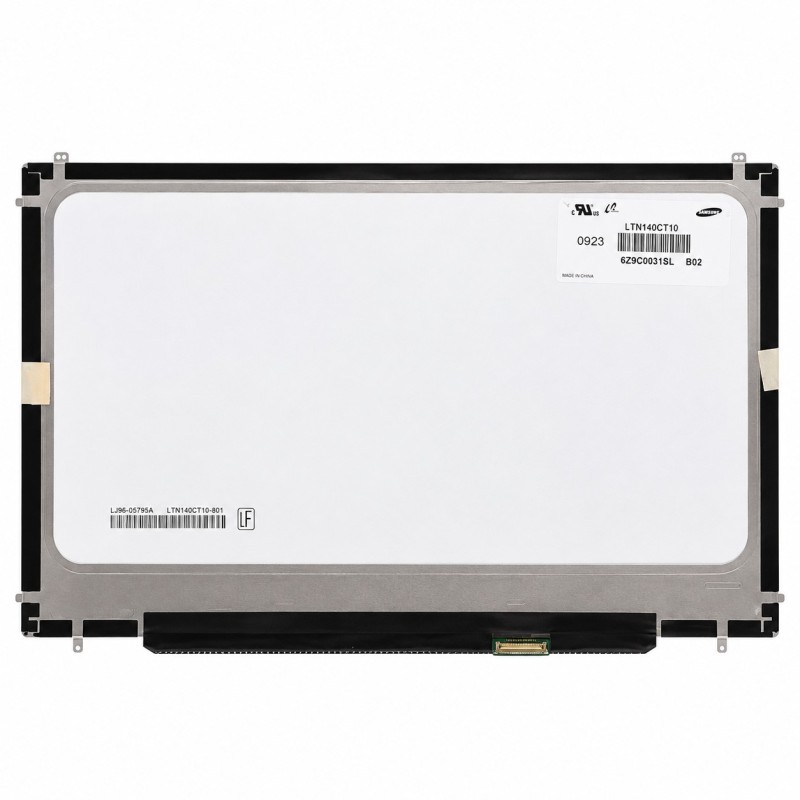


17" LED LCD screen (1920 x 1200) for the MacBook Pro Unibody A1297 (2009-2011), new. For broken, striped or stained displays. QC Passed.
 Security policies
 Shipping policies
 Return policies
The LED LCD Screen for MacBook Pro Unibody 17" A1297 is the complete 17" display panel (1920 x 1200) of the 17" MacBook Pro Unibody (2009-2011). This part is new.
It needs replacing when the display is broken, has stains, lines, dead pixels or does not work.
If the display of your MacBook is broken, shows lines or stains or stays dark, replacing the A1297 LCD screen restores the picture without changing the whole display assembly.
Spare part designed for the 17" MacBook Pro Unibody A1297. Discover all the details of this spare part
Before ordering, check the exact model of your MacBook Pro and the part number printed on the back of the panel. Disconnect the battery before starting and handle the panel with care: it is fragile. We recommend having the installation done by qualified personnel. Opening the device may void the original Apple warranty.
The part undergoes quality control (QC Passed). The product is covered by the warranty provided for by applicable consumer law; in case of a lack of conformity, the part is replaced under the conditions stated in the Terms of Sale. Images are representative of the product.
If you are unsure about the model of your MacBook Pro, you can consult the official Apple website.
For detailed information on warranty, withdrawal and purchase conditions, see the Terms of Sale.
Note: the brands mentioned belong to their respective owners and are used only to identify the compatibility of the spare part. There is no affiliation with Apple Inc.
➜ MacBook Pro Unibody 17" A1297 Spare Parts
Discover other essential parts for repairing your MacBook.
Go to the MacBook Pro Unibody 17" A1297 Spare Parts category
➜ MacBook Spare Parts
Discover spare parts for all MacBook models.
Go to the MacBook Spare Parts section
➜ All Spare Parts
Browse the entire spare parts catalogue for Apple devices.
Go to the Spare Parts section
➜ iPhoneHospital.it
Go back to the home page to discover the whole catalogue.
Go to the iPhoneHospital.it website
Data sheet
Specific References


No customer reviews for the moment.
