


Compatible Mac Mini Power Supply: How to Choose It
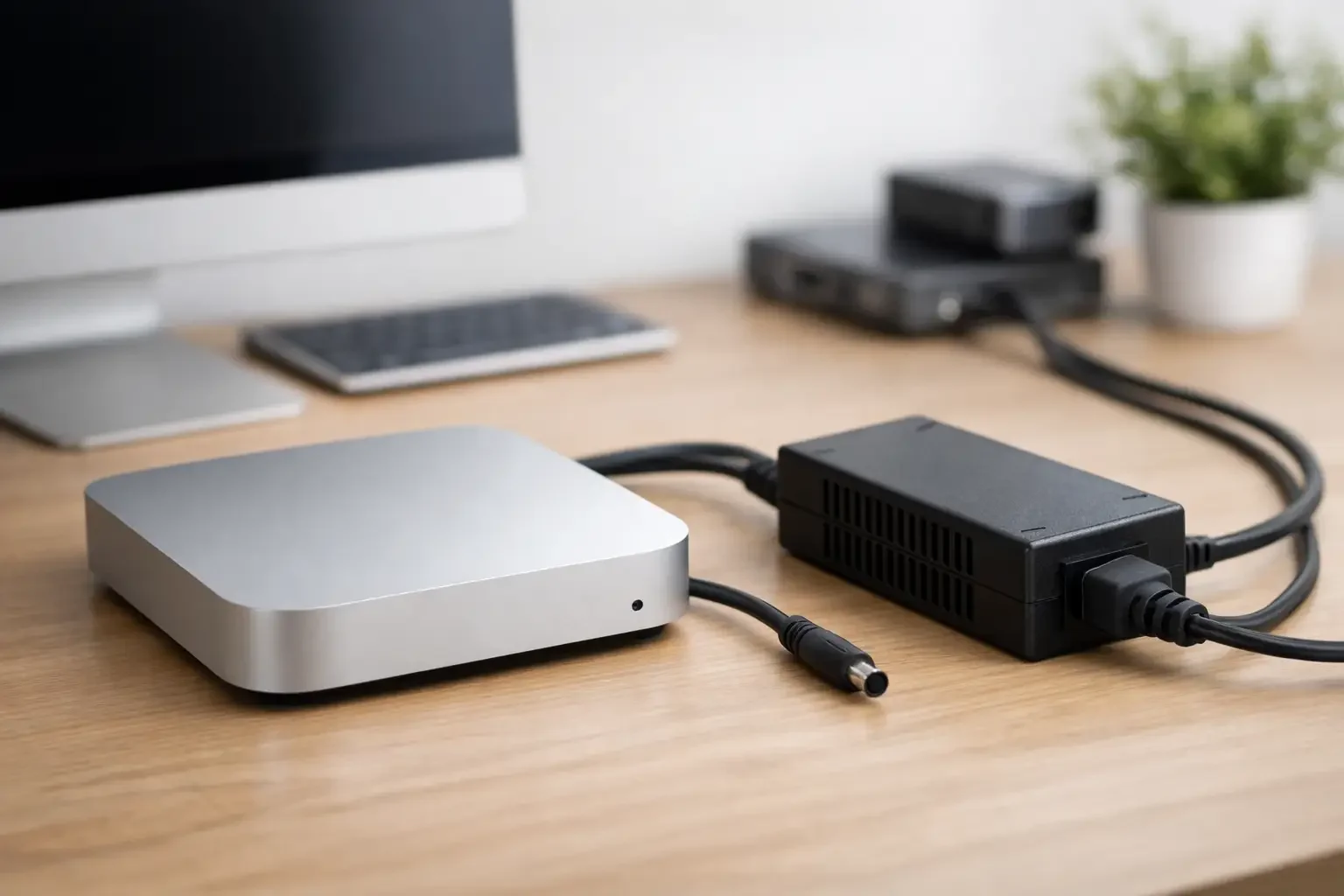
When a Mac Mini arrives at the lab not turning on, one of the first suspicions is always the power supply. However, finding a compatible Mac Mini power supply does not just mean looking for a piece that "fits" or claims the same voltage. To avoid instability, failures to start, or returns for service, it's essential to check the generation, internal architecture, and actual electrical specifications of the model.
Compatible Mac Mini Power Supply: What Does It Really Mean
In the spare parts sector, compatibility is not a generic label. For Mac Mini, it can refer to three different scenarios: a complete external power supply, an internal power supply module, or an electrically equivalent replacement for a specific machine identifier.
The critical point is this: over time, Apple has adopted different solutions. Some Mac Minis use a standard power cable and integrate the power supply within the casing. In these cases, when discussing replacement, the correct component is not a classic external power adapter but the internal PSU. Other search contexts arise from a general user request where "power supply" refers to the entire current input block. If the model is not identified precisely, the risk of purchasing the wrong component is high.
For a correct purchase, at least three pieces of information are needed: the year or family of the Mac Mini, the model code, and the exact type of required power supply. The correct approach is technical, not descriptive.
Identifying the Model Before Searching for Replacements
The first filter is the generation. An Intel Mac Mini from 2012 should not be treated the same as a 2014, 2018 model, or one with Apple Silicon. The internal layout, power requirements, module shape, and sometimes even mechanical fastening change.
When the device is available on the bench, it's wise to check the code on the bottom casing or retrieve the serial number to trace back to the precise model. If the customer only sends a quote request, it's best to ask for at least the year, EMC, or A-number to narrow down the field immediately. This step takes a minute and saves many down the line.
For repair professionals, the rule is simple: never order a power supply solely based on the label 'Mac Mini.' It's a family of products, not a compatibility.
Difference Between Cable, Plug, and PSU Module
It often happens that the perceived fault is attributed to the power supply when the issue lies elsewhere. A damaged AC cable, a loose IEC connector, a blown internal fuse, or a short-circuited logic board can produce very similar symptoms.
For this reason, it's worth distinguishing the components well. The power cable is the simplest external element to replace. The internal PSU module, however, is a true electronic replacement, with output specifications and fastenings to be respected. Confusing the two levels can easily lead to diagnostic and purchase errors.
Technical Parameters to Check
A compatible power supply must first be evaluated on electrical data. Rated voltage, maximum power, stability under load, and tolerances matter more than the aesthetics of the replacement. If the module is declared compatible but does not guarantee the correct values under real operating conditions, the Mac Mini can turn on intermittently, shut down under stress, or display abnormal behaviors.
Power is one of the first parameters to verify. An undersized unit may seem to function at startup and fail as soon as the system increases its power draw. Even a "close" match is not sufficient if the margin is inadequate. In the lab, it's preferable to work with replacements declared for that specific model, not on theoretically equivalent adaptations.
Then, there's the issue of build quality. A cheap power supply may have weaker internal components, poorer filtering, or insufficient dissipation. Translated: more heat, higher electrical noise, shorter lifespan. On compact machines like the Mac Mini, where space is limited and thermal management is part of reliability, this is more significant than it seems.
Electrical Compatibility and Mechanical Compatibility
Even if voltage and power match, mechanical compatibility must still be verified. Fixing holes, dimensions, connector orientation, and frame shape must align. In Mac Mini replacements, this aspect is less trivial than it seems, especially among very close revisions for the year but different internally.
A module with a not perfectly aligned connector or different dimensions can make it impossible to close the casing correctly or create stress on the connectors. For a lab, this means lost time, return risk, and non-standard intervention.
When to Choose an Original Compatible and When to Avoid Generic Solutions
In the spare parts market, there are different product tiers. There are used tested components, good quality aftermarket compatible replacements, and generic solutions that only focus on price. Equating them is a mistake.
If the Mac Mini still has high operational value or is used in a professional environment, it's best to lean towards a replacement with clear traceability and declared compatibility for the model. If it’s a secondary machine or for data recovery, the economic factor may weigh more, but without dropping below the minimum reliability threshold.
Too generic solutions should be avoided, especially when precise data on amperage, protections, and quality control are lacking. A power supply is a critical component. If it performs poorly, it does not just compromise the startup; it can stress the entire machine.
For this reason, a specialized supplier like iPhoneHospital.it makes sense when the customer is looking for a match for family and model, not a vague universal accessory.
Signs Indicating a Power Issue on Mac Mini
Not all startup failures depend on the PSU, but there are recurring symptoms that deserve checking. The completely dead Mac Mini, without LED or signs of startup, is the most evident case. Then there are random shutdowns, boot interruptions under load, the smell of overheating components, or unusual electrical noise coming from the power area.
Intermittent startup is also a useful indication. If the machine only starts after several attempts or after being unplugged for a while, the power supply module may have degraded capacitors or supply instability. In these cases, measuring is useful rather than replacing blindly.
Of course, the issue of differential diagnosis remains. A short on the logic board can make a perfectly functioning power supply appear faulty. Therefore, in a technical environment, replacement should come after basic checks on the input line, continuity, absorption, and the general condition of the board.
How to Evaluate a Compatible Mac Mini Power Supply Before Purchase
The product sheet must clearly state which models the replacement is intended for. Vague descriptions, such as "for various Mac Mini models," are not helpful for those genuinely working with compatibility. Precise references are needed, preferably with machine families or associated codes.
It's also useful to check the condition of the component. New compatible, tested used original, or refurbished are different categories with different expectations. Those purchasing for a service center must consider not just the price but also the return rate and time lost in case of an unstable component.
Another practical element is the visual consistency of the replacement. When available, detailed images help compare layouts, connectors, and fixing points with the removed piece. They do not replace technical verification but reduce gross errors.
Common Mistakes to Avoid
The most common mistake is to purchase based on commercial year without checking the exact model code. The second is confusing the network cable with the internal power supply. The third, prevalent in generalist channels, is trusting extensively declared compatibility to cover as many searches as possible.
Then there's a typical operational mistake made by non-specialists: immediately replacing the PSU because it "won't turn on," without ruling out issues with the button, logic board, or input line. In a structured lab, this approach only generates unnecessary costs.
Is It Worth Repairing or Replacing the Power Supply Module?
It depends on the context. On some machines, if the damage is limited and the lab has advanced electronic skills, repairing the module can make economic sense. But it’s not always the best route. Diagnosis time, availability of components, post-intervention reliability, and labor costs must be put on the table.
For many operational realities, replacing with a tested compatible Mac Mini power supply is the most efficient choice. It reduces machine downtime, standardizes work, and lowers the margin of uncertainty. Repairing the PSU remains a valid option especially when the replacement is rare or when the machine's value justifies a deeper intervention.
Those managing purchases for repairs know that the true cost is not just the piece. It’s the time lost on the wrong component, on approximate compatibility, or on an avoidable customer return. Therefore, the choice of replacement should be made with a technical criterion, not by analogy.
When ordering a power supply for Mac Mini, always start with the precise model and treat compatibility as a data point to verify, not as a generic promise: it’s the quickest way to close the intervention effectively.
Spare parts and useful tools: iPhone spare parts · Laboratory accessories