


How to Calibrate a New Smartphone Battery
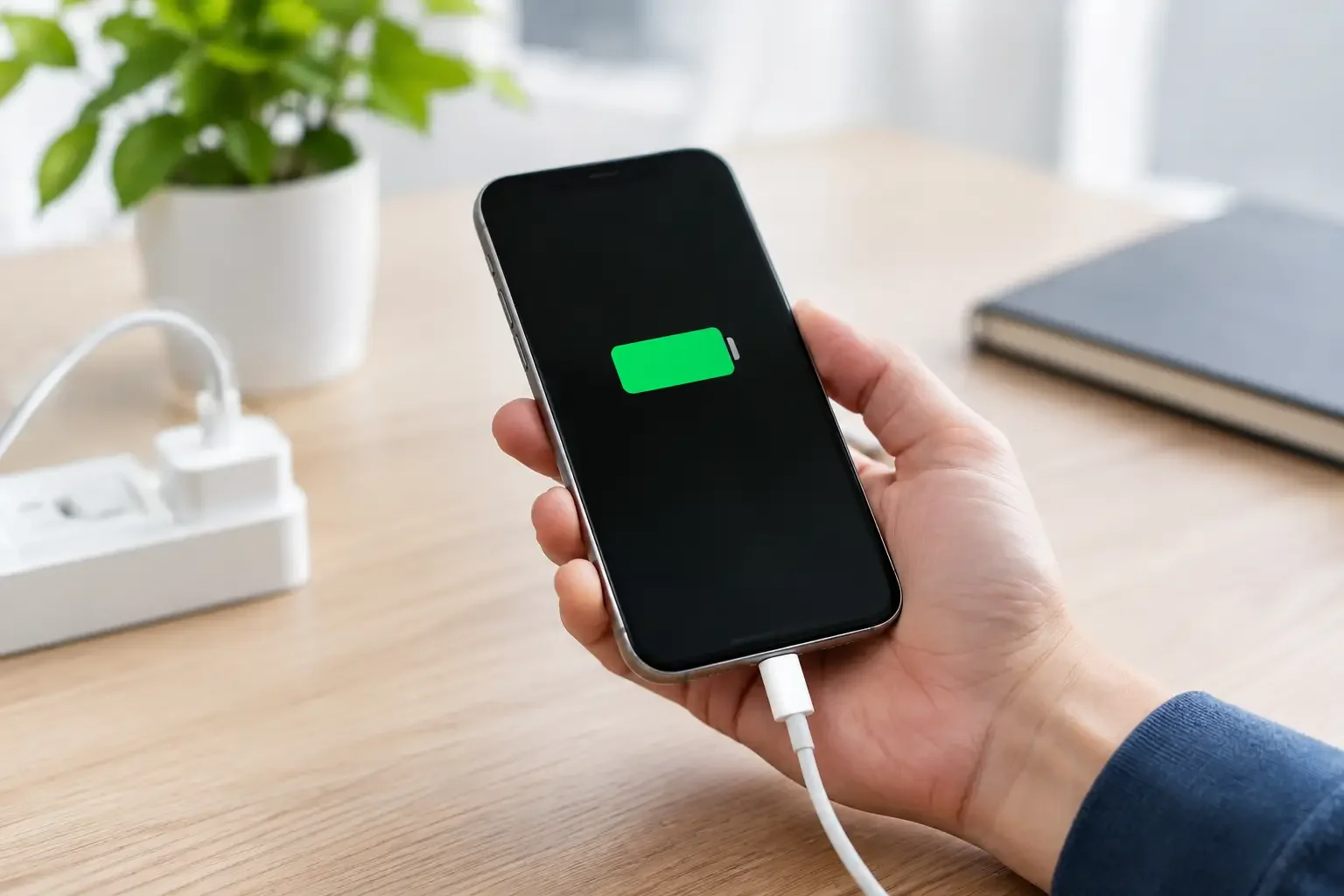
Those seeking information on how to calibrate a new smartphone battery often begin with a common yet outdated notion: leaving the phone to charge overnight during its first use. Modern lithium-ion batteries do not require an initial charge of 8, 12, or 24 hours. That procedure belonged to older Ni-Cd and Ni-MH technologies, not the batteries found in iPhones, Samsung devices, and most modern smartphones.
Calibration, when it makes sense, does not physically improve the battery's capacity. Instead, it aligns the software's estimate of remaining charge with the actual behavior of the cell. This is a substantial difference, especially for those diagnosing unusual drains, unexpected shutdowns, or erratic percentage drops after a replacement.
What Does It Mean to Calibrate a New Battery?
Inside the smartphone, the power management system detects voltage, current, temperature, and charge cycles. From these values, it calculates the percentage shown on the display. This figure is not measured like the level of a tank; it's an estimate made by the battery management circuit and the operating system.
When a new battery is installed, the phone may take several normal cycles to make the percentage display more consistent. This doesn’t mean the battery needs to be "formatted" with deep discharges. It simply means the software needs to gather enough data about the new component and its delivery profile.
In recent iPhones, some battery information can be tied to the component, model, and device verification procedures. After a repair, the presence of battery-related messages or the absence of certain statistics is not necessarily a sign of reduced battery life. We need to differentiate between software communication and the actual quality of the cell and the outcome of the installation.
How to Properly Calibrate a New Smartphone Battery
In most cases, simply using the device normally is enough. Upon first powering on, charge the smartphone to 100% with a reliable charger and suitable cable, then disconnect it without leaving it plugged in for hours unnecessarily. Using it in the following days according to real needs is the safest way to stabilize the autonomy estimates.
If the percentage indicator appears clearly inconsistent, for example, jumping from 25% to shutdown or staying stuck at the same value for long, one verification cycle can be performed. Use the phone until it automatically shuts down, leave it off for about 30 minutes, and then recharge it uninterruptedly to 100%. After reaching 100%, it can remain connected for another 20-30 minutes, then it should be restarted and used normally.
This procedure should not become a habit. Discharging a lithium-ion battery to shutdown increases electrochemical stress if done frequently. For everyday use, a charge range of about 20% to 80% is generally more favorable for longevity, although occasionally reaching 100% is not problematic.
When Is the Procedure Really Useful?
A full cycle may be reasonable after a battery replacement if the technician detects an unstable percentage, unexpected restarts at high charge levels, or battery life that the operating system seems to estimate incorrectly. It can also be helpful after a significant system update when the device performs background activities like indexing, synchronizing, and app optimization for a few days.
However, preventive calibration is unnecessary just because the battery is new. If the phone charges regularly, reaches 100%, does not shut down unexpectedly, and maintains a consistent percentage during use, no intervention is needed.
Errors to Avoid After Replacement
The first error is confusing prolonged charging with calibration. Modern charging circuits stop or reduce current when the battery reaches the expected level, but keeping the phone constantly warm and plugged in does not provide practical benefits to the new battery.
The second error is using damaged chargers, cables, or connectors to verify the component. Slow, intermittent, or unstable charging may depend on the charger, charging port, flex connection, or logic board. Immediately attributing the defect to the battery leads to wrong diagnoses and unnecessary replacements.
Using apps that claim to "calibrate" the battery with a simple software command should also be avoided. No application can increase the nominal capacity of the cell or fix a hardware failure. They may at best read some data made available by the operating system, often with incomplete information.
Finally, temperature should not be ignored. A new battery that overheats during charging or under load requires immediate inspection. The issue could be related to the battery but also to unusual absorption on the board, incorrect charging, a damaged connector, or imperfect mechanical installation.
Technical Diagnosis: Calibration or Real Defect?
For laboratories and technicians, the distinction is made by observing symptoms. A percentage that drops linearly but too quickly suggests checking actual capacity, standby consumption, radio signal, display, applications, and temperature. An unexpected shutdown between 10% and 30%, however, may indicate an unaligned estimate, but also an increase in internal resistance of the cell or a power issue under peak current.
After installation, it's useful to verify that the battery connector is properly inserted, that there are no folds in the flex, that the screws are in the correct positions, and that shields and brackets are properly reattached. On some models, an incorrect-length screw or damage near connectors can cause anomalies that are difficult to trace back to the battery immediately.
Verification with a bench power supply and multimeter can help distinguish abnormal device consumption from a defective component. However, these checks should only be performed by those who understand consumption values, measuring points, and safety procedures. A hasty diagnosis on a battery line can damage the device or compromise the new replacement part.
Good Practices in the Early Usage Cycles
In the first days after installation, it's preferable to observe the actual behavior of the smartphone under repeatable conditions: same network, similar brightness, comparable usage, and a reliable charger. A single cycle is not sufficient to determine if the autonomy is correct, as updates, cloud backups, background applications, and network coverage significantly impact consumption.
It's useful to check if the phone reaches 100% without stalling, if the percentage decreases regularly, and if charging does not stop by moving the cable. If these parameters are consistent, the battery does not require further procedures. If repeated anomalies emerge, the correct path is not to repeat deep discharges, but to verify the compatibility of the replacement, installation, and state of the charging circuit.
Above all, a new battery must be compatible, installed properly, and managed at normal temperatures. Calibration can be a targeted test to correct an inconsistent reading, but not a universal remedy: when the defect persists, technical diagnosis is more valuable than any charging cycle.