


How to Choose a Compatible iPad Display
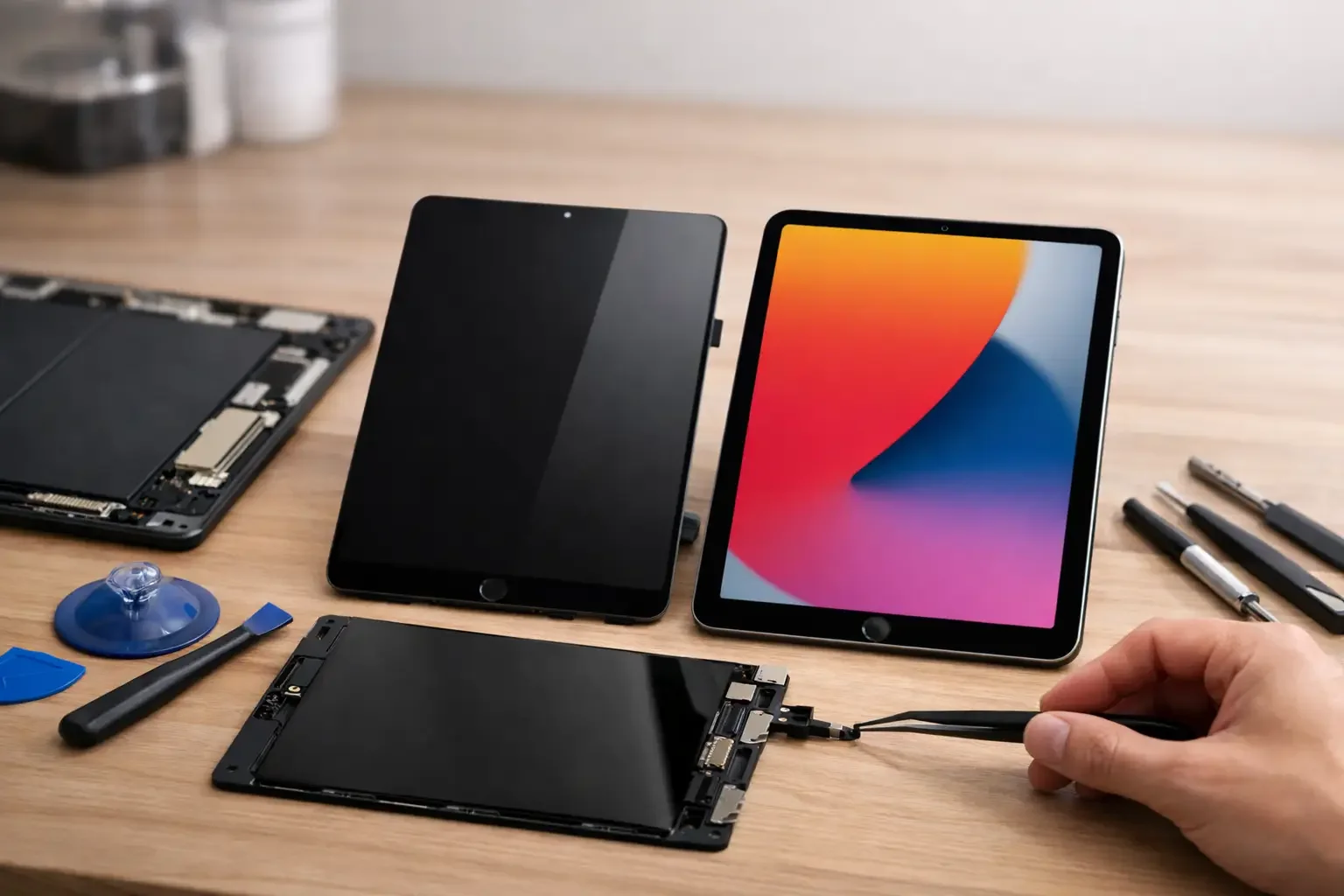
Choosing the wrong display for your iPad can lead to wasted time on diagnostics, returns, and unnecessary tests. Therefore, understanding how to choose a compatible iPad display is not a secondary step but a technical check that directly affects repair time, profit margins, and the reliability of the finished work.
In the case of the iPad, compatibility goes beyond just the commercial name of the device. Two units that seem identical may have different components based on year, revision, panel supplier, or display group structure. Those purchasing a replacement based solely on the label "iPad 10.2" or "iPad Air" easily expose themselves to avoidable errors.
How to Choose a Compatible iPad Display Without Errors
The first check to make is the model number. It must be accurately identified, as it reduces ambiguity significantly. The Axxxx code, found on the back of the device or obtainable from the system when readable, is the most useful reference for selecting the correct replacement.
For example, referring generically to iPad Pro 11 is not enough. Over time, Apple has maintained similar commercial names, but with different displays, flats, touch structures, and assembly schemes. If a lab orders based on marketing names and not model numbers, the risk of incompatibility increases greatly.
A second check involves the component family. On some iPads, the touch glass and the LCD display are separate, while on others they are part of a complete group. This distinction is crucial for both purchasing and for the type of intervention to plan. Ordering just the touchscreen when the damage also involves the underlying panel leads to additional technical downtime. Conversely, buying a complete assembly when only the glass is needed can unnecessarily increase costs.
Checking the Model Isn’t Always Enough
In iPad replacement parts, there are cases where compatibility must also be confirmed at the connector, revision, or supply level. Not all compatible displays for the same series have identical electrical or mechanical structures. This is especially true for widely used models, where over time the replacement market has differentiated between aftermarket versions, original quality, and variants tied to different batches.
The practical point is simple: if the device is already open, visually compare the removed component with the one to be ordered. Flat cable, connector positions, metal shielding, adhesive seats, and alignment holes must match. If comparison isn't possible before ordering, the model number should be cross-referenced with the technical datasheet of the replacement.
For those who regularly work on these products, it's useful to keep a clear distinction between absolute incompatibility and commercial compatibility. The former prevents assembly or operation. The latter allows assembly but introduces compromises in brightness, color tone, touch sensitivity, or glass surface treatment. In a professional lab, this difference matters as it affects the quality perceived by the end customer.
Complete Display or Just Glass
Here, the correct criterion is not just economic but technical. If the LCD or panel is intact and the damage pertains only to the external touch, in some models, it makes sense to intervene on the separate component. However, if there are halos, lines, dead zones, backlight issues, or display defects, the complete group is the more straightforward choice.
Then there’s the issue of bench time. Replacing just the glass can be cost-effective in specific cases but requires adequate equipment, experience, and a favorable cost/time ratio. When the lab’s workflow focuses on speed and risk reduction, the complete display often provides a more predictable outcome.
Attention to Touch, LCD, and Frame
Some replacements are sold as just the panel, others as assemblies with the touch already coupled, and others still with frames or pre-mounted accessory components. This information must be read carefully. A display without a frame may be correct electronically but increase installation time. A pre-assembled assembly may cost more but simplify the work and reduce centering errors.
Therefore, when consulting a category of iPad replacements, it's not enough to identify the right series. You must also verify exactly what the part includes. For organized component searching, model selection remains the quickest method within the iPad replacement section.
The Quality of the Panel Impacts the Final Result
Another central point on how to choose a compatible iPad display is the quality level of the replacement. Compatible does not automatically mean equivalent to the original in every parameter. There are real differences in color rendering, brightness, uniformity, touch response, glass thickness, and quality of the oleophobic treatment.
For an end user very sensitive to visual quality, or for an iPad used in a professional context, a higher-end panel is often the correct choice. For older devices, used in educational settings, or aimed at cost containment, a reasoned compromise may make sense, provided the replacement is stable and consistent with the required repair level.
The best criterion is not to look for the lowest price but the best balance between reliability, performance, and processing time. An economical display that generates intermittent touch issues, poor brightness, or imprecise installation almost always costs more in the complete cycle of the intervention.
Frequent Mistakes When Choosing an iPad Display
The most common mistake is relying on the product name rather than the model code. Next comes underestimating the actual damage. A broken glass doesn’t always imply replacement of just the touch, nor does a visible image exclude micro-damages to the panel that will emerge after assembly.
Another frequent mistake involves testing. The display should always be tested before the final closure, checking the image, touch across the entire surface, any involved sensors, and the general device response. Skipping this phase, especially on iPads with delicate adhesion, exposes one to avoidable re-openings.
There's also the issue of small construction differences. An experienced technician will recognize them immediately: flat length, shield arrangement, support alignment, pre-installed adhesives. They are details, but in repairs, details determine whether the part is genuinely suitable or not.
When It’s Worth Disassembling Before Ordering
It depends on the model and type of damage. If the machine is clearly identifiable and the replacement supply chain is well classified, one can order even before opening. If, however, there are known variants or doubts regarding the internal structure, opening and checking first reduces risk.
This approach is particularly useful in labs that handle multiple brands beyond the Apple ecosystem. Standardizing the initial check avoids confusion between codes, especially if working on iPhone parts, Samsung, or parallel technical categories such as lab accessories and bench instrumentation.
How to Organize a Correct Choice in the Lab
The most effective method is to build a routine. First, identify the exact model, then assess whether only the touch, only the LCD, or a complete group is needed. Afterward, check for any revisions, flat structure, and characteristics of the replacement. Finally, decide on the quality level consistent with the type of customer and the residual value of the device.
This simple sequence reduces errors more than any hasty choice based solely on the commercial description. In professional contexts, where the volume of repairs is constant, standardization makes the difference between an organized workshop and stagnant inventory.
Even photographic documentation helps. Photographing the original component before removal, noting the model number, and recording any assembly specifics creates a useful history for subsequent interventions. It’s a trivial precaution but very effective when working on different iPad families.
How to Choose a Compatible iPad Display Based on the Customer
Not all interventions require the same type of replacement. For a customer looking to restore a functional older iPad, a reliable and economically sustainable compatible solution may be preferred. For a recent device, used daily for work or sales, it’s more appropriate to propose a higher quality level.
The right choice is never abstract. It depends on the model, the damage, the intended use, and the expectations for the final result. A lab that clearly explains this difference reduces disputes and sets the work in a more transparent manner.
When the catalog is well segmented by families, versions, and specific components, selection becomes faster and more accurate. This is the practical advantage of working with a structured supplier like iPhoneHospital.it, where the model-based logic helps find the correct piece without unnecessary steps.
If the goal is to install the right replacement on the first try, the criterion remains the same: fewer assumptions, more technical identification. In the iPad world, real compatibility is verified in the details, and that's where the cost of mistakes is avoided.