


How to Test a New iPhone Battery
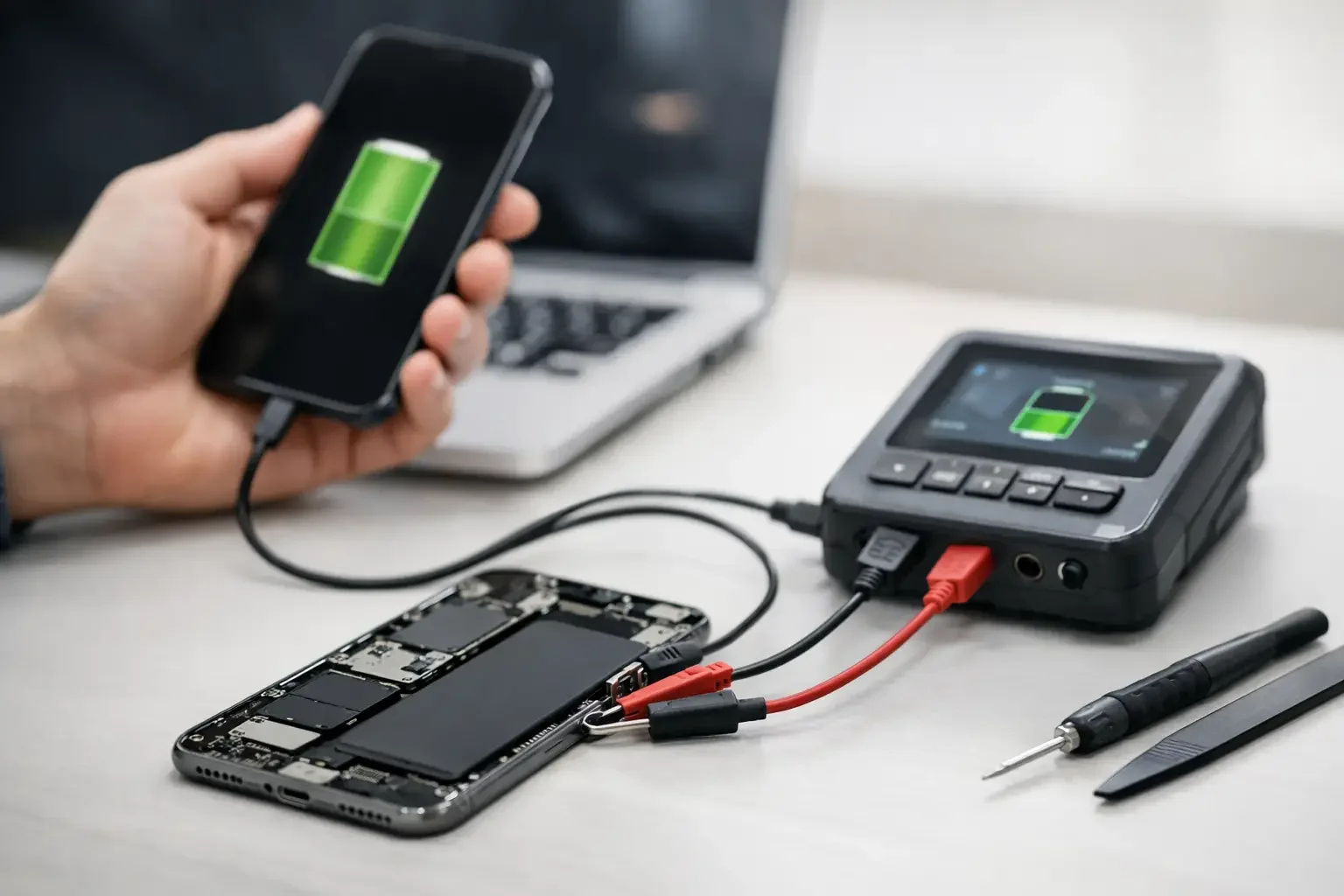
You install a new battery, close the iPhone, the device powers on, and the percentage seems stable. That’s not enough. Knowing how to test a new iPhone battery means checking voltage, performance under load, charging, temperature, and consistency of the data read by the system. For a technician, testing helps avoid unnecessary returns. For an experienced user, it helps determine if the replacement works correctly or if the issue lies elsewhere.
How to Test a New iPhone Battery Without Wasting Time
The critical point is distinguishing between a faulty battery, a battery that simply needs to stabilize, and anomalies in the motherboard or charging circuit. A freshly installed battery may show readings that aren’t perfectly aligned in the first cycles, but it shouldn’t exhibit sudden shutdowns, abnormal overheating, or extreme percentage drops.
The correct test always starts with a visual and mechanical check. Before powering on, ensure that the battery connector is properly aligned, that there are no bends on the flex, that the adhesive isn’t unevenly pushing the pack, and that there are no signs of swelling or shipping damage. On many iPhone models, an imperfect contact can simulate a battery defect when the issue is actually installation-related.
Once the device is closed, it's advisable to perform a clean boot with power disconnected. If the iPhone powers on normally and stays booted without restarting, you’ve already ruled out some of the most obvious failures. If it hangs, goes into a boot loop, or shows unstable behaviors under load, the focus should shift to the battery line, PMIC, charging dock, and any unusual drains.
Initial Checks After Replacement
The first practical test is simple: leave the phone powered on for 10-15 minutes without heavy use. During this phase, the percentage should not drop rapidly, and the casing should not get excessively warm in the battery or logic board area. A slight temperature increase during boot or syncing is normal. Constant, localized heat is not.
Right after, check charging with a reliable charger and cable. The iPhone should latch onto the charge steadily, without continuously stopping and starting. If the percentage rises but very slowly, or if the device charges intermittently, the issue may not stem from the replacement. In these cases, the Lightning connector, USB-C port in newer models, flat dock, charger, and power management of the board should also be considered.
It’s also worth checking the reading in Settings, under the battery section. On some models, especially the more recent generations, messages related to component non-recognition may appear. This does not automatically mean the battery is non-functional. However, it means the system might limit or fail to display certain information, so the test should rely more heavily on the actual behavior of the device.
Real Testing: Charging, Discharging, and Stability
If you really want to understand how to test a new iPhone battery, you need to observe at least one credible usage cycle. There’s no need to forcibly discharge to zero every time, but during the initial checks, it’s useful to let the phone drop to a low percentage, use it under moderate load, and then charge it back up to 100% without interruptions.
During discharge, the percentage should decrease gradually. Small fluctuations are normal, especially between 100% and 95%, but a sudden drop from 30% to 10% or a shutdown at 20% are signals to investigate. It could be a cell issue, an initial calibration problem, or unusual phone drain.
During charging, observe three factors: regularity of percentage increase, temperature, and total time. A healthy new battery shouldn’t take unreasonable time with the correct charger, nor should it become excessively warm with no heavy background activity. If the device exceeds abnormal temperatures already during linear charging, it’s wise to halt the test and check for drain issues and the integrity of the replacement.
For repair shops, the most useful method remains comparing behavior on the bench and real-world use. If charging is correct on the bench but daily use shows poor battery life, the problem may stem from aftermarket displays with high draw, active baseband in weak signal conditions, software processes, or damaged components consuming more than expected.
Useful Tools for Testing a New Battery
The sole percentage indicator from iOS is not always sufficient. In technical settings, it’s advisable to pair it with measurement tools. A bench power supply helps read drain during boot, standby, and under load. If the phone shows abnormal peaks or out-of-range consumption with the screen off, the problem might be with the board, not the battery.
A USB tester can also provide useful insights during charging, especially for verifying continuity and stability of drain. It doesn’t replace a comprehensive diagnosis, but it helps exclude unreliable cables or chargers. In the lab, combining thermal cameras, stabilized power supplies, and measurement tools remains the quickest way to isolate the fault.
If you often work on Apple devices and battery replacements, it makes sense to use dedicated equipment and reliable materials. In an operational context, having the correct tools and components directly impacts average repair times and reduces returns.
When the Problem Is Not the Battery
A newly installed battery can still deliver disappointing results. This often happens when the actual defect lies elsewhere. The most common cases are a damaged charging circuit, a worn-out dock connector, abnormal motherboard drains, temperature sensors out of specification, or firmware with locked processes.
The quality of the network and usage patterns can also significantly affect battery life perception. An iPhone that spends hours searching for a signal, continuously uses GPS, or keeps high brightness will give the impression of poor battery life even with a new component. That’s why the test must always be contextualized. If the phone consumes excessively only in a specific scenario, it doesn’t necessarily mean a faulty replacement.
Another point not to overlook is exact model compatibility. A correct battery for the series but not for the specific variant can create installation, reading, or behavior problems. When purchasing components for recurring interventions, it’s advisable to work with well-segmented categories by model to reduce upstream errors. The same approach applies to other Apple replacements and bench technical equipment when managing repairs across multiple devices.
How to Test a New iPhone Battery in the First Cycles
In the first two or three cycles, it makes no sense to judge the replacement solely based on a single data point. It makes more sense to look at behavior consistency. If the battery regularly charges up to 100%, does not overheat, shows no premature shutdowns, and the battery life improves compared to the replaced unit, the replacement is working as expected.
However, if you note unstable percentages, restarts during photo or video use, rapid drains below 30%, and high temperatures without heavy loads, the testing should be deepened. In the lab, checking drain under stress and cross-testing with another compatible component often helps resolve doubts quickly.
A common mistake is confusing calibration with defect resolution. A new battery may stabilize the reading of the percentage after several cycles, but it does not correct an unstable PMIC, a board leak, or a faulty dock. If the behavior is clearly abnormal from the start, waiting too long risks only prolonging diagnosis.
When to Consider the Test Passed
You can consider the test successful when the iPhone powers on without hesitation, maintains charge in standby, shows gradual discharge in normal use, charges without interruptions, and does not develop abnormal heat. At that point, the focus shifts from the battery to the actual experience of the customer or the device in operation.
For those working with high volumes, standardizing these checks reduces disputes and returns. A brief but thorough test is more useful than a long but generic check. If you need replacements and equipment to operate continuously on Apple models, a specialized platform like iPhoneHospital.it allows you to concentrate supply and compatibility in the same operational flow.
A new battery should not be judged solely by what the percentage on the display says. It should be judged by how the phone behaves when truly in use. And that’s where a well-executed diagnosis makes the difference between a completed replacement and a recurring issue on the bench.
Spare parts and useful tools: Batteries