


iMac Hard Drive Parts: Selection and Compatibility
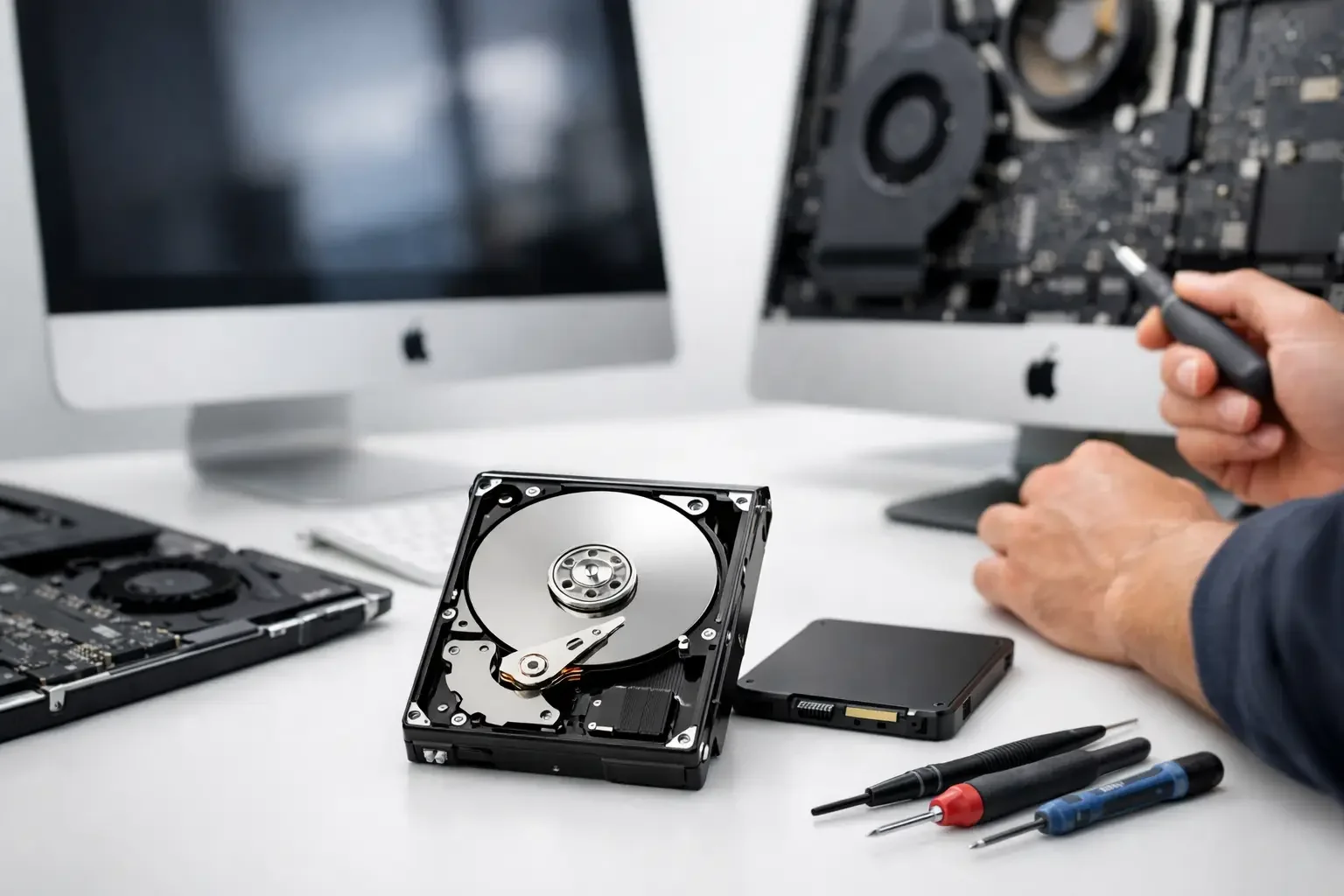
When looking for iMac hard drive parts, the critical point is not just finding a compatible drive. The real challenge for repair technicians is accurately identifying the machine generation, interface, physical format, and thermal management, as any mistake on iMacs results in device reopening, downtime, and risk of incompatibility.
iMac Hard Drive Parts: What Really Falls Into This Category
In common language, people refer to hard drives, but in iMac replacement parts, the category includes multiple components. In addition to the actual storage unit, SATA cables, mounting brackets, adapters for HDD to SSD conversion, double-sided tape for display closure in slim models, thermal sensors, or compatible temperature management solutions come into play.
This aspect is crucial, especially in repair labs. In many cases, the drive is just one part of the repair: if the correct bracket or specific adhesive kit is missing, the intervention comes to a halt. Therefore, searching for components should always be done based on the exact model rather than just the drive's capacity.
Identifying the iMac Model Before Ordering
On iMacs, compatibility should never be managed generically. Saying iMac 21.5 or iMac 27 is not enough. At least the correct family, year, or EMC code is needed; ideally, the exact model derived from the serial number or machine configuration.
The difference is substantial because Apple has used different mechanical and logical solutions over time. Older models may be equipped with 3.5-inch HDDs with dedicated cabling and sensors. Some slim versions require particular attention for display opening and closing. Other models can accept SSD upgrades with specific adapters, but the support positions and thicknesses change.
For a correct purchase, it's advisable always to verify four data points: screen size, model year, type of unit originally installed, and whether there's an integrated or external thermal sensor. This step significantly reduces returns.
Differences Between iMacs with Traditional HDDs and iMacs Ready for SSDs
Not all interventions on iMac hard drive parts have the same objective. In some cases, a faulty HDD is replaced with another HDD to maintain configuration and lower costs. In others, an upgrade to SSD is executed to improve startup, software loading, and overall responsiveness.
From a technical standpoint, switching to SSD is often the most requested solution, but it needs careful consideration. If the end customer seeks only functional restoration on a used machine as a secondary workstation, a compatible HDD may still make sense. However, if the iMac is used for daily work, the SSD offers a visible improvement and reduces the bottlenecks typical of mechanical drives.
The compromise mainly involves budget, desired capacity, and processing time. A well-planned upgrade requires considering mechanical fastening, any adapters, and thermal management.
Thermal Sensor: The Detail That Blocks Many Repairs
One of the most frequent errors concerns the thermal sensor of the drive. On several iMacs, Apple has adopted proprietary systems that are not standardized compared to classic aftermarket drives. The result is known to technicians: fans running at maximum speed after replacement, even with a perfectly functioning drive.
This means that when selecting iMac hard drive parts, it's not enough to look at the connector and format. You need to understand if the model in question reads temperature directly from the original drive, from a separate sensor, or requires a compatible alternative solution.
In affected models, thermal management must be planned before ordering. Otherwise, there’s a risk of an intervention that is formally successful but not deliverable. For a lab, this is an operational issue, not a secondary detail.
Cables, Brackets, and Adhesives: Complementary Parts That Are Truly Needed
When replacing an iMac drive, the main component is rarely the only one needed. Worn SATA cables, missing supports, or compromised single-use adhesives during opening directly impact the outcome of the work. This is especially true for slim models, where the display closure phase requires correct materials and a clean application.
Brackets also have a real impact. When transitioning from a 3.5-inch HDD to a 2.5-inch SSD, a mechanical adapter is often needed to maintain stable mounting. A makeshift fastening is not a professional solution, especially on machines that stay on for many hours each day.
For this reason, a well-structured technical catalog should allow finding not only the drive but also the necessary kit to complete the intervention in a single order. This is where a specialized supplier makes a difference.
Bench Tools for Replacing the Hard Drive on iMac
Having the correct replacement part does not solely resolve the intervention. On iMacs, appropriate tools are also required. In models with magnetic glass and a separate panel, suction cups and opening tools reduce the risk of damage. In slim models, cutting wheels, plastic levers, precision tweezers, and specific adhesive kits are integral to the work.
Additionally, properly sized screwdrivers, anti-static mats, organized screws, and cleaning materials are necessary. A structured lab understands well: the margin is defended by avoiding micro-damages, reopens, and lost time due to incomplete equipment.
When to Replace Just the Drive and When to Perform a Larger Intervention
The problem is not always limited to the storage unit. On iMacs with years of use, replacing the drive might be the right moment to also carry out internal cleaning, check fans, inspect thermal paste, and inspect the power supply if the model shows compatible symptoms.
This does not mean expanding every repair. It means assessing on a case-by-case basis. If the customer requests a quick solution at minimal cost, one can intervene only on storage. If the machine is already open and its use is professional, a more thorough check reduces the risk of returns to the lab after a few weeks.
How to Choose Between Compatible HDD and SSD Upgrade
The choice is not ideological. It depends on the actual use of the iMac. For simple storage, legacy workstations, or very tight budgets, a compatible HDD may still be an acceptable solution. However, it should be considered that perceived reliability and performance remain inferior to a modern SSD.
For light graphics, browsing, office management, administrative software, and daily use, the SSD is most often the more sensible path. System startup becomes faster, applications respond better, and the customer immediately perceives the value of the intervention.
Commercially, many service centers offer both options. This is a correct approach as it allows room for the type of machine and available budget without forcing a single choice.
Errors to Avoid When Ordering iMac Hard Drive Parts
The first error is purchasing based on screen size without verifying the exact model year. The second is ignoring the issue of the thermal sensor. The third is ordering only the drive while forgetting adhesives, cables, or mounting adapters.
There is also a less obvious but frequent error: focusing only on theoretical compatibility and not on the logic of the intervention. A cheap SSD installed without the correct kit or without a clean display closure can turn a useful upgrade into a questionable job. Those buying for professional use need components selected coherently, not just formally compatible.
A Practical Method for Purchasing the Correct Part
The most effective method is simple and reduces unforeseen issues. It starts with the precise identification of the iMac. Then, verify the type of unit present, the available space, the fastening system, and thermal management. Only afterward should you select the drive, mounting accessories, and tools necessary for opening and closing.
For those working continuously on Apple repairs, having a supplier with categories organized by model, subcategory, and type of component is very helpful. In a context like iPhoneHospital.it, where replacement parts, technical accessories, and lab equipment coexist, this approach allows for composing the order operationally rather than haphazardly.
When downtime needs to be reduced, choosing the right replacement parts means not just finding a hard drive. It means anticipating everything needed to ensure the iMac enters the lab just once and exits ready to work.