


iPhone Face ID: Components and Common Failures
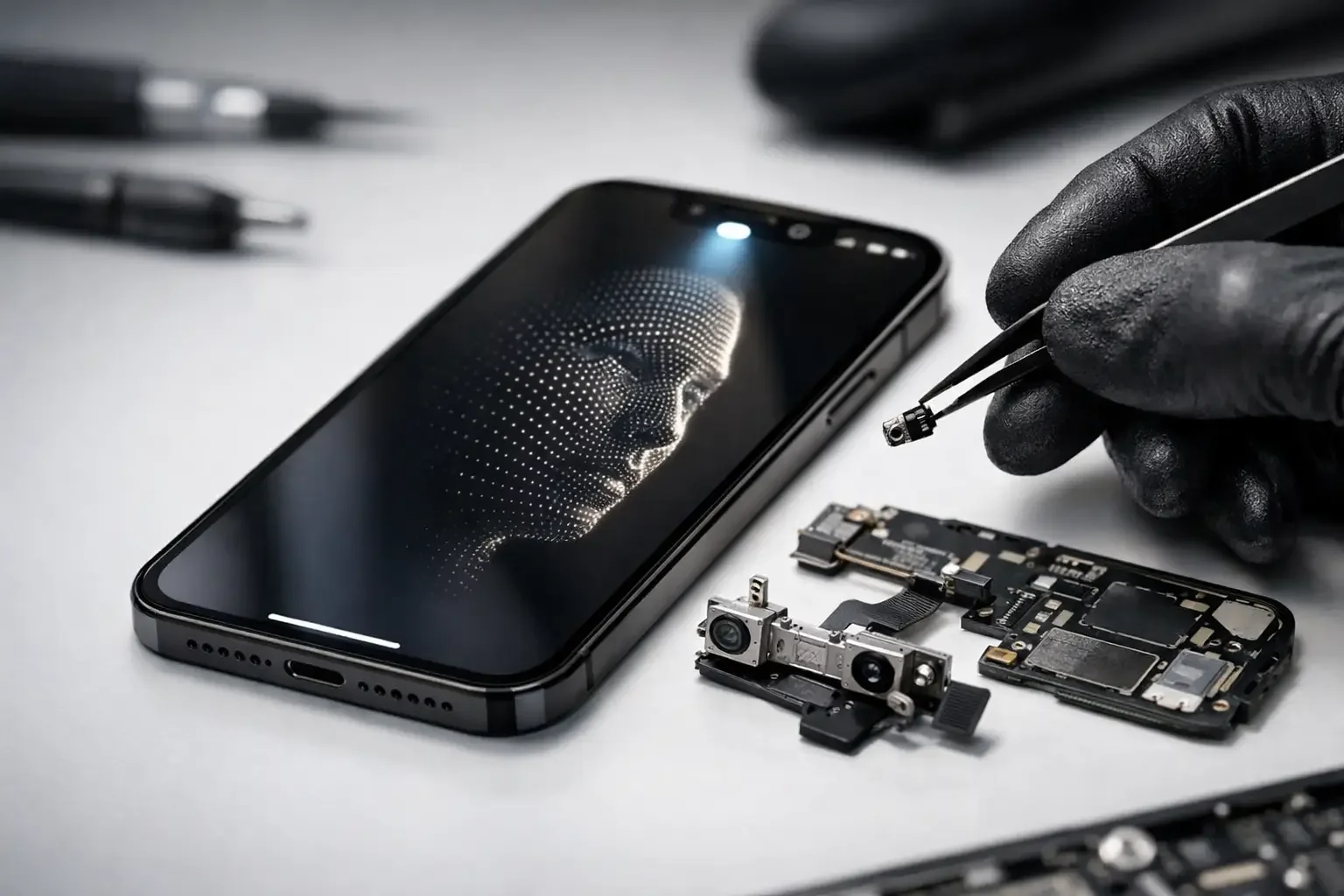
When an iPhone displays the message that Face ID is unavailable, the issue is rarely just the “front camera” in a general sense. The iPhone Face ID component group is made up of a set of paired modules, with serialized parts and other replaceable components, where minimal damage to flex, sensors, or connectors can block the entire biometric unlocking function.
For repair technicians, the difference between a successful intervention and a board that returns to the lab after a few days lies precisely here: understanding which elements are part of the system, which are logically paired to the motherboard, and which symptoms point to the correct component. In this family of failures, simply “trying a piece” is not enough. Diagnosis is essential.
iPhone Face ID Components: What the System Really Includes
In common language, Face ID is often referred to as a single module. In practice, the system is distributed among several components that work together. In the upper area of the display, we find the TrueDepth group, which integrates the front camera, flood illuminator, proximity and ambient light sensors, microphone, and other elements that vary depending on the model.
Alongside this group operates the dot projector, often called the dot projector, which emits the infrared pattern used for facial mapping. Completing the system is the IR camera, which reads the pattern and collaborates with the other sensors for recognition. All of this communicates with the device’s logic and the Secure Enclave, which manages the authentication portion.
From a repair perspective, the critical point is that not all components have the same level of replaceability. Some modules can only be changed in the presence of specific procedures, micro-soldering, or recovery of the original component. Others, if damaged, can definitively compromise the Face ID function on that device.
The Most Sensitive Modules in Face ID Failures
The dot projector is among the most delicate components. It can fail due to drops, liquid infiltration, shorts on the flex, or damage from handling during disassembly. When this module loses functionality, the iPhone often cannot complete the Face ID initialization process.
The flex group of the front camera is also often involved. In several iPhone models, the upper flex integrates sensors that may seem secondary but are essential for the system’s proper functioning. A tear, excessive bending, or a de-soldering at these points can lead to symptoms such as Face ID unavailable, malfunctioning automatic brightness, or problems with the proximity sensor.
The IR camera is another node to verify. If it does not read the emitted pattern correctly, recognition fails even if the dot projector is intact. Here, the diagnosis must be precise because the user-side symptom is often identical.
Then there’s the issue of connectors and motherboard lines. Not all Face ID failures depend on the upper module. After impacts, corrosion, or previous improper repairs, the problem may lie on the motherboard, on filters, power lines, or broken communication points. In these cases, replacing the upper group yields no results.
How Components Change Based on iPhone Model
Talking about iPhone Face ID components without distinguishing by generation can easily lead to purchasing errors. The structure of the system changes between iPhone X, XS and XR series, and 11, 12, 13, 14, and later lines. Layouts, flexes, element positions, and mechanical compatibility vary.
For this reason, the search for replacement parts must always begin with the exact model. It is not enough to know the phone “is an iPhone with Face ID.” The specific variant must be identified, as even a minimal difference in the series can render the module unusable or create mounting incompatibilities.
In daily work, it is useful to separate three scenarios. The first is a pure replacement of the front camera group or sensor flex when the Face ID function is not required. The second is recovering the original component to preserve the pairing. The third is board-level repair when the failure is not in the module but in the lines of the board.
Those managing technical purchases can check availability and categories by model in the iPhone replacement parts area to reduce selection errors and downtime in the lab.
Typical Symptoms and Correct Diagnosis
The message “Face ID unavailable, set up Face ID later” is the most evident case, but it is not the only one. In some devices, recognition stops working after a drop, even if the front camera continues to take selfies without issues. This already suggests that the defect may be limited to one of the sensors in the TrueDepth system and not the entire camera group.
If, in conjunction with Face ID issues, there are proximity problems during calls, absence of automatic brightness, or abnormal behavior of the earpiece after a display replacement, suspicion shifts to the upper sensor flex or its positioning. This is a common case, especially after openings not performed carefully.
If the phone has been exposed to liquid, the priority is to check for oxidation on connectors, brackets, and logic lines. The Face ID system is much less tolerant than the average user to residues, stray currents, and progressive corrosion. A device may appear functional for almost everything and only lose its biometric capabilities.
In well-equipped labs, real diagnosis involves inspection under a microscope, continuity testing, power verification, and checking flexes with appropriate tools. Here, bench materials and equipment come into play: soldering station, microscope, consumables, opening tools, and mounting supports. For those who work continuously, the lab accessories section is part of the supply chain just as much as the replacement itself.
Serialization and Limits of Replacement
This is the point that generates the most misunderstandings for the end customer and also among some non-specialized operators. Many components associated with Face ID are not freely interchangeable like a battery or a speaker. Apple has introduced hardware coupling that links certain modules to the original device.
Translated into practice: mounting a compatible but non-original component or failing to transfer the correct micro component from the original assembly may restore some front functions but not Face ID. In other cases, the system becomes operational only after specific microelectronic interventions, which are not always economically viable.
The trade-off is simple. If the device has high value, important data, and an explicit request to maintain biometric capabilities, it is advisable to focus immediately on thorough diagnosis and, if possible, recovering the original module. If, on the other hand, the phone is being repaired for secondary use or cost containment, the customer may accept the loss of Face ID in exchange for restoring other front functions. These are two different paths and should be clarified before ordering the part.
Frequent Errors in Choosing Replacement Parts
The most common mistake is purchasing the front camera group thinking it always includes the entire recoverable Face ID system. This is not the case. The technical description of the component should be read carefully, especially when discussing sensor flexes, front camera, speaker assembly, or separate modules.
Another mistake is neglecting the source of the failure. After replacing a display, Face ID may stop working not because the display replacement is defective, but because during the transfer of the upper group, the flex was stressed or poorly mounted. In these cases, ordering a second display does not solve anything.
Then there’s the issue of quality. On such delicate components, tolerances, contact cleanliness, and assembly precision make a difference. Those purchasing for a lab rightly tend to prefer suppliers with a clear technical catalog, segmentation by model, and availability of replacement parts and tools in the same operational flow. This is why a vertical e-commerce platform like iPhoneHospital.it is more useful than a generalist storefront when it comes to completing a repair without unnecessary trials.
When It’s Worth Repairing and When It’s Not
Not every Face ID failure merits the same strategy. If the problem is localized in flex, bracket, or light corrosion, recovery can be quick and cost-effective. If, however, the dot projector is compromised and the model requires advanced work with a low success margin, careful evaluation of cost, time, and customer expectations is necessary.
For a lab, the correct decision is not only technical but also economic. A complex intervention that blocks the bench for hours makes sense only if the value of the repair justifies it. For an experienced user purchasing independently, the same principle applies: first identify the scope of the failure, then seek the component.
On Face ID devices, improvisation costs more than the wrong replacement. It costs time, returns, disputes, and lost margin. The right approach is to treat the TrueDepth group as a system, not as a single piece. When starting from this logic, even component selection becomes faster, more precise, and much closer to a repair that remains stable over time.