


MacBook Parts: How to Choose the Right Ones
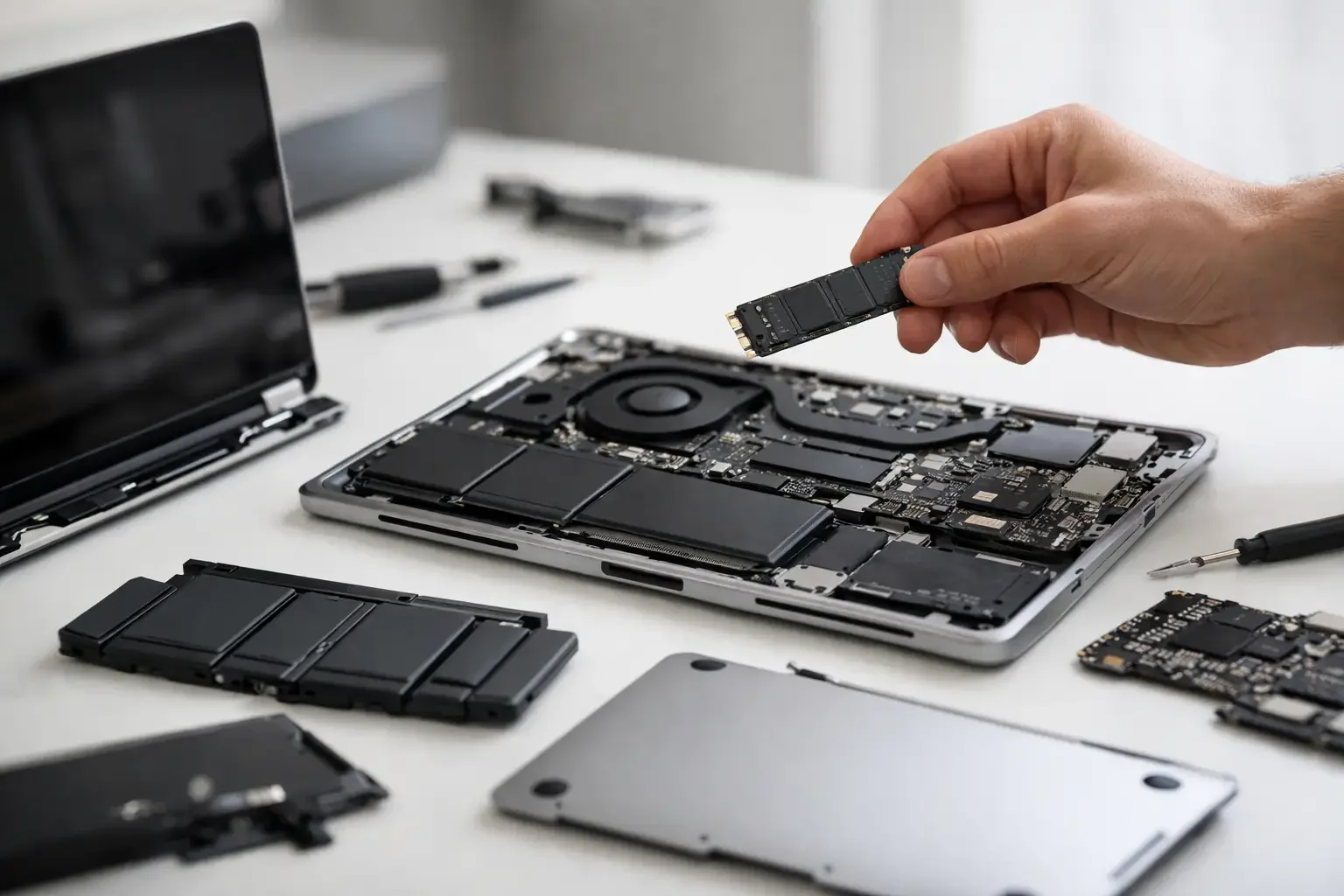
A MacBook sitting on a bench rarely causes just one problem. It delays deliveries, slows down the workflow in the lab, and often forces rushed orders. Therefore, when looking for MacBook parts, the real difference is not just between available and unavailable, but between the right component on the first try and the time lost due to incorrect compatibility.
Those who repair Macs know that the "MacBook" category is too broad to be useful on its own. Between MacBook Air, MacBook Pro, Retina versions, unibody, Intel models, and generations with Apple Silicon, the margin for error increases if one relies solely on the display size or indicative year. The selection of the replacement part must start from the exact model, the identified defect, and the required action level.
How to Identify the Correct MacBook Parts
The first useful step is to distinguish between commercial identification and technical identification. A customer may say "MacBook Pro 13 from 2020", but to purchase the correct part, often the model code, exact family, and, in many cases, the compatible revision are necessary. Keyboards, batteries, trackpads, fans, speakers, flex cables, display assemblies, and internal connectors do not always follow an intuitive logic among closely related generations.
The most common mistake is considering aesthetically similar components interchangeable. In reality, fastenings, connector layouts, flex cable lengths, and electrical specifications change. This is especially true for batteries, screens, trackpad cables, and top case assemblies. Even within the same line, two consecutive revisions may require different parts.
To work effectively, it’s advisable to always check three elements: the exact MacBook model, the part number of the component when available, and the actual nature of the fault. For example, if the laptop won’t turn on, ordering a battery without ruling out power, board, or connector issues increases the risk of an internal technical return.
Most Requested MacBook Parts Categories
In daily assistance work, certain product families have a higher turnover than others. Batteries are among the most requested parts because degradation is physiological and immediately impacts user experience. In this case, verifying mechanical compatibility is not enough: one must also check voltage, connector types, and mounting adhesives, as well as the construction quality of the replacement component.
Next in line are displays and screen assemblies. Here, the issue isn’t just the panel breaking. For many models, the technician must assess whether to replace the entire assembly or address specific components, when the product's structure allows it. The choice depends on cost, time, and operational convenience. A complete assembly reduces diagnosis time and the risk of aesthetic incompatibility, but it’s not always the most economical solution.
Keyboards and top cases also generate consistent requests. Liquids, key wear, backlight issues, or structural damage often lead to the replacement of the upper group. In these cases, care must be taken regarding keyboard language, case color, the presence of a pre-installed battery, and compatibility with the included or excluded trackpad and cables.
Lastly, don’t overlook minor components: fans, speakers, microphones, hinges, DC-in connectors, trackpad flex cables, display cables, and Wi-Fi modules. These are less “visible” components for end-users but very relevant in the lab as they can resolve specific faults with targeted interventions and lower costs compared to more extensive replacements.
Compatibility: Where Mistakes Are Most Common
In the Apple repair industry, compatibility is the factor that most impacts margins and times. An incorrect order is not just a logistical issue. It means occupied workbenches, longer open tickets, and waiting end customers. Therefore, the search for replacement parts must be set up as a technical verification, not merely as a product name search.
The most frequent error cases involve batteries with similar shapes but different codes, displays for very closely related models, and top cases purchased without checking keyboard layout and exact year. Even the mere reference "Axxxx" is sometimes insufficient if the component has internal variants. When possible, it’s best to cross-check the device code with the specifications of the replacement part and with a visual reference of the disassembled piece.
Then there’s the matter of technical compatibility. The cheapest replacement isn’t always the correct one for the job. If a lab handles recurring repairs and needs to reduce rework, the quality and consistency of the component weigh more than the entry price. This is particularly true for batteries, screens, and parts subject to thermal or mechanical stress.
Single Parts or Complete Assemblies
A significant operational choice is whether to replace a single component or an already assembled group. A complete assembly is often preferable when the processing time must remain low, when the risk of damaging adjacent parts is high, or when the fault might involve multiple elements simultaneously.
The single part replacement, on the other hand, makes sense when the diagnosis is clear, the technician has the right tools, and the economic differential justifies the extra work. This logic often applies to fans, speakers, internal cables, or specific modules. For screens and top cases, the assessment becomes more delicate, as initial savings can be reduced if assembly takes longer or if worn components remain unreplaced.
In practice, there is no one-size-fits-all answer. A service center with high volumes tends to favor parts that reduce steps. An independent technician with more time per intervention may instead prefer to replace only the faulty element.
The Importance of Lab Tools
Parts alone are not enough if the bench is not equipped according to the type of intervention. On the MacBook, where adhesives, specific screws, delicate connectors, and thin casings are the norm, using the correct tool reduces collateral damage and improves the final result. Pliers, precision screwdrivers, levers, magnetic mats, technical adhesives, and cleaning materials are as much a part of the repair as the replacement component.
For those who work continuously, it makes sense to centralize parts and equipment from the same supplier. It’s not just a matter of convenience. It helps standardize the procurement process, reduce internal steps, and better manage minimum consumption stock. In this respect, a dedicated section for lab accessories is often complementary to the parts catalog.
Organizing Purchases by Model and Intervention
When the catalog is extensive, structure matters almost as much as assortment. For professionals, value doesn’t lie in having "many products" in an abstract sense, but in quickly finding the exact piece for family, series, and defect. A classification by specific model reduces errors, speeds up selection, and also aids in managing recurring orders.
Those who work on multiple Apple devices also benefit from a consistent catalog logic across different lines. If, in addition to laptops, you also manage smartphones, tablets, or Apple desktops, working with well-segmented categories simplifies procurement and planning. In this sense, beyond the MacBook parts section, dedicated areas for iPhone parts, iPad parts, and iMac parts can be useful, as well as the lab accessories section to complete interventions with appropriate tools and consumables.
A catalog built by model is not just for selling. It serves to avoid generic orders, to quickly filter truly compatible components, and to support those who work with multiple tickets at the same time. This setup is particularly useful for labs, service shops, and operators who need to purchase in a repeatable and precise manner.
When It Makes Sense to Keep MacBook Parts in Stock
Not all parts warrant internal stock, but certain MacBook parts do make sense as minimum lab stock. Batteries for widely used models, fans, speakers, common flex cables, and some wear components can reduce downtime and increase the number of repairs completed in a day.
The criterion, however, must be practical. If your workflow is concentrated on specific series, it’s wise to build a small availability on those models and not spread capital on slow-moving components. Conversely, if you work on highly variable cases, it is more efficient to rely on a deep and well-segmented catalog rather than excessively expanding internal inventory.
This is why iPhoneHospital.it is particularly useful as an operational supplier: it allows searching by product family and model, with coverage that helps both structured labs and technicians who buy targeted for individual interventions.
On MacBooks, speed comes not from haste, but from precision. If the component is correct, the repair begins with half the work done.