


Replacement iPhone Camera Flex: How to Choose
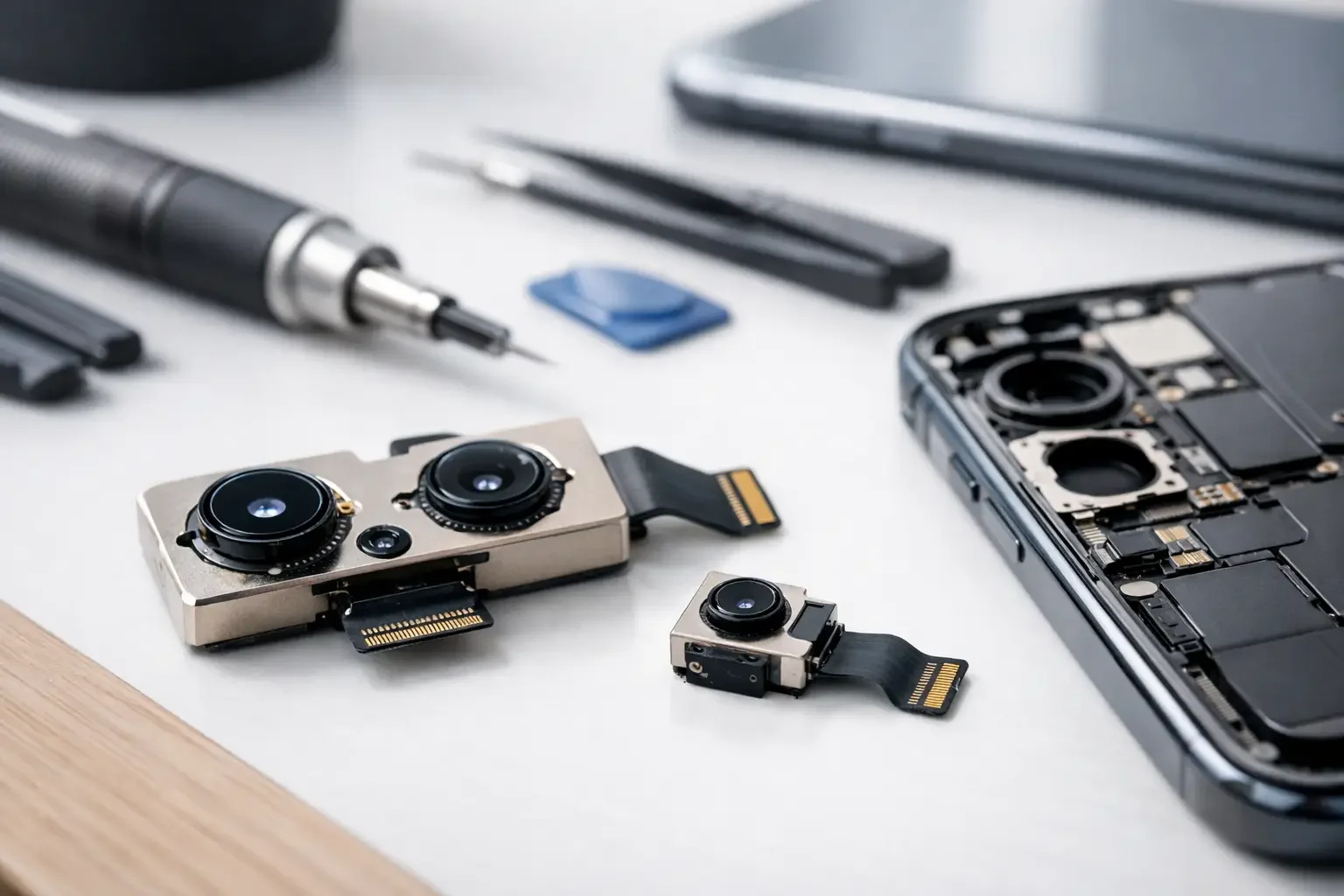
When a camera module stops responding, focuses erratically, or shows a black screen, the issue isn't always with the camera itself. Often, the critical point lies in the replacement iPhone camera flex, which is the flexible cable connecting the camera group to the logic board and may also integrate sensors and front components depending on the model.
For those repairing iPhones daily, this detail affects turnaround times, margins, and return rates. Ordering the wrong flex means stopping work, reopening the device, and managing a customer expecting a quick resolution. Therefore, the choice shouldn't be based on visual similarity, but on the exact model, hardware revision, and component function.
Replacement iPhone Camera Flex: What It Really Entails
In common terminology, the camera flex is discussed generally, but several scenarios exist. In some iPhones, the flex pertains to the front camera with a proximity sensor, microphone, illuminator, or front system supports. In others, it refers to the connection of the rear module or the flex that communicates with a specific camera unit.
The first operational point is to distinguish between the camera module and the associated flex. The module is the complete optical-electronic group. The flex, on the other hand, is the flexible connection that carries power and signals, often incorporating multiple functions in the same replacement part. If this distinction isn't clear during ordering, mistakes are frequent.
In the latest Apple models, the level of integration is higher, and replacement also needs to consider software limitations, calibrations, and component recognition messages. This doesn’t prevent repair but requires proper defect classification before purchasing.
When to Replace the Flex and When Not To
A faulty flex often manifests with intermittent symptoms. The camera opens and closes by itself, focus doesn't stabilize, switching between front and back fails, the proximity sensor doesn't work correctly, or quality changes after a drop even without obvious external damage.
That said, not everything that looks like a faulty flex truly is. After impacts, infiltrations, or prior repairs, the problem might lie in the FPC connector on the board, the camera module, poorly positioned shielding, or traction damage during display removal. In already tampered devices, it’s also common to find kinked flexes, dirty pins, missing adhesives, or screws incorrectly mounted.
Replacing the flex makes sense when diagnosis rules out the camera module as the primary cause and when phone behavior changes by manipulating connectors, shielding, or wiring. If the defect remains the same with a tested component, it’s wiser to focus on the logic board or line power.
Common Signals in the Lab
In the lab, the most typical cases break down into three. The first is mechanical damage from improper opening or closing of the device, especially on front groups. The second is localized oxidation, which may not be visible at first glance but alters continuity and signal stability. The third is intermittent defects post-impact, where the flex seems intact but has internal microfractures.
Method is essential. A quick inspection isn’t enough, as many flexes appear clean aesthetically but are electrically compromised.
How to Choose the Correct Replacement iPhone Camera Flex
The right criterion isn’t the phone's commercial name given by the customer but a complete identification of the model. An “iPhone 12” might seem sufficient, but it’s advisable during purchase to verify the exact variant, position of the affected camera, and composition of the flex.
Many errors stem from confusion between front camera, proximity sensor, ear speaker flex, and combined groups. In models with bundled components, purchasing only the part that “looks like” the removed one easily leads to incompatibility. The correct component is classified by exact model and function.
Check Compatibility by Model
Before confirming an order, it’s useful to check four elements: exact device model, side of the involved camera, presence of integrated components on the same flex, and the terminal’s history. If the phone has already undergone repairs, comparing it with the mounted piece can help, but it doesn't replace verification by model code.
For those managing recurring procurement, organizing categories by product family greatly reduces errors. On a catalog structured by models, filtering the correct replacements starting from the dedicated iPhone Spare Parts line is easier. If the intervention involves other Apple components, maintaining the same logic for iPad Parts, MacBook Parts, or Apple Watch Parts is also beneficial.
Original, Compatible, Recovered
Here, the actual use of the device and the end customer's level count. For certain interventions, a selected compatible spare part is sufficient and allows for a rapid closure of the repair at a controlled cost. For others, especially when sensitive functions or high expectations for results are involved, it makes more sense to opt for higher-quality components or originals, if available.
There’s no one-size-fits-all answer. It depends on the model, budget, residual value of the phone, and type of defect. The point is to avoid shortcuts: the cheapest flex isn’t always the most cost-effective if it increases the risk of reopening or disputes post-intervention.
Practical Diagnosis Before Ordering
A good diagnosis saves more than the cost of the component. Before purchasing a replacement iPhone camera flex, it’s wise to perform simple yet rigorous cross-tests. Opening the camera app, switching between cameras, audio tests if the flex includes microphones, checking the proximity sensor, controlling the flashlight, and behavior during calls are steps that help isolate the fault.
If the device has come in due to a drop, mechanical checking of the connectors is mandatory. If it comes in due to liquid, inspecting the area under a microscope or at least strong magnification prevents attributing a fault to the flex that’s actually located on the line or board connector. In doubtful cases, testing with a known functioning component remains the most reliable choice.
Equipment and Workspace Matter
Those who continuously work with flex components know that skill alone isn’t enough. Clean tools, organization, and suitable materials are essential. Correct tweezers, anti-static mats, magnification, connector cleaning, and orderly screw management reduce secondary damages that later appear as faults of the spare part.
This is why it makes sense to procure items from the Laboratory Accessories section, especially if the volume of interventions is stable. The right spare part makes repair possible, but the right setup makes it repeatable.
Common Errors in Purchasing Replacement iPhone Camera Flex
The most common mistake is looking for the component by a generic name instead of by its precise function. Following closely is choosing by image, a risky practice because many flexes have similar geometries but differing integrations. Another typical error is ignoring the phone's history: if it has already been opened, the mounted component may not be the original or could be incomplete.
Rush also weighs in. Ordering without having excluded damage to the connector on the board leads to replacing the flex, seeing the same defect, and wasting time on a second intervention. In labs with multiple technicians, standardizing a minimum checklist before ordering significantly reduces these wasted steps.
Why Categorization Matters
Those who buy spare parts professionally aren’t looking for promotional texts; they seek correct correspondences. A clear structure for categories, models, and subfamilies allows reaching the right part without unnecessary interpretations. This is why a well-segmented technical catalog is more valuable than a large but poorly readable assortment.
In a real operational flow, being able to quickly switch from iPhone Parts to other families like AirPods Parts, iMac Parts, Samsung Parts, or Mac Mini Parts simplifies warehouse management and multi-intervention purchases. For labs and service centers, this aspect is as important as the individual product, as it reduces dispersion and downtime.
What to Expect After Replacement
After installation, the final check must go beyond merely confirming “the camera opens.” It’s essential to verify the stability of focus, correct switching between sensors, functioning of integrated elements in the flex, and absence of anomalies after complete device closure. A flex that works well with the case open can cause issues once repositioned if the cable routing isn’t correct.
The opposite can also occur: in some models, the new component may function well but remain limited by upstream problems or functions requiring specific management based on the device generation. Therefore, a professional closure isn’t based solely on the phone turning on, but on a complete verification of actual use.
Those purchasing this type of replacement usually don’t need vague promises. They need the right part, well classified and consistently available for daily work. When the flex is correct and the diagnosis has been properly made, the repair transforms from an attempt back into a controlled operation.